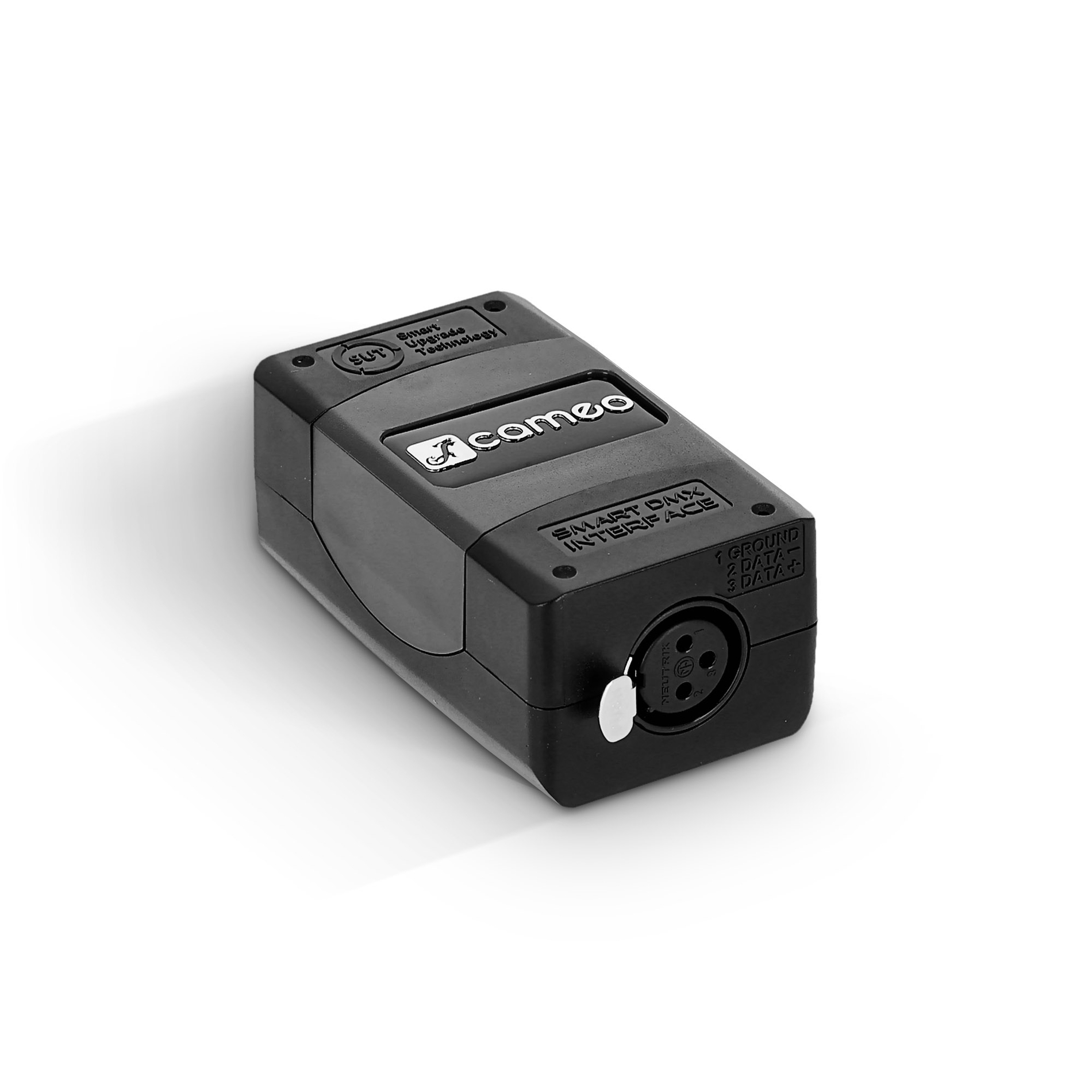
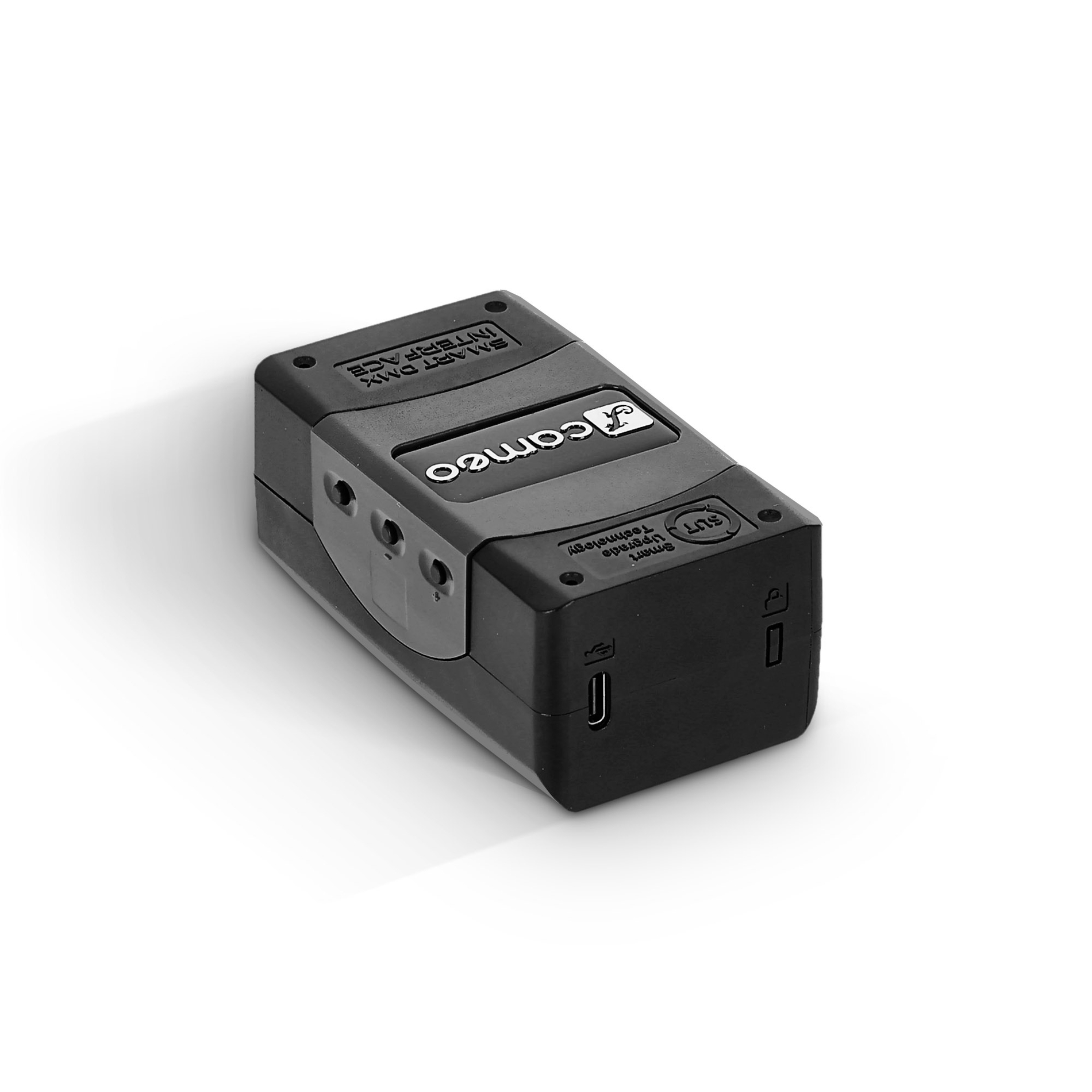
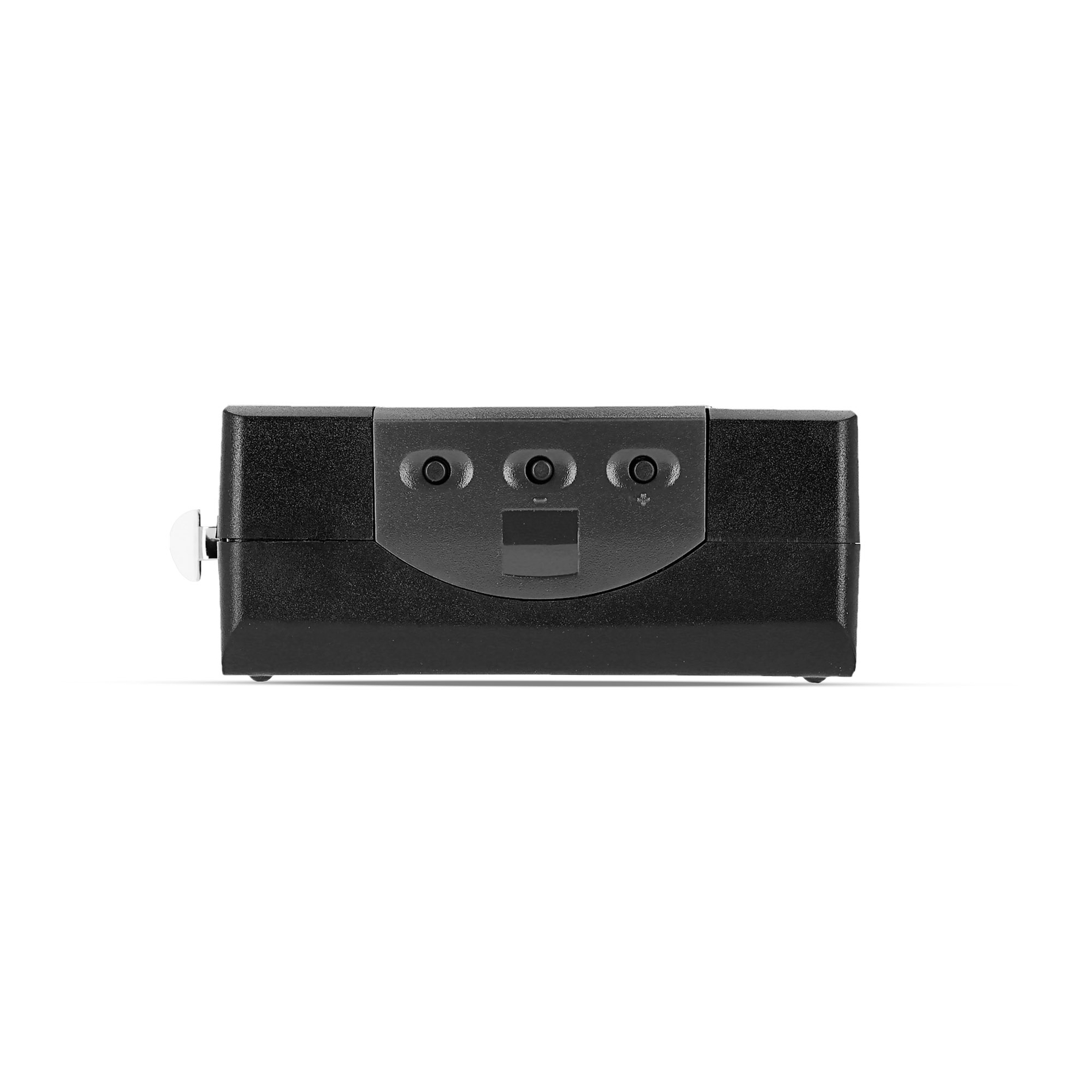
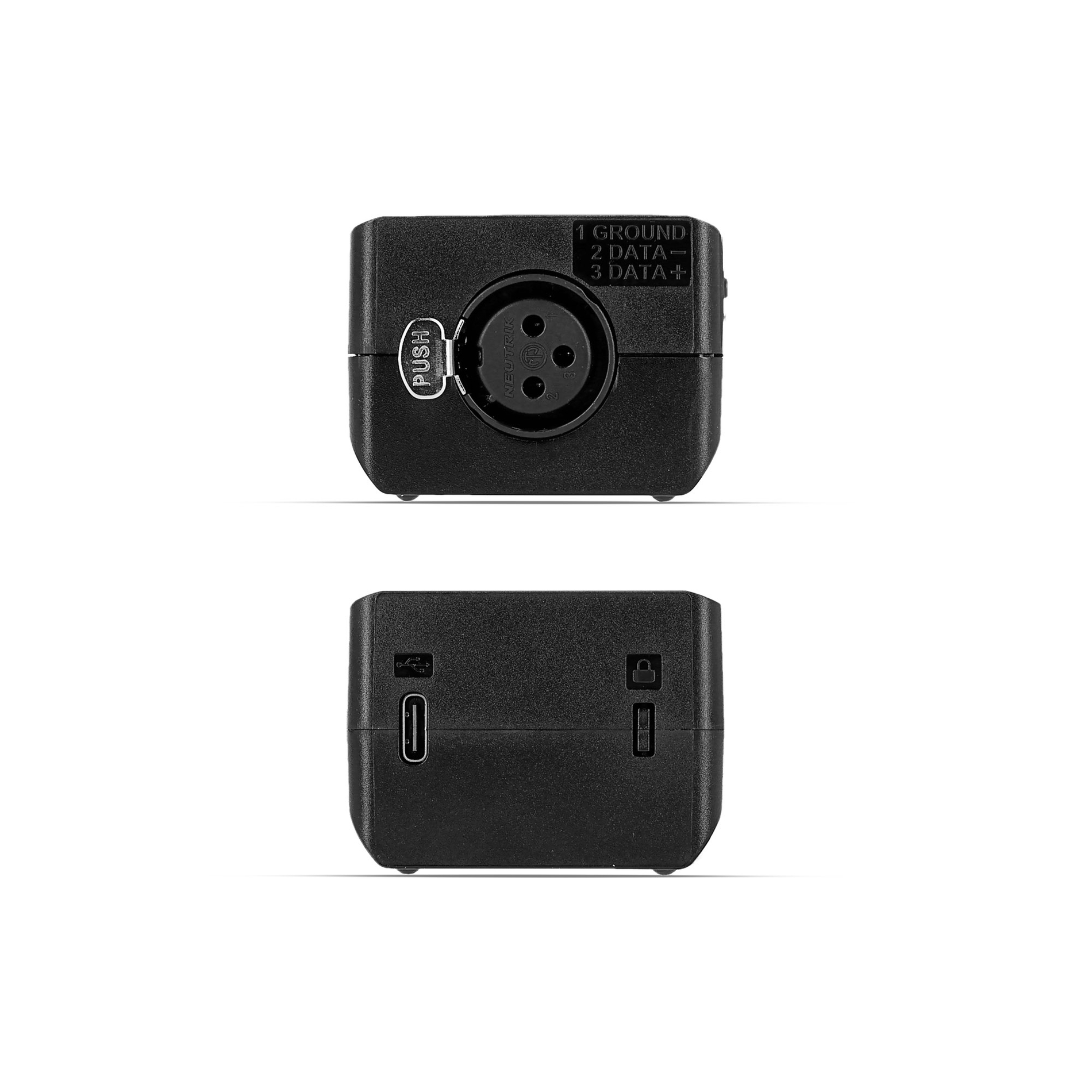
DVC D5
USB to DMX-Interface and Control Software Package
- USB interface with 512 DMX channels in live mode
- Integrated flash memory for 256 DMX channels in stand-alone mode
- Cameo D4 Express for life and Cameo D5 Express for life included
- User-friendly Cameo DMX software "by Daslight" for Windows 10&11 and Mac OS 10.15 or higher available to download free
- WiFi connection required for hardware registration and software activation
Description
Specifications
| Operating modes | DMX512 |
|---|
Downloads
DVC D5 Quick Start Guide
Manuals | English | PDF | 413.14 KB
Manuals
English
PDF
413.14 KB
Cameo REACh Declaration – Adam Hall GmbH
Service & Regulation Documents | International | PDF | 141 KB
Service & Regulation Documents
International
PDF
141 KB
Cameo RoHS Confirmation – Adam Hall GmbH
Service & Regulation Documents | International | PDF | 203.79 KB
Service & Regulation Documents
International
PDF
203.79 KB
DVC D5 Software Links
Software | International | PDF | 30.42 KB
Software
International
PDF
30.42 KB
Cameo Catalogue / Brochure – AHG Product Highlights Autumn Winter 2026/27
Catalogues & Publications | English | PDF | 12.93 MB
Catalogues & Publications
English
PDF
12.93 MB
REQUEST A DEMO
Our Sales team will be happy to present the Cameo product of your choice in a live demo – either in one of our showrooms or directly at your premises.
Fill in the contact form and send your request.
We review your request and forward it to the relevant contact person.
Our team will get in touch with you to arrange a demo appointment.
Note: As part of our B2B sales process, we review demo requests before confirming an appointment. If an individual demo is not possible, we will contact you and suggest an alternative way to experience the Cameo product of your choice.
Where to buy
Find Cameo products through our trusted network of partners and distributors worldwide.