Article number: CLDVCPROItem No. CLDVCPRO
8 Photos

DVC PRO

1024-Channel USB to DMX-Interface with WiFi Access and Control Software


Share

  • USB interface with 1024 DMX channels in live mode (extendable via ArtNet)
  • Integrated Flash memory for 256 DMX channels in standalone mode (extendable to up to 1024 channels)
  • User-friendly, intuitive Cameo DMX software "by Daslight" for Windows and Max OS available for free download
  • Internet connection required for hardware registration and software activation
  • Over 15,000 device libraries and a built-in ScanLibrary editor for creating and editing your own device profiles

Description

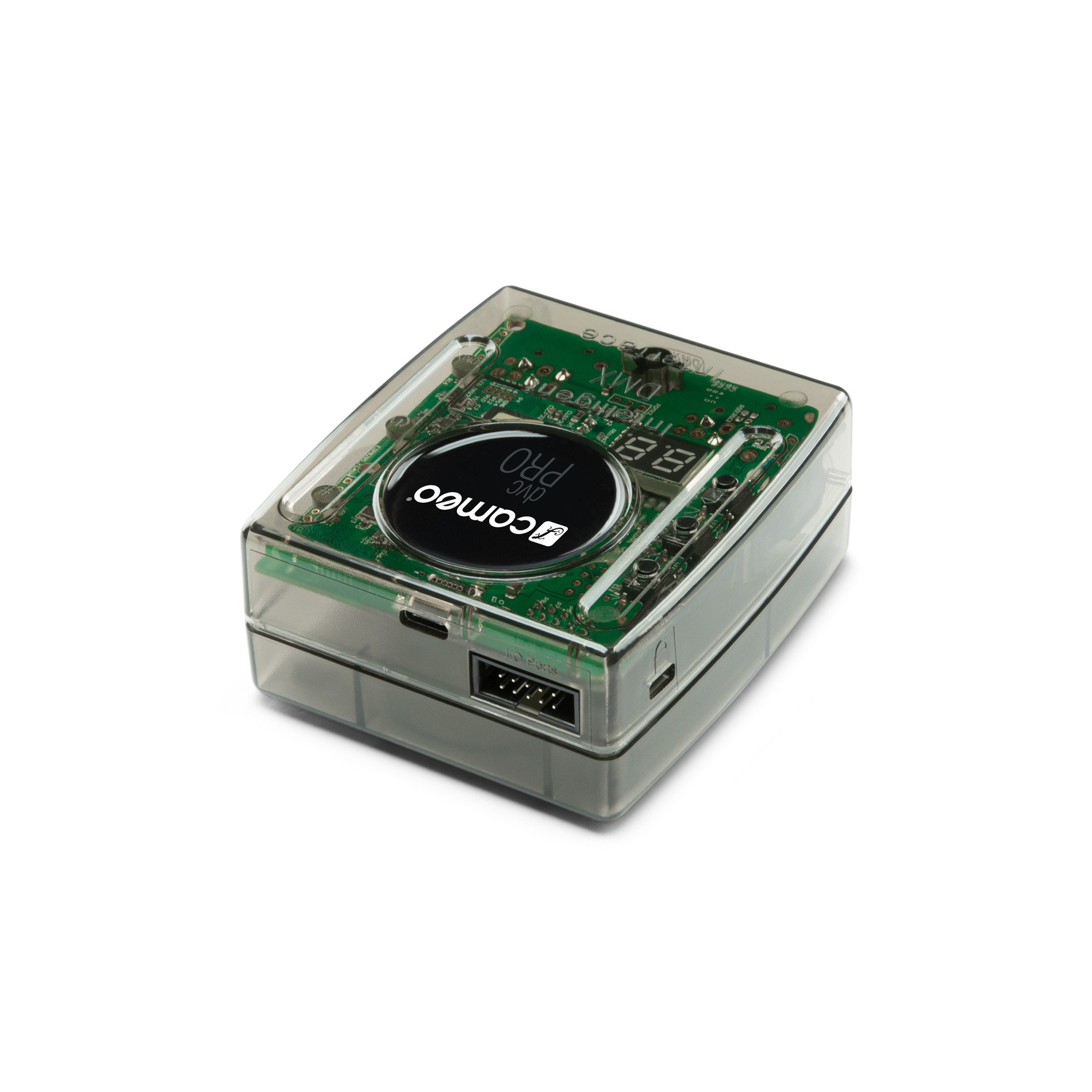
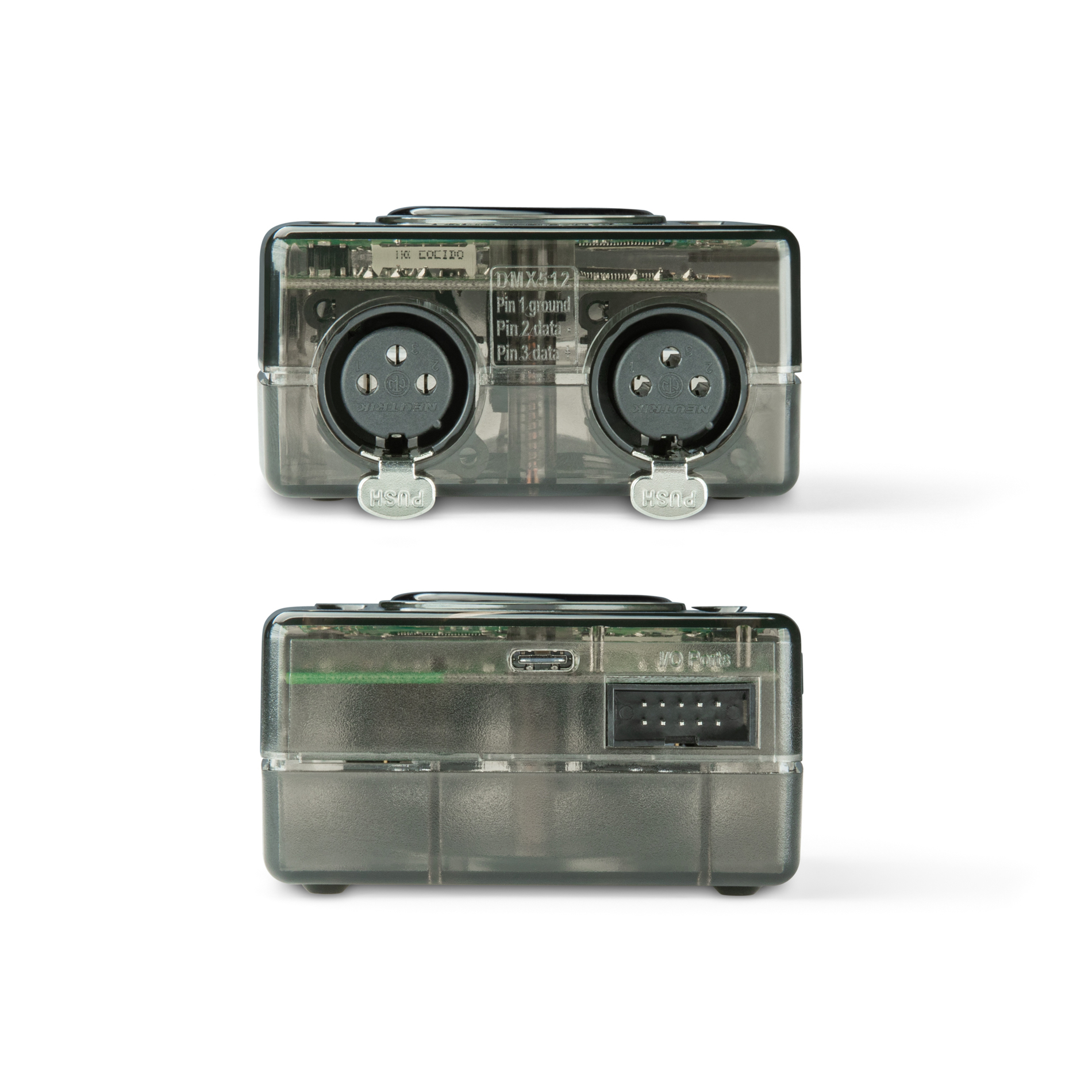
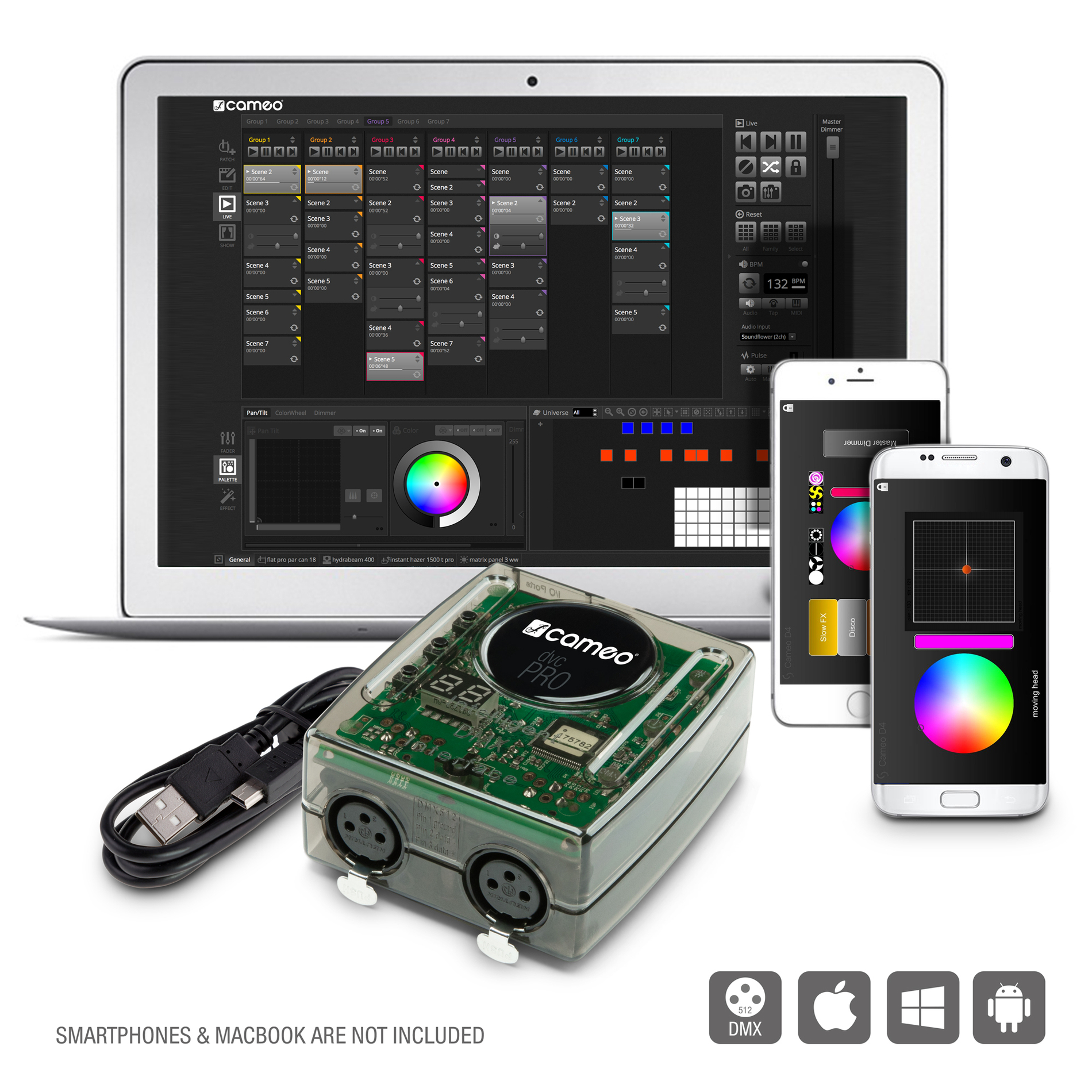
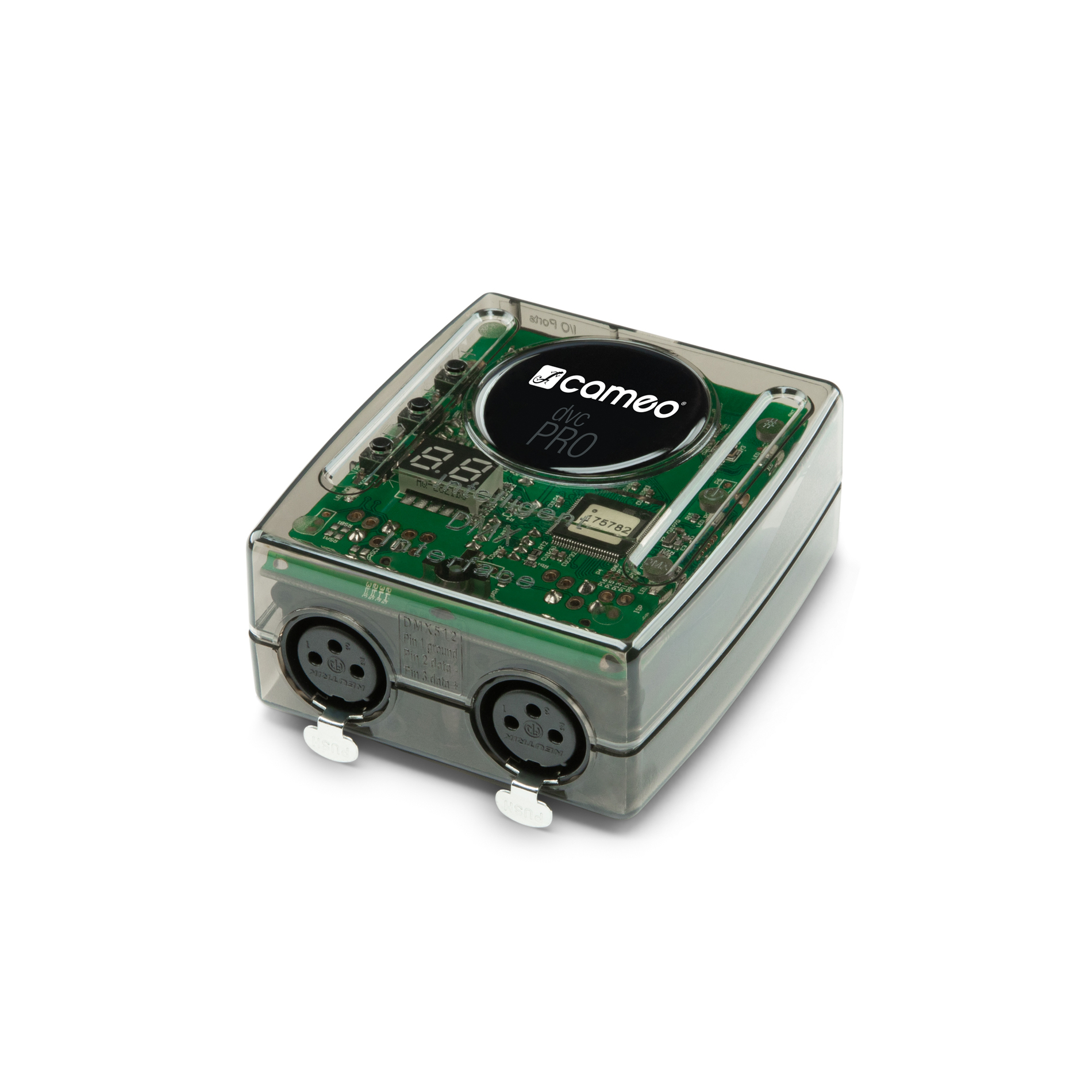
DMX-compatible light units can be conveniently operated via PC and Mac with the Cameo DVC PRO Interface and associated Cameo software (powered by Daslight). Used in live mode, the plug-and-play interface provides 1024 DMX channels. When used in standalone mode without a computer, it offers 256 channels (extendable to up to 1024 channels) and programmed lightshows can be copied to the integrated Flash memory. The interface features a USB-C port for input and two 3-pin XLR outputs. It is supplied with power via the computer's USB output. Three buttons facilitate programme selection and dimming in standalone mode. This requires a standard retail 5 V USB power adapter.

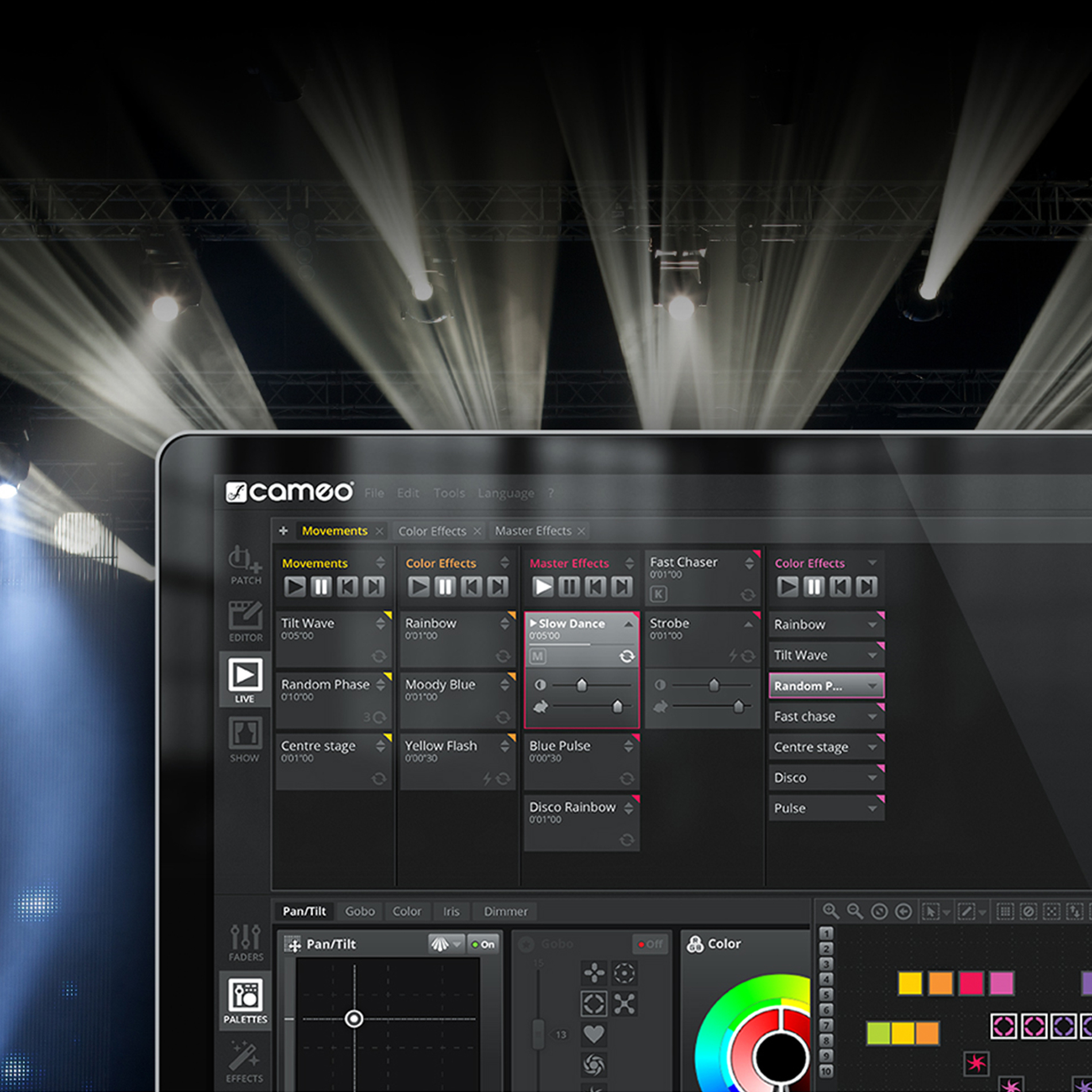
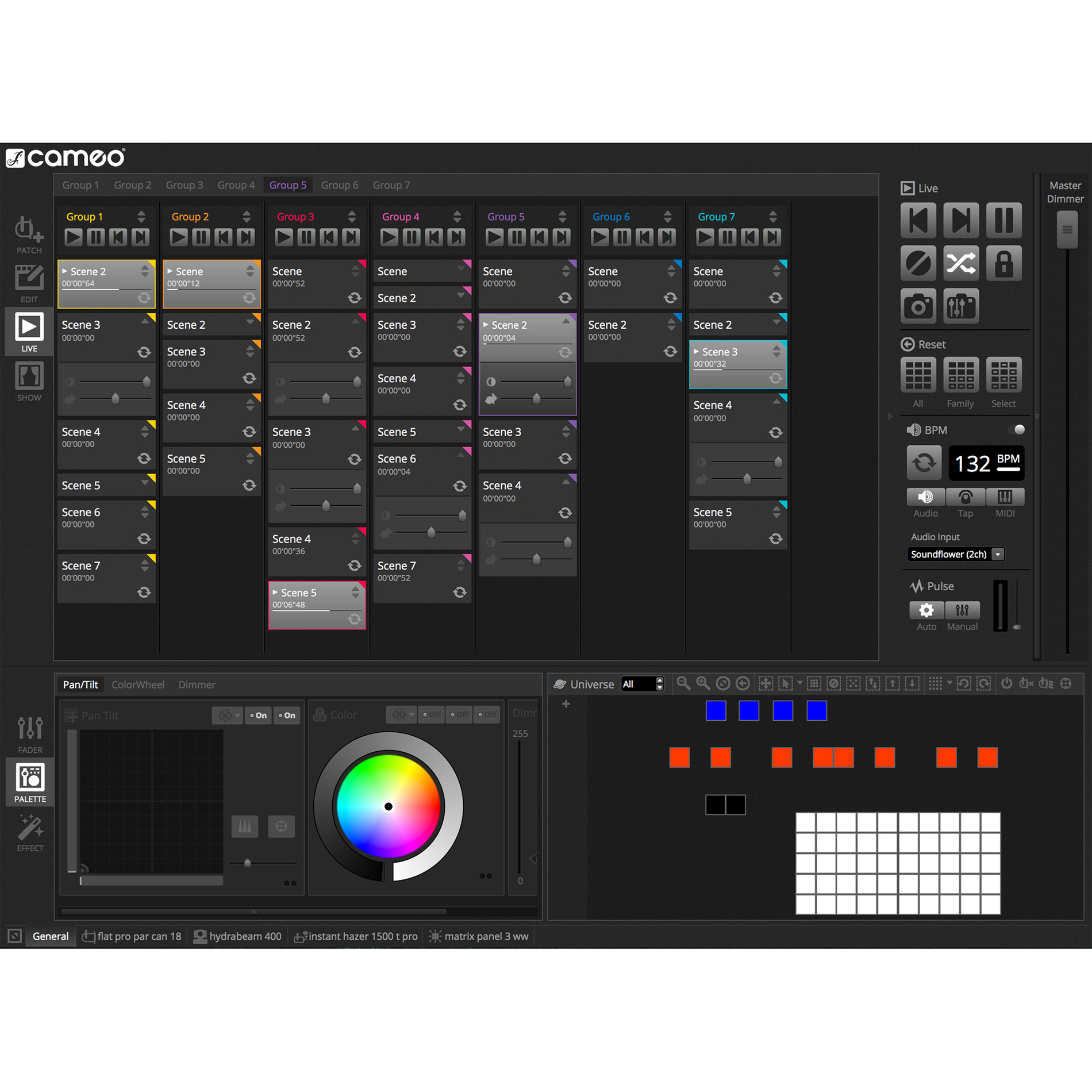
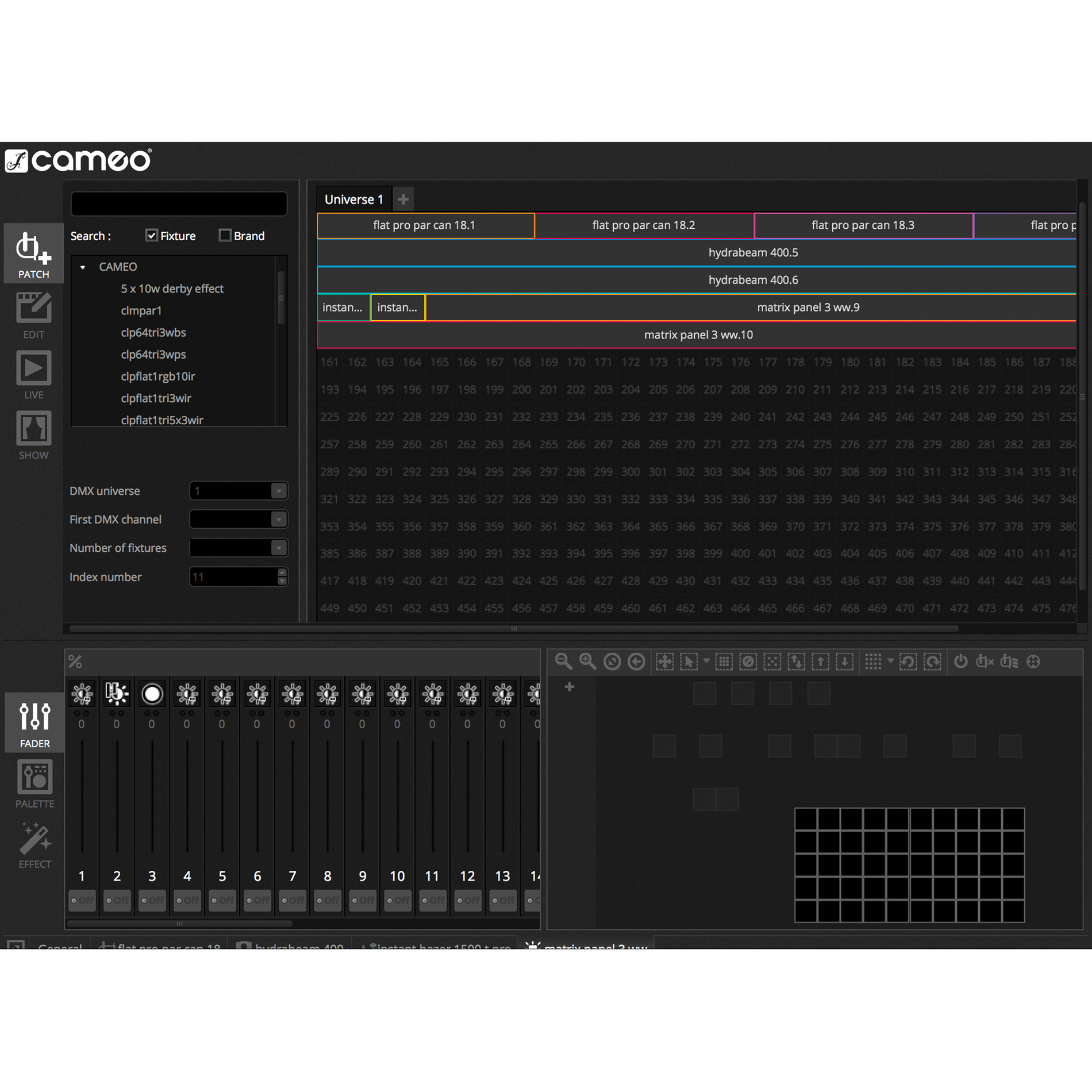
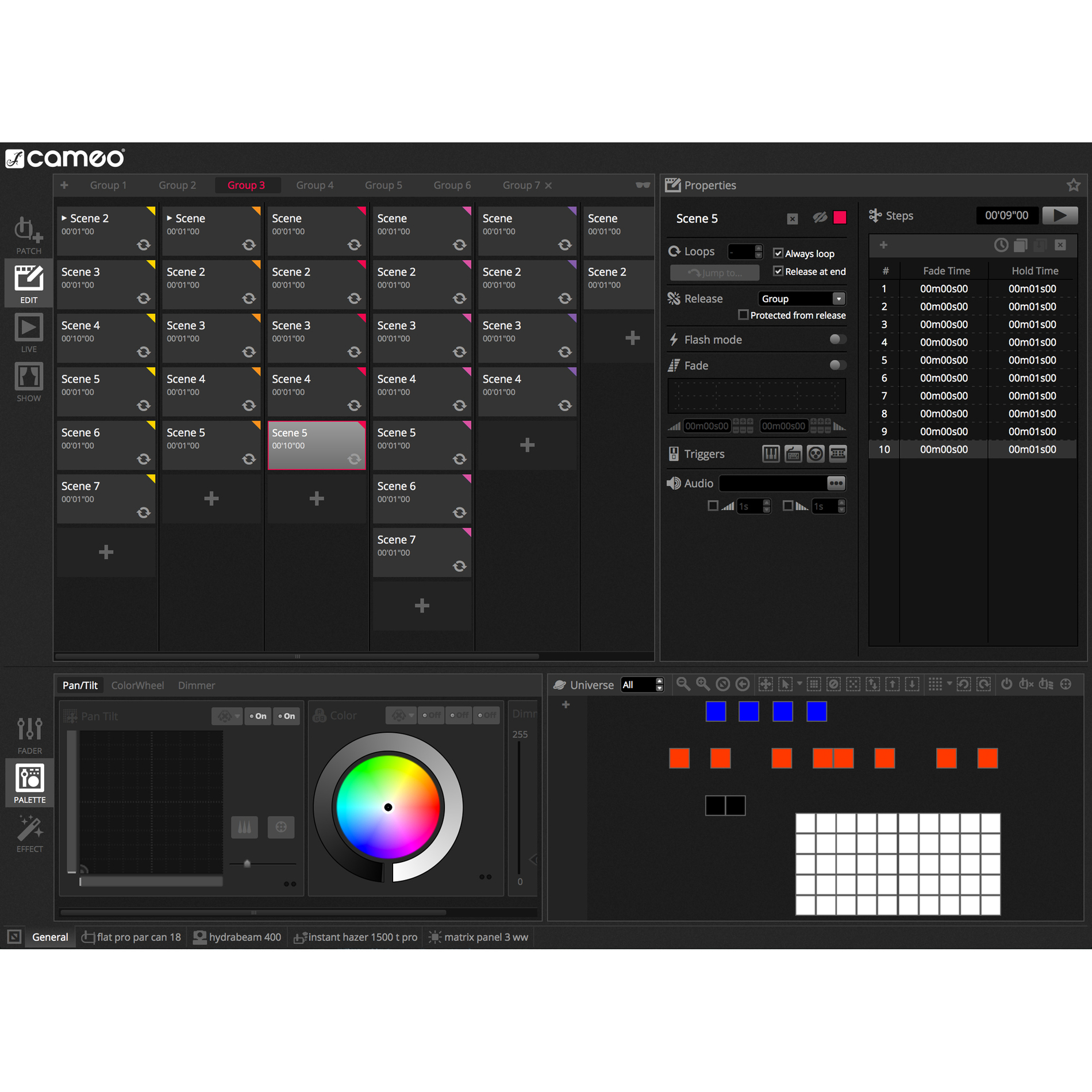
The free Cameo software package contains over 15,000 device libraries and a ScanLibrary editor for creating and editing your own device profiles. Individual DMX devices can be selected, placed in groups and added to a 2D view of the lightshow. Dynamic scenes can be created, arranged and placed over each other. The palette feature facilitates light control without fader movements, and the XEEL engine creates hundreds of wide-ranging, exciting pixel and video effects.

The software includes a comprehensive toolbox for live editing, an audio analyser, a MIDI clock for synchronising light and music speed, and 3D visualisation of the programmed lightshow in real time. The screen layout is fully customisable to individual needs, and the free Easy Remote Pro app facilitates remote control with iOS and Android devices. DVC PRO's built-in Wi-Fi access point means that no external peripherals are needed.

After successful registration at https://store.dmxsoft.com/, hardware and software upgrades (fees may apply) are available. These include upgrades for the standalone and live channels, as well as temporary and unlimited licences from Light Rider, and much more.

The DVC PRO interface and free software have been specially developed for Cameo by Daslight. Please refer technical queries to SUPPORT@DASLIGHT.COM.
Specifications

Product typeUSB to DMX Interface
Live channels1024 channels (expandable via ArtNet)
Stand Alone channels256 channels (expandable up to 1024 channels)
Software Modefull Cameo D4 / full Daslight D4
InputsUSB-C
Outputs2 x XLR 3 pin female
Memory120 K
Dry contact ports8
Operating voltage5 V USB bus powered
Width78 mm
Height27 mm
Depth88
Accessories (included)USB to USB-C

Stories

Downloads

  • DVC PRO User Manual

    Manuals | English | PDF | 13.96 MB

    Download
  • DVC PRO User Manual

    Manuals | German | PDF | 13.94 MB

    Download
  • Cameo REACh Declaration – Adam Hall GmbH

    Service & Regulation Documents | International | PDF | 141 KB

    Download
  • Cameo RoHS Confirmation – Adam Hall GmbH

    Service & Regulation Documents | International | PDF | 203.79 KB

    Download
  • Cameo Catalogue / Brochure – AHG Product Highlights Autumn Winter 2026/27

    Catalogues & Publications | English | PDF | 12.93 MB

    Download
Download Center

REQUEST A DEMO

Our Sales team will be happy to present the Cameo product of your choice in a live demo – either in one of our showrooms or directly at your premises.


  1. Fill in the contact form and send your request.


  2. We review your request and forward it to the relevant contact person.


  3. Our team will get in touch with you to arrange a demo appointment.


Note: As part of our B2B sales process, we review demo requests before confirming an appointment. If an individual demo is not possible, we will contact you and suggest an alternative way to experience the Cameo product of your choice.


Where to buy

Find Cameo products through our trusted network of partners and distributors worldwide.