UNICON®
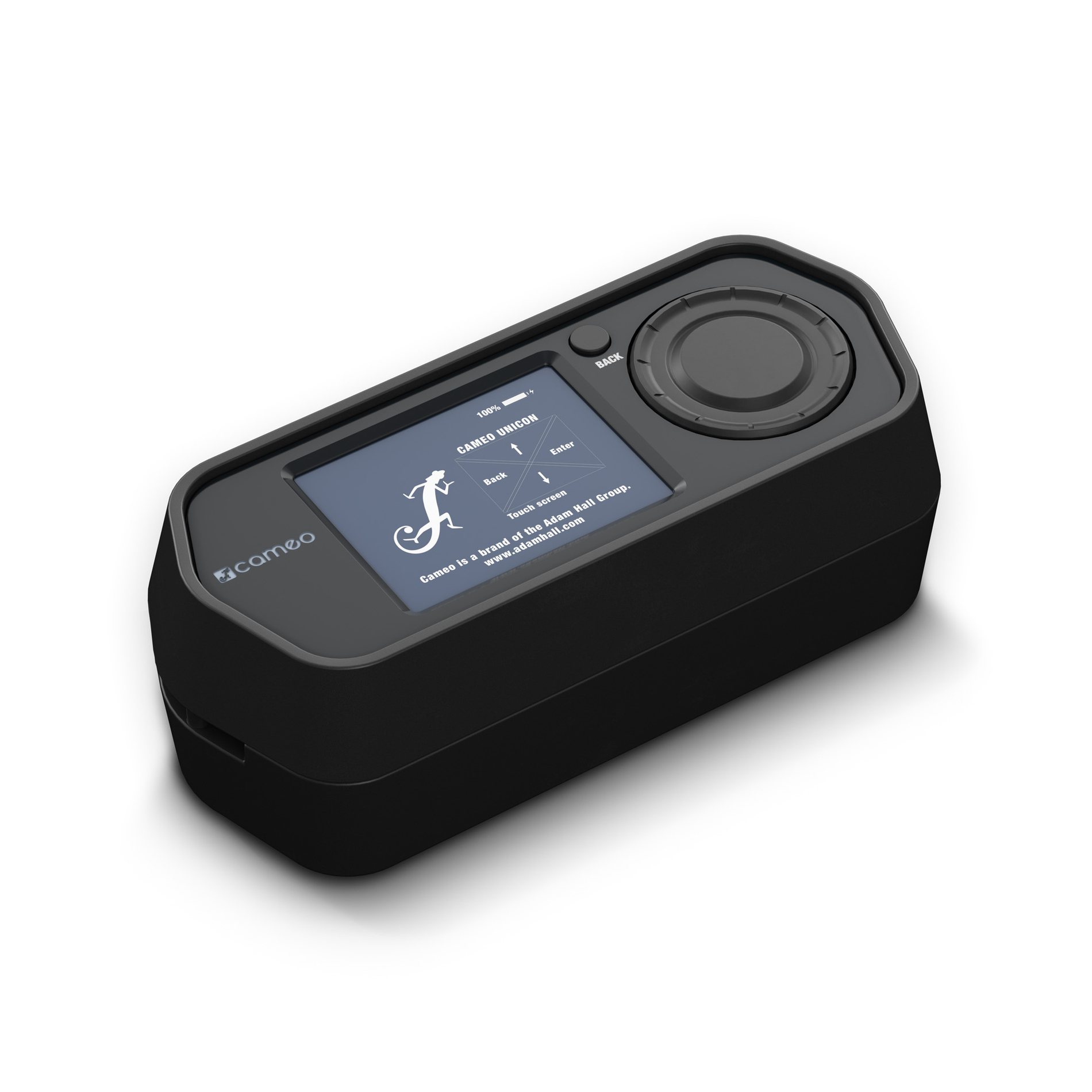
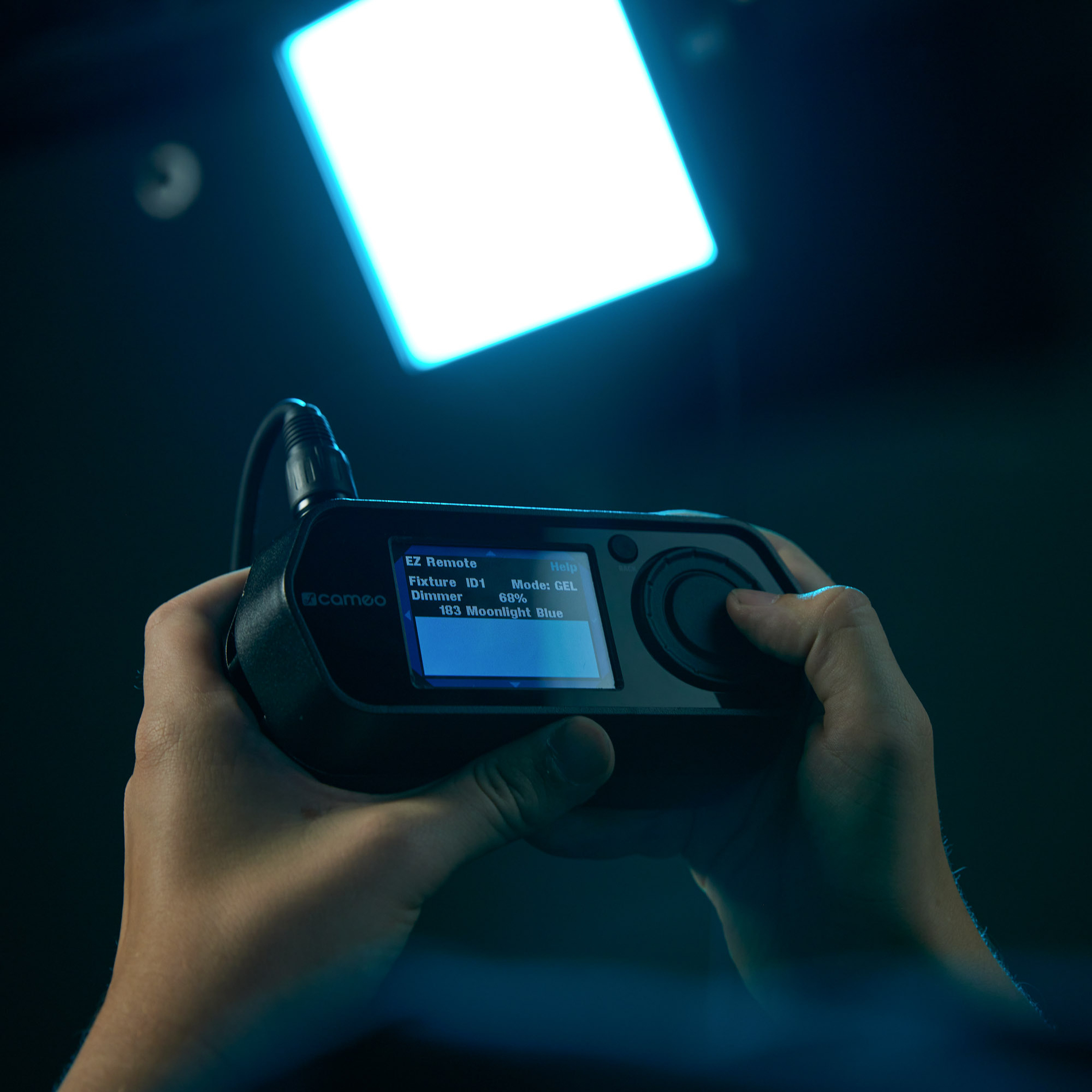
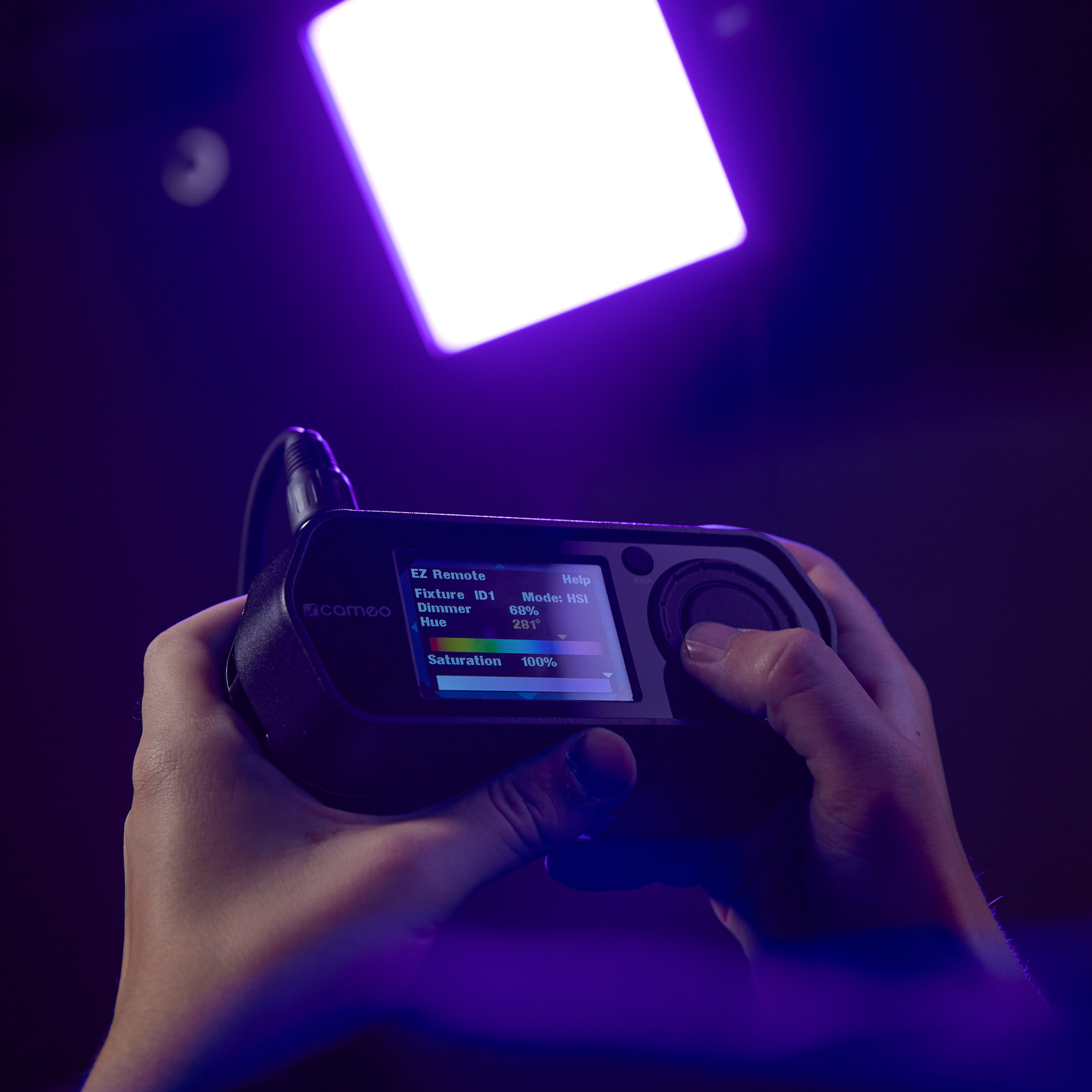
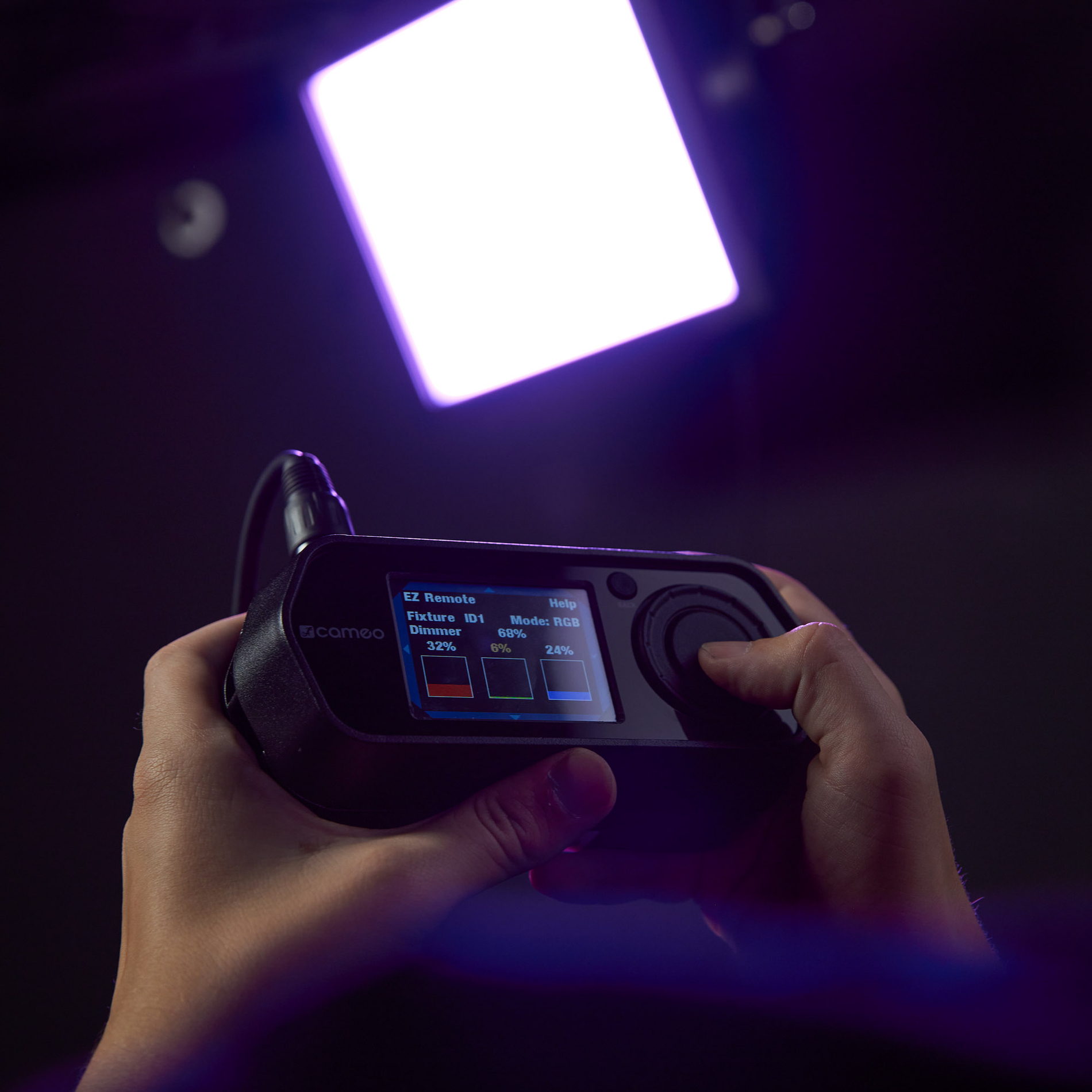
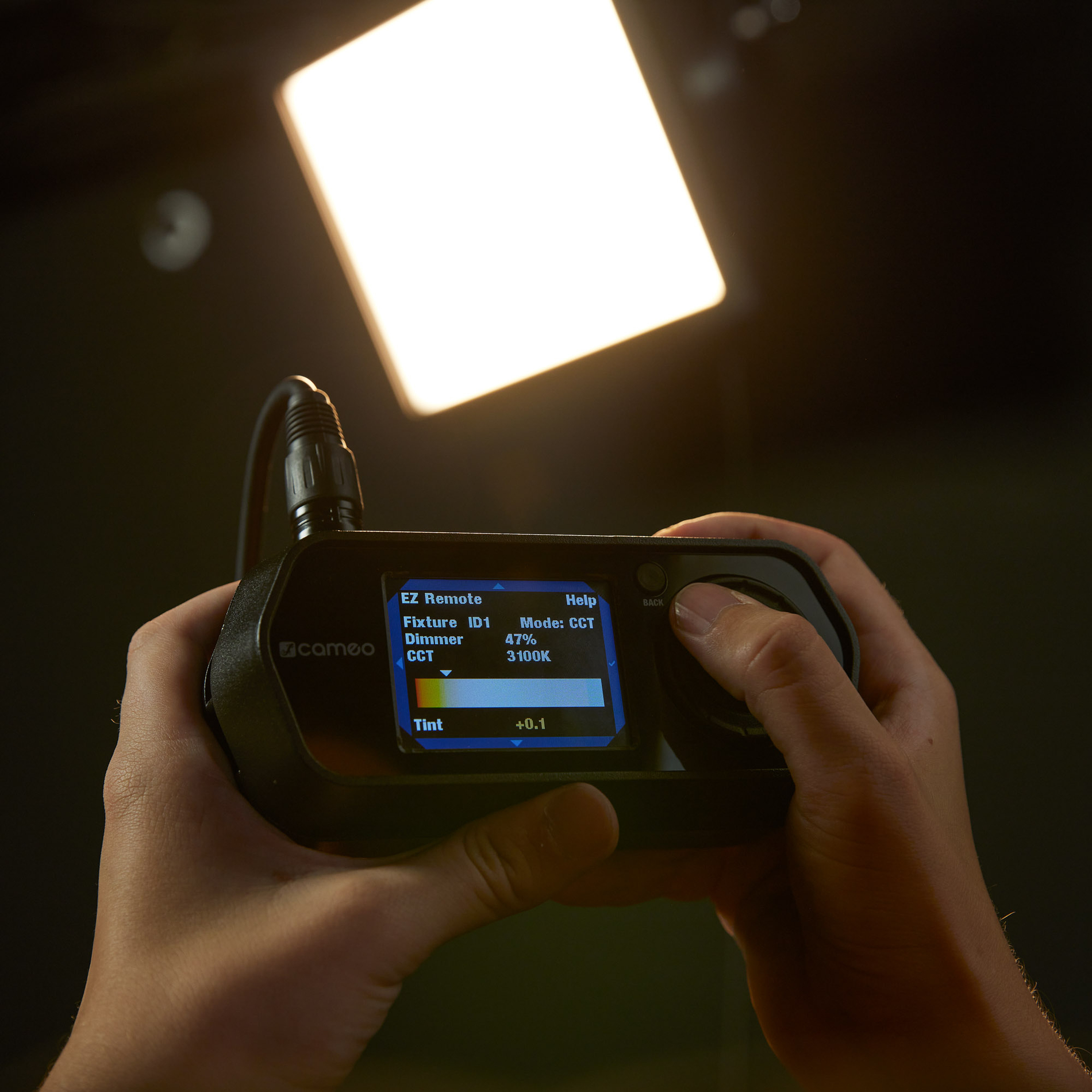
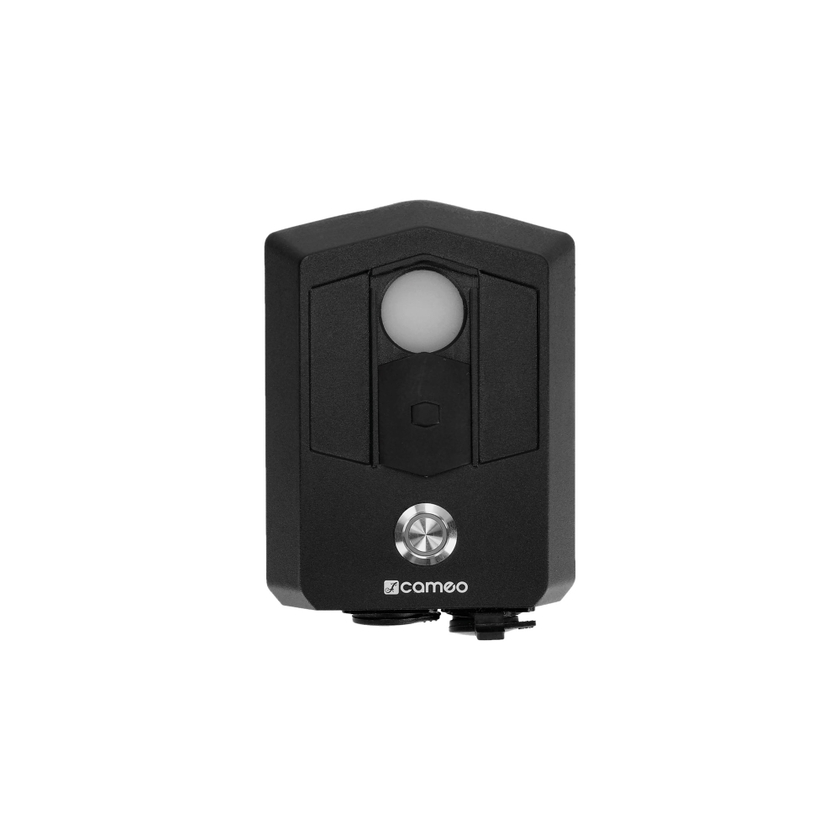
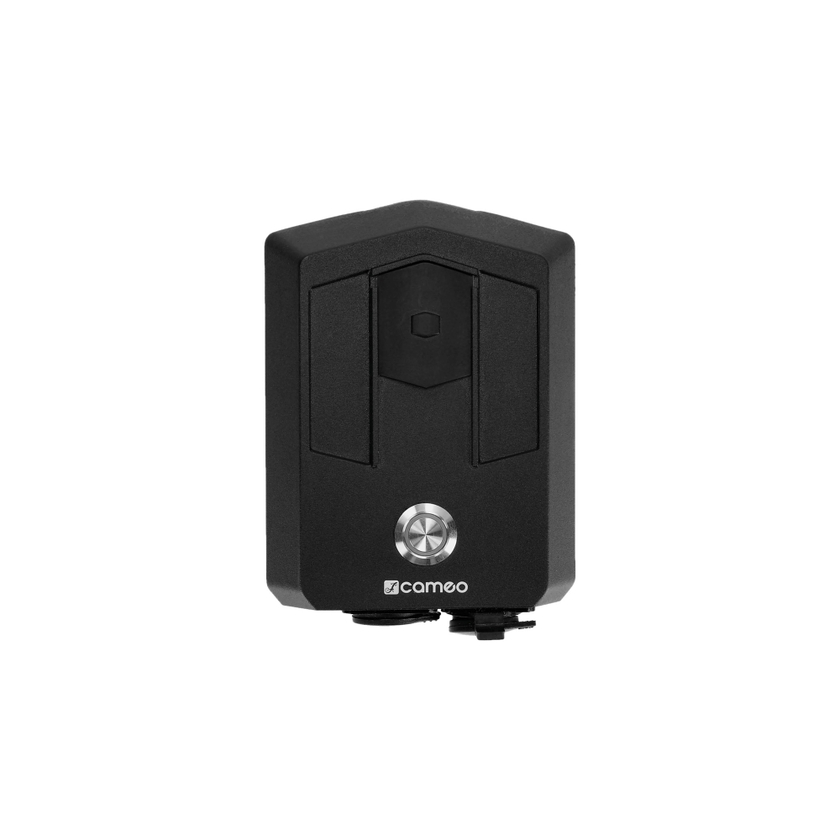
Remote control for DMX fixtures
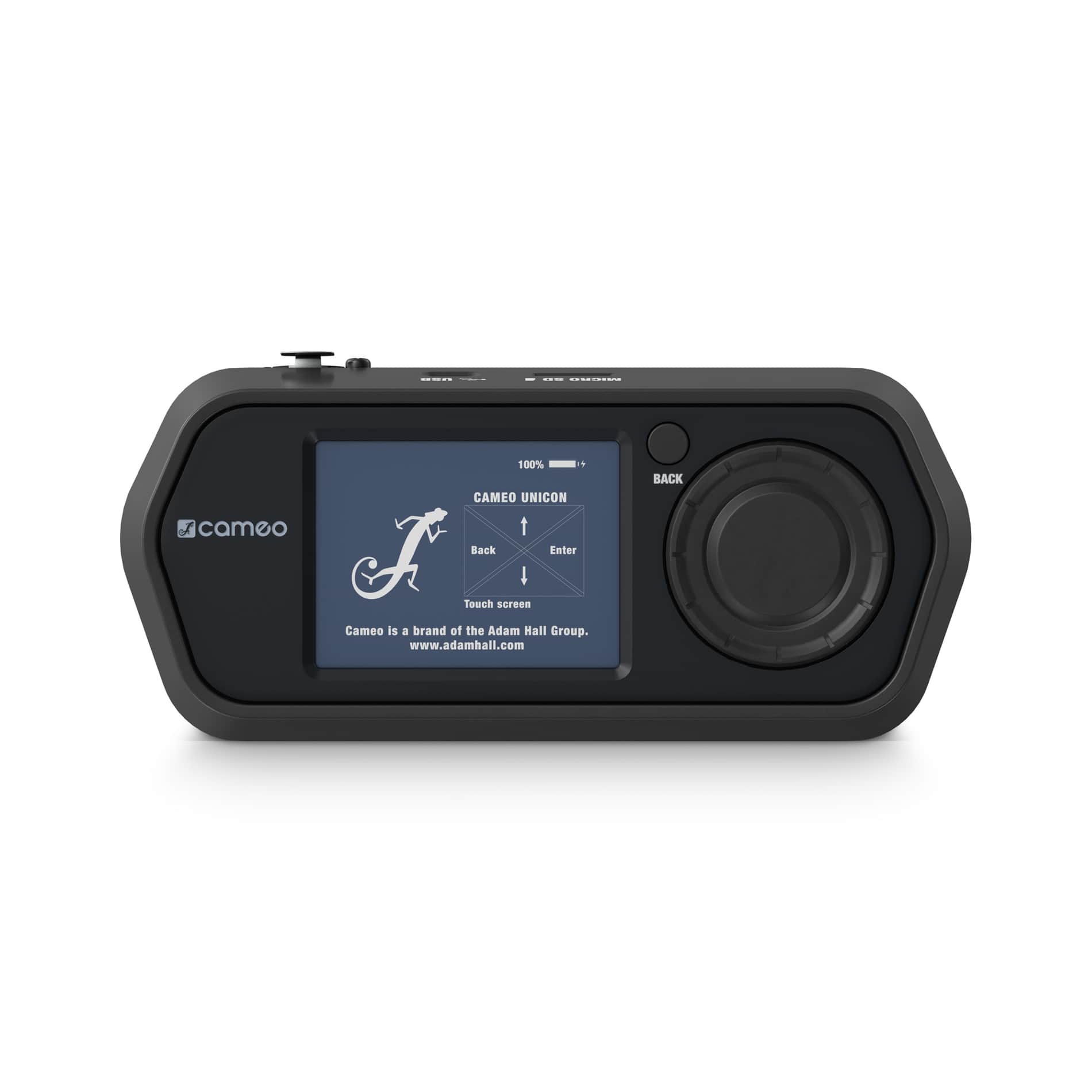
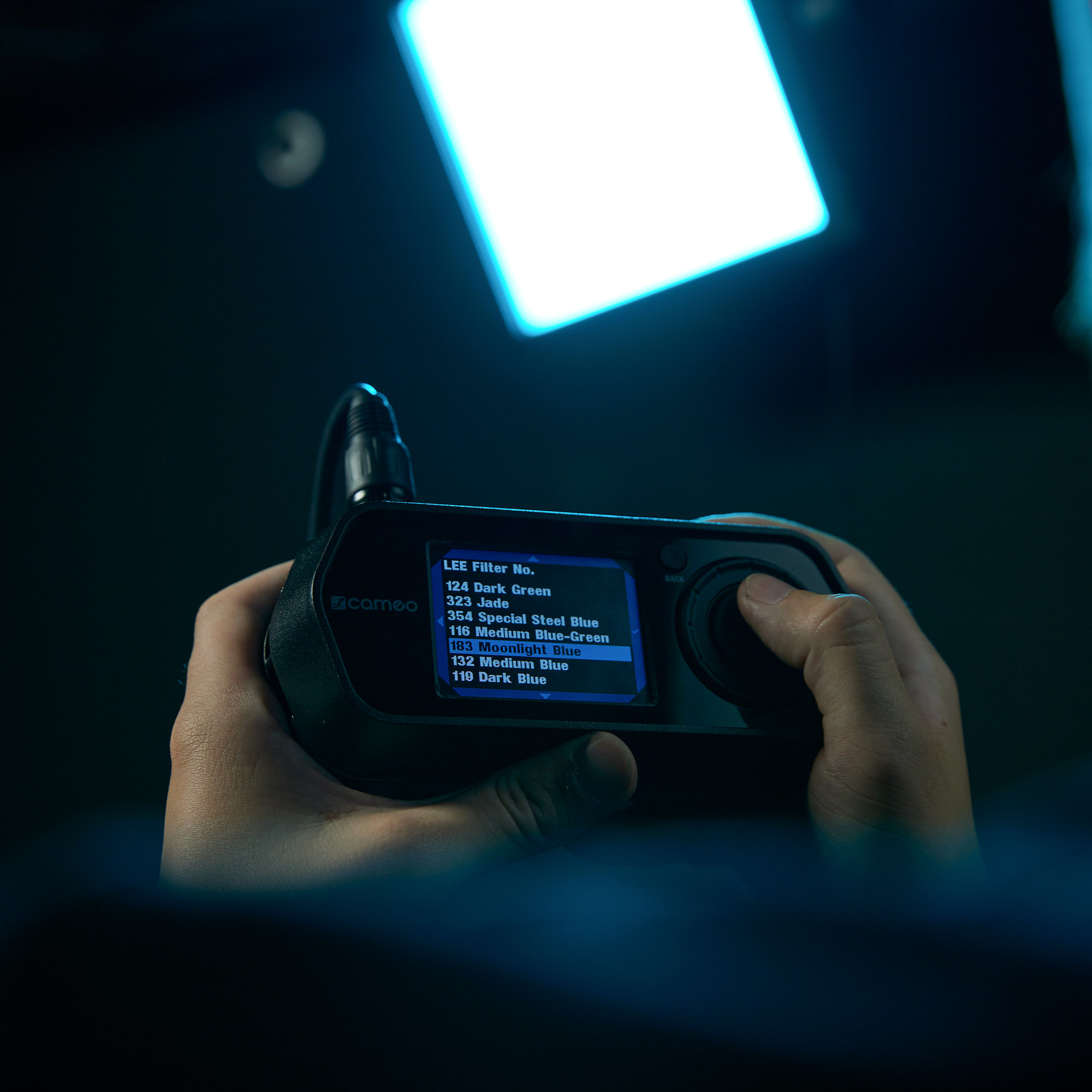
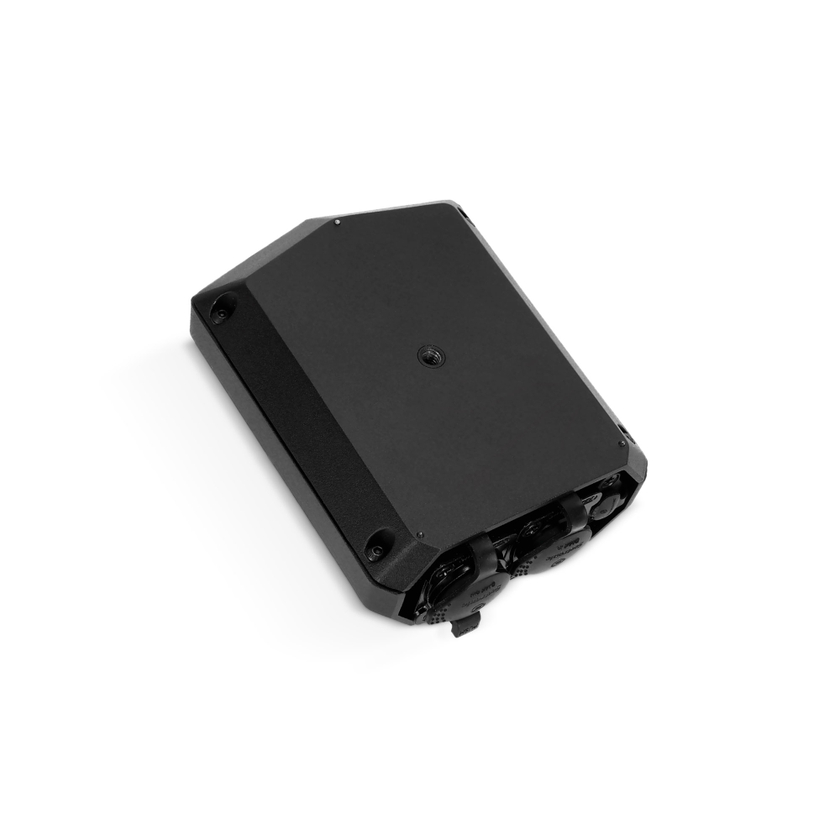
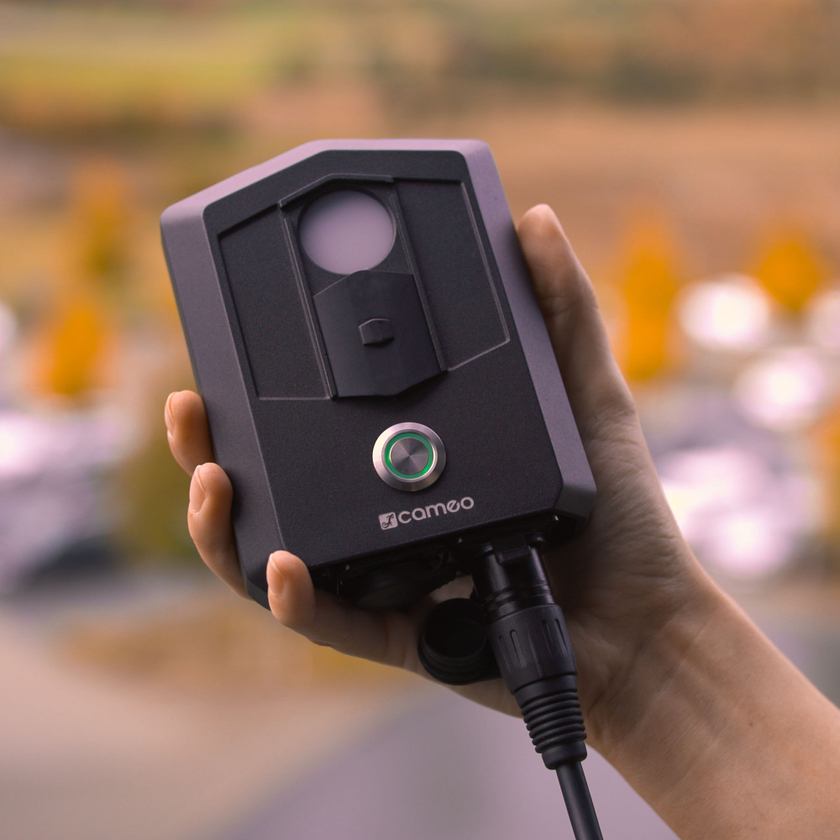
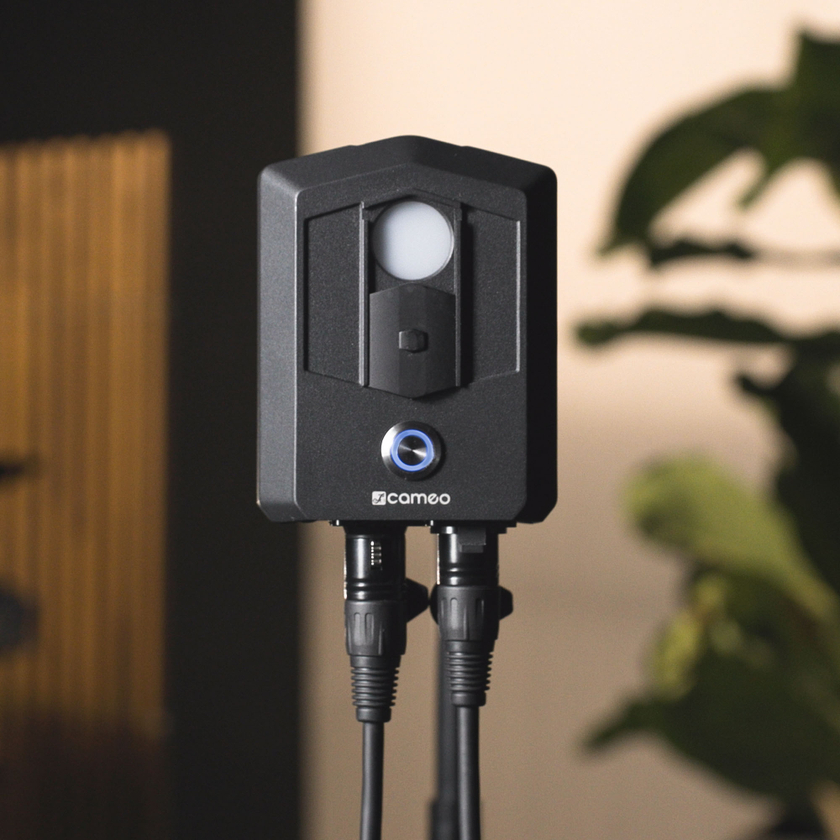
- Unit controller for configuration and control of DMX fixtures
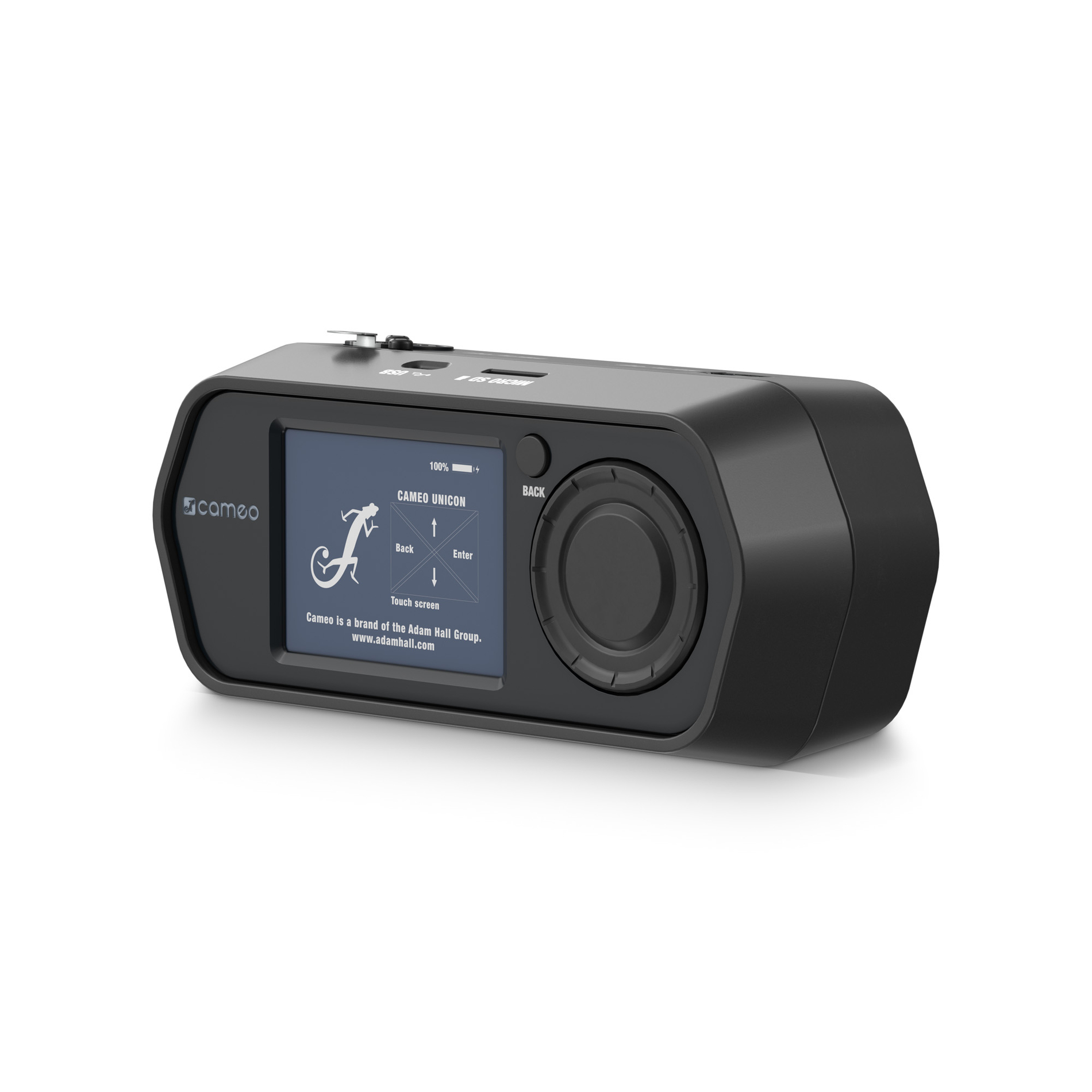
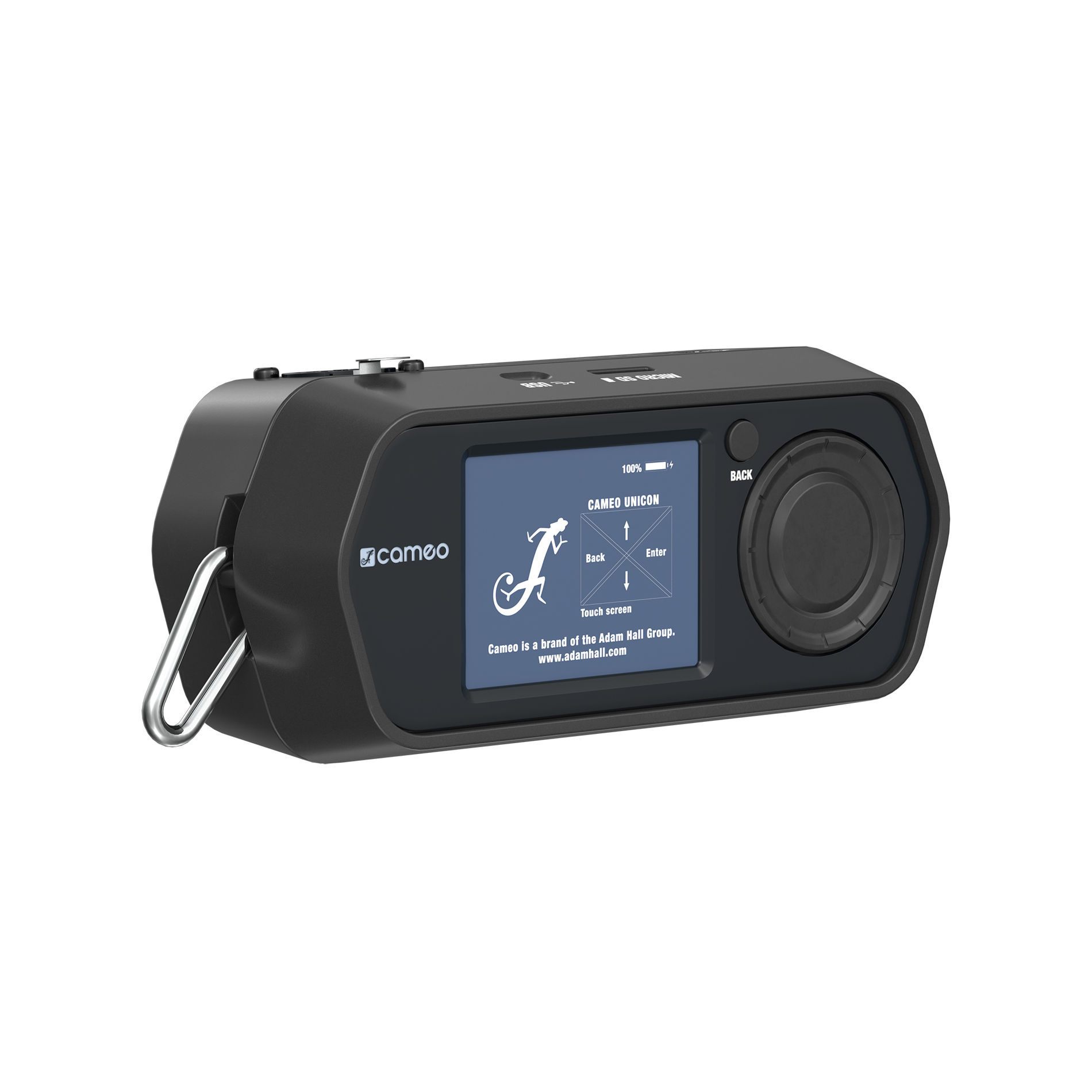
- Bright 2.8" touch display and encoder wheel for intuitive menu navigation
- Transmits and Receives DMX/RDM signals in a DMX universe - 512 channels
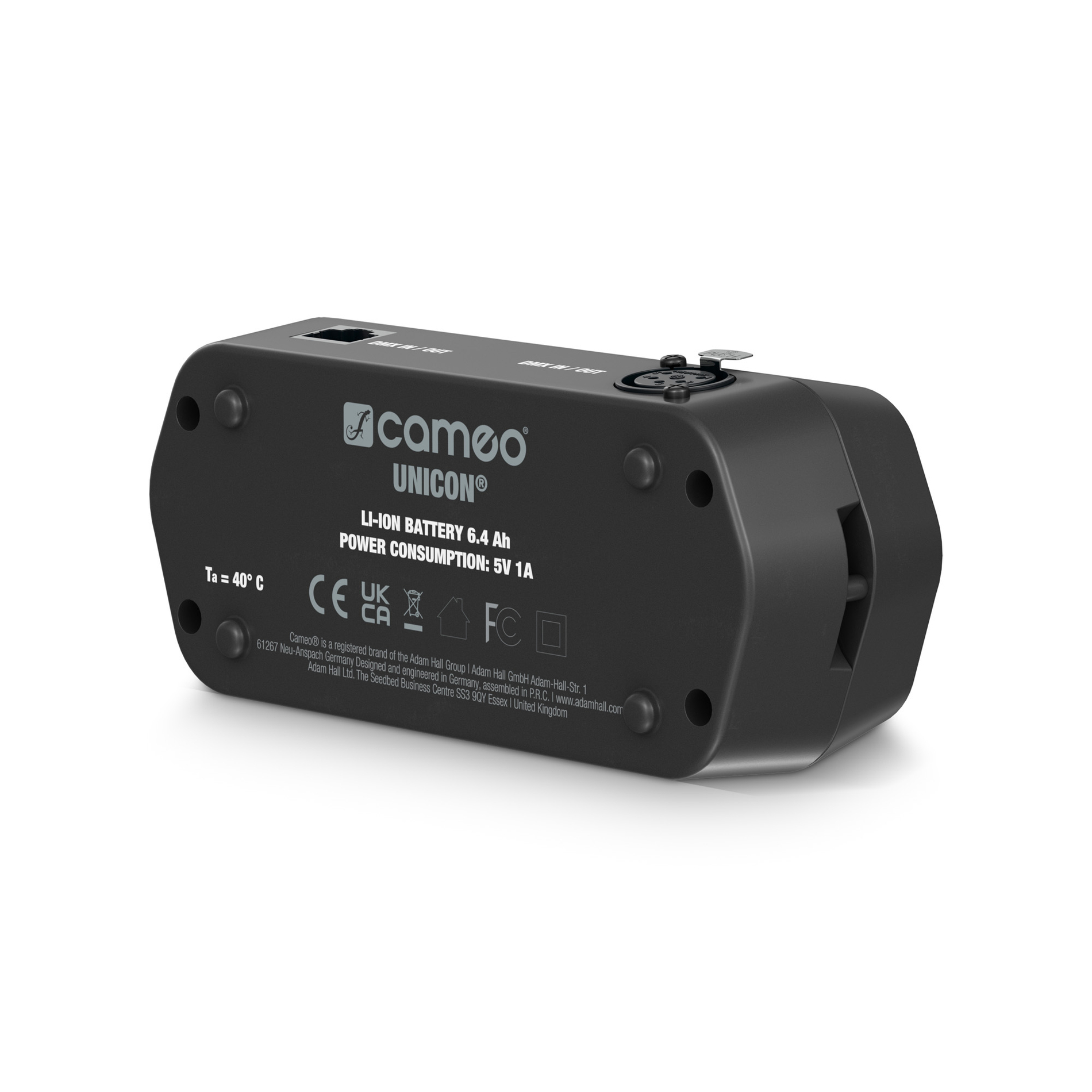
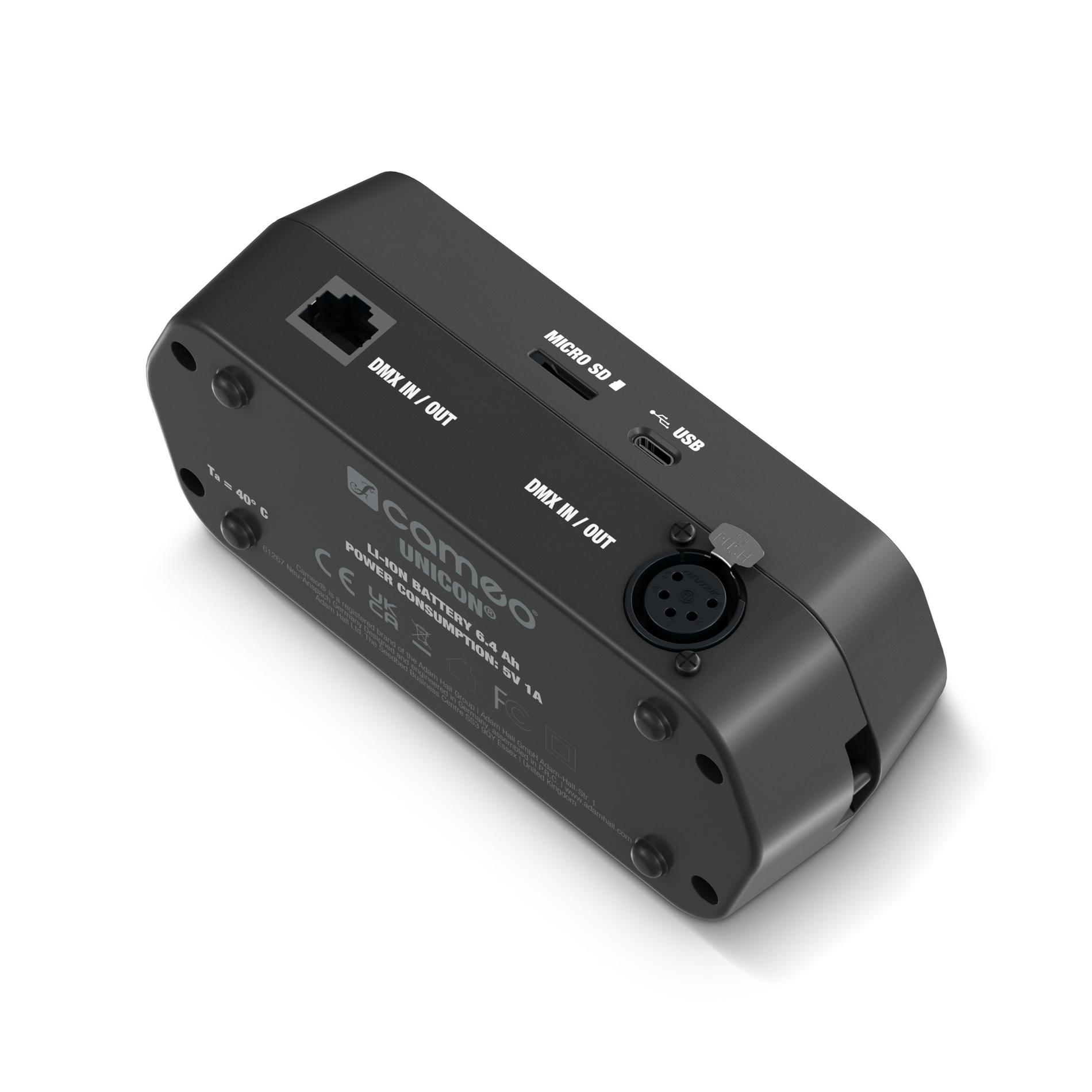
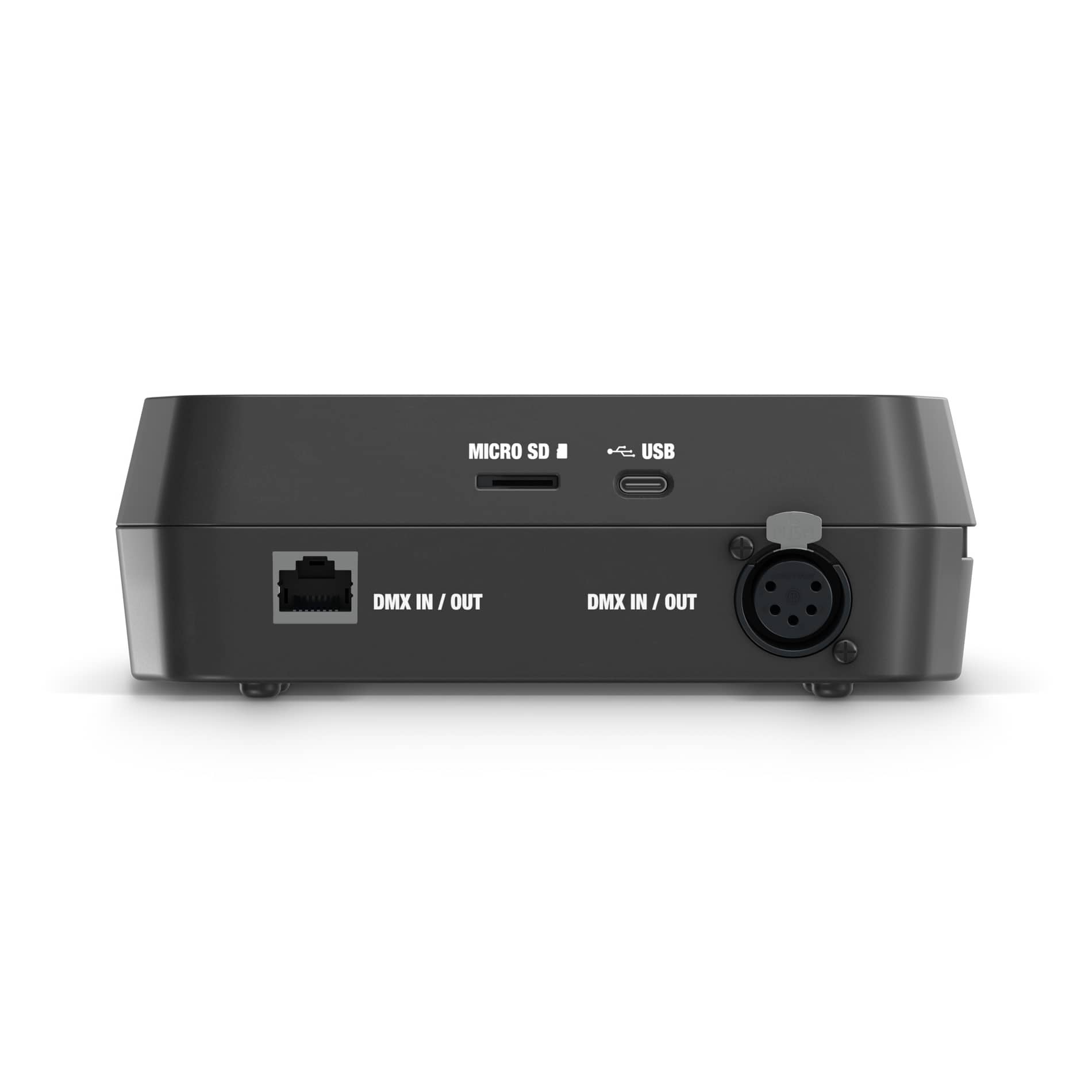
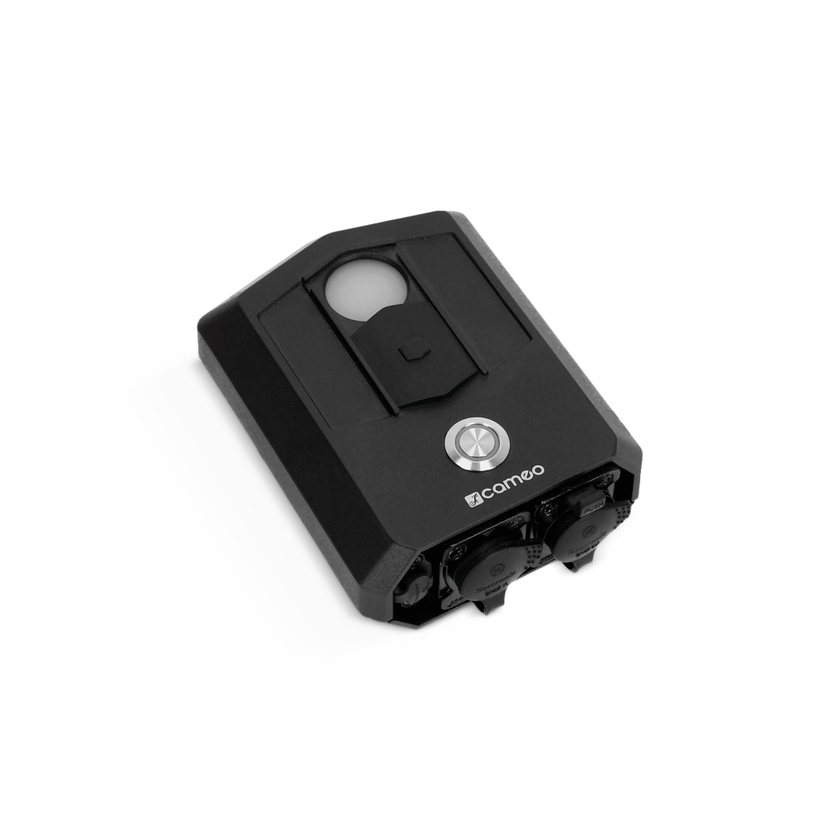
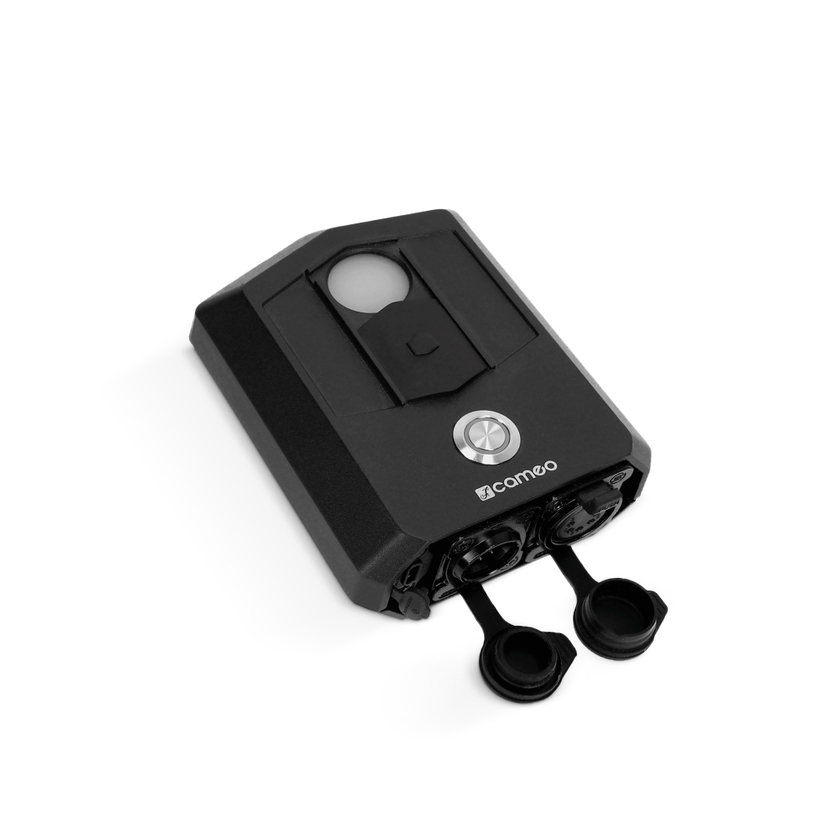
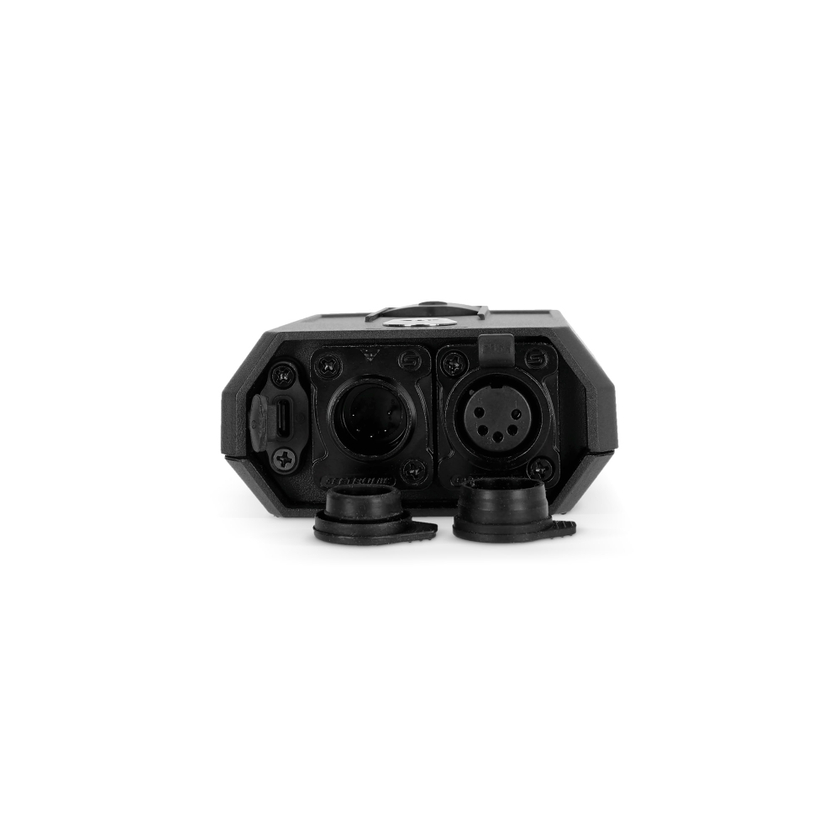
- 5-pin DMX, RJ45 and USB-C connector
- Integrated Li-Ion battery, 6,500 mAh
Description
Specifications
| Colour | Black |
|---|






Downloads
UNICON® User Manual
Manuals | International | PDF | 2.67 MB
Manuals
International
PDF
2.67 MB
Cameo REACh Declaration – Adam Hall GmbH
Service & Regulation Documents | International | PDF | 141 KB
Service & Regulation Documents
International
PDF
141 KB
Cameo RoHS Confirmation – Adam Hall GmbH
Service & Regulation Documents | International | PDF | 203.79 KB
Service & Regulation Documents
International
PDF
203.79 KB
UNICON® Firmware – Firmware Update V1.3.0/Unicon, Rel. Notes & Manual included
Software | International | ZIP | 175.52 KB
Software
International
ZIP
175.52 KB
UNICON® Tender Documents – Cameo UNICON
Service & Regulation Documents | International | PDF | 85.9 KB
Service & Regulation Documents
International
PDF
85.9 KB
REQUEST A DEMO
Our Sales team will be happy to present the Cameo product of your choice in a live demo – either in one of our showrooms or directly at your premises.
Fill in the contact form and send your request.
We review your request and forward it to the relevant contact person.
Our team will get in touch with you to arrange a demo appointment.
Note: As part of our B2B sales process, we review demo requests before confirming an appointment. If an individual demo is not possible, we will contact you and suggest an alternative way to experience the Cameo product of your choice.
Where to buy
Find Cameo products through our trusted network of partners and distributors worldwide.