New
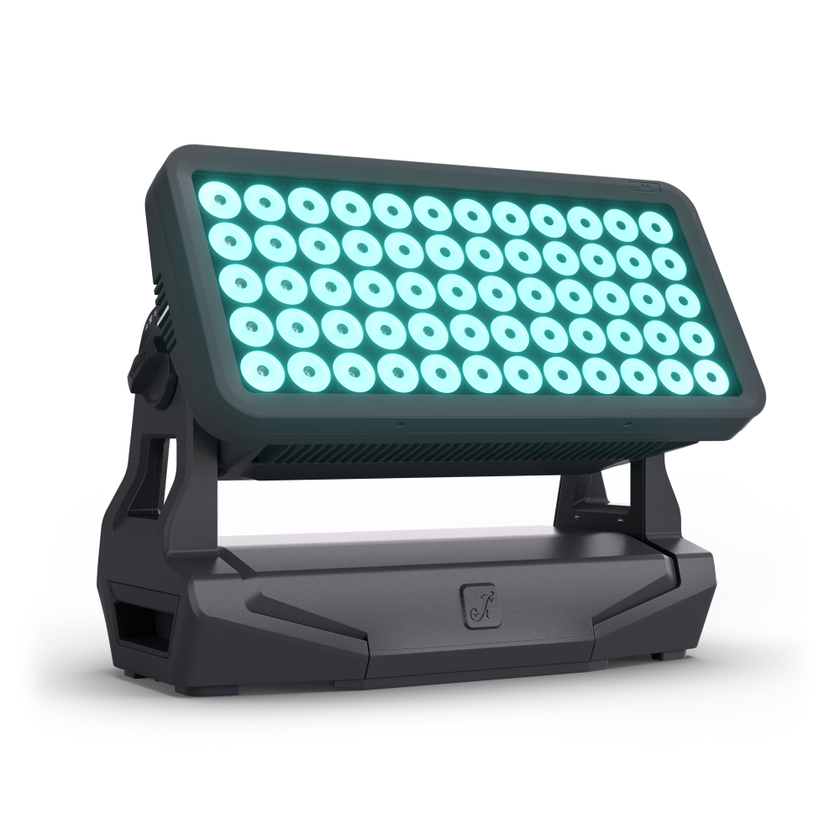
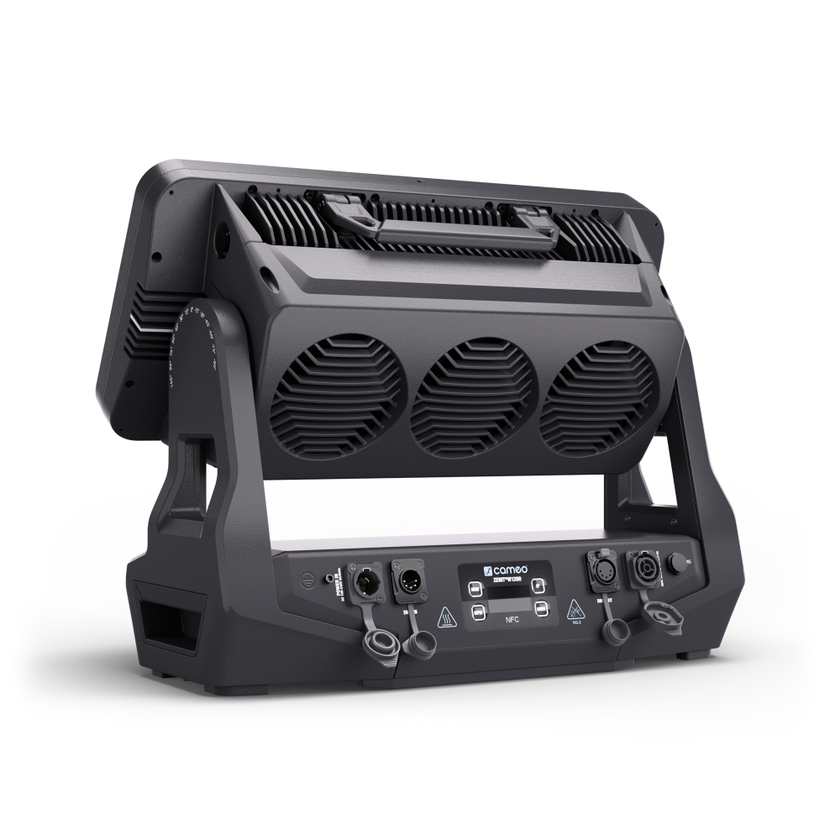
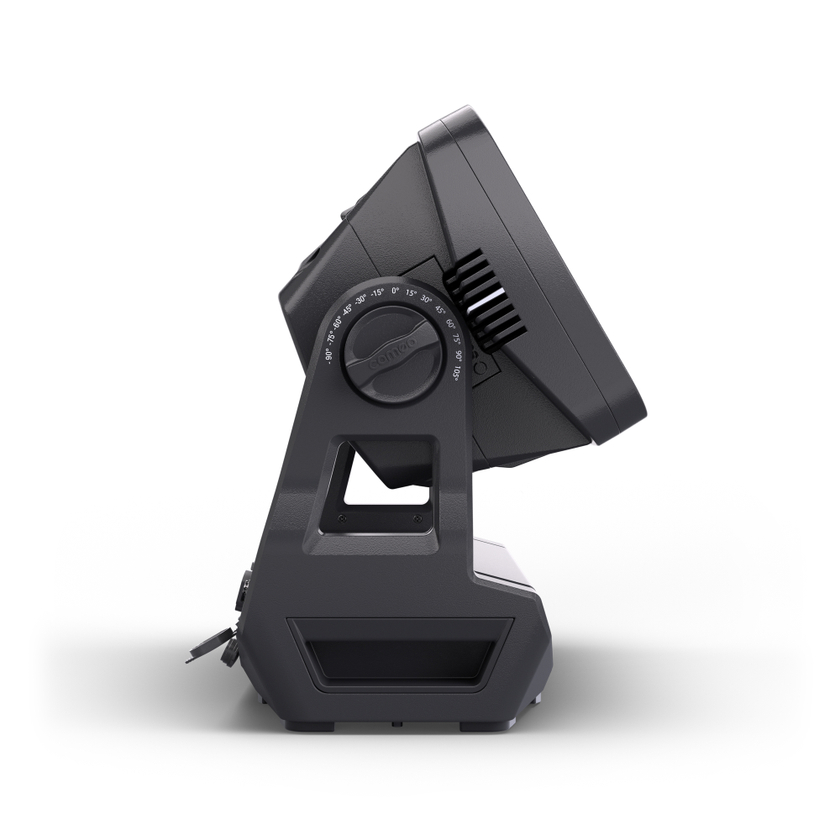
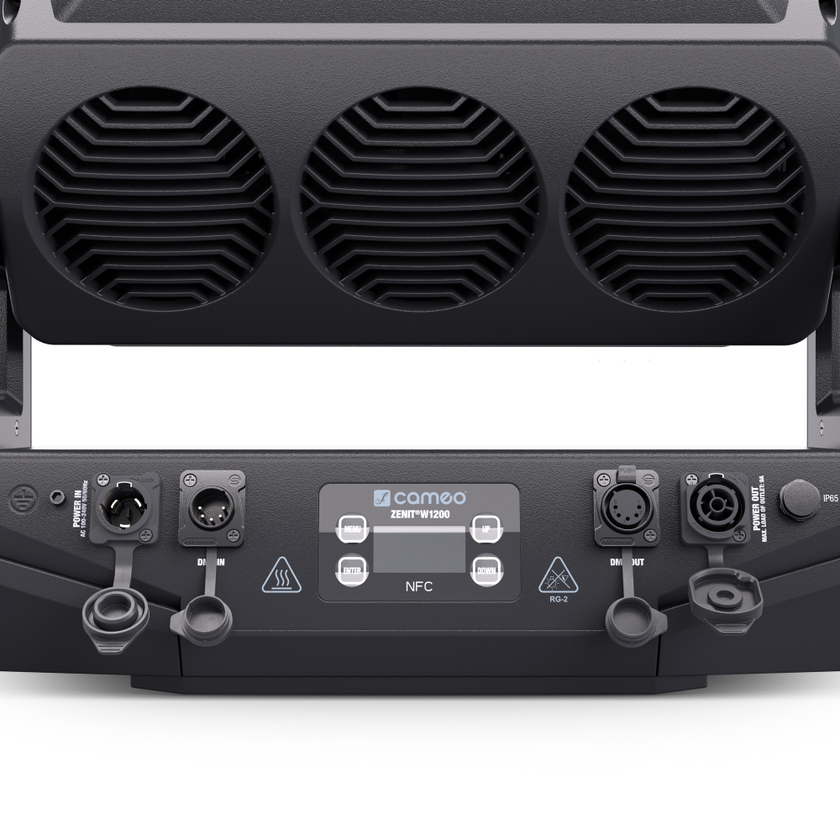
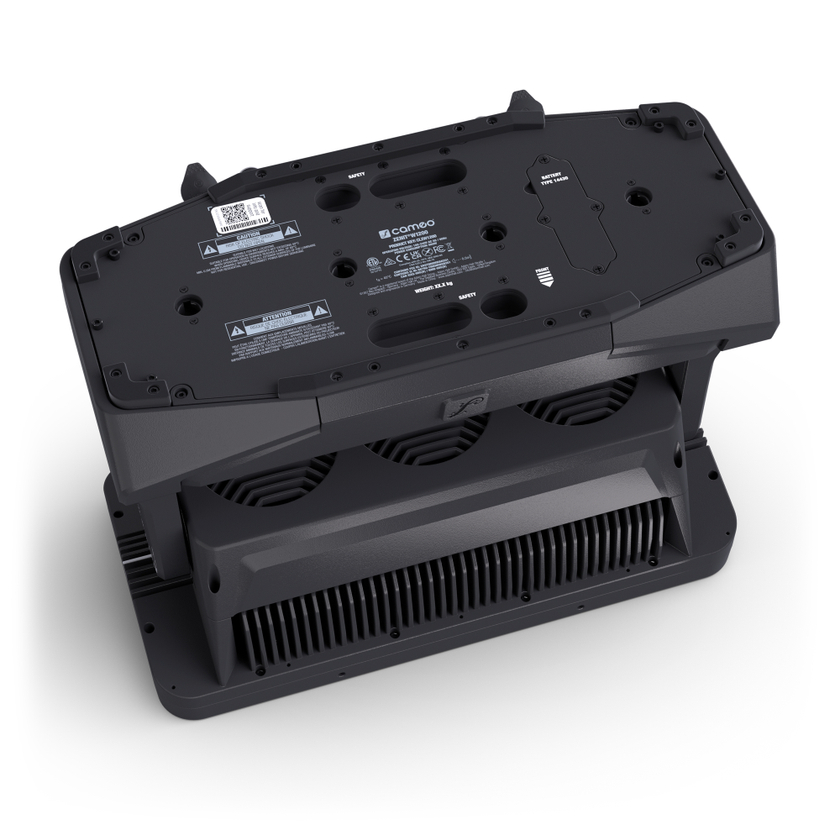
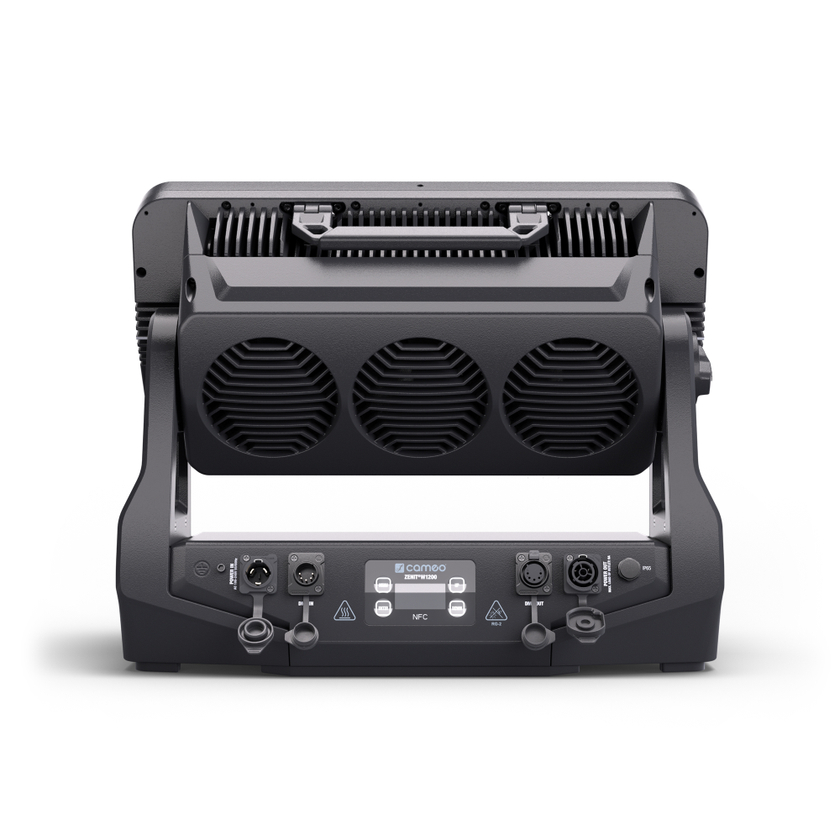
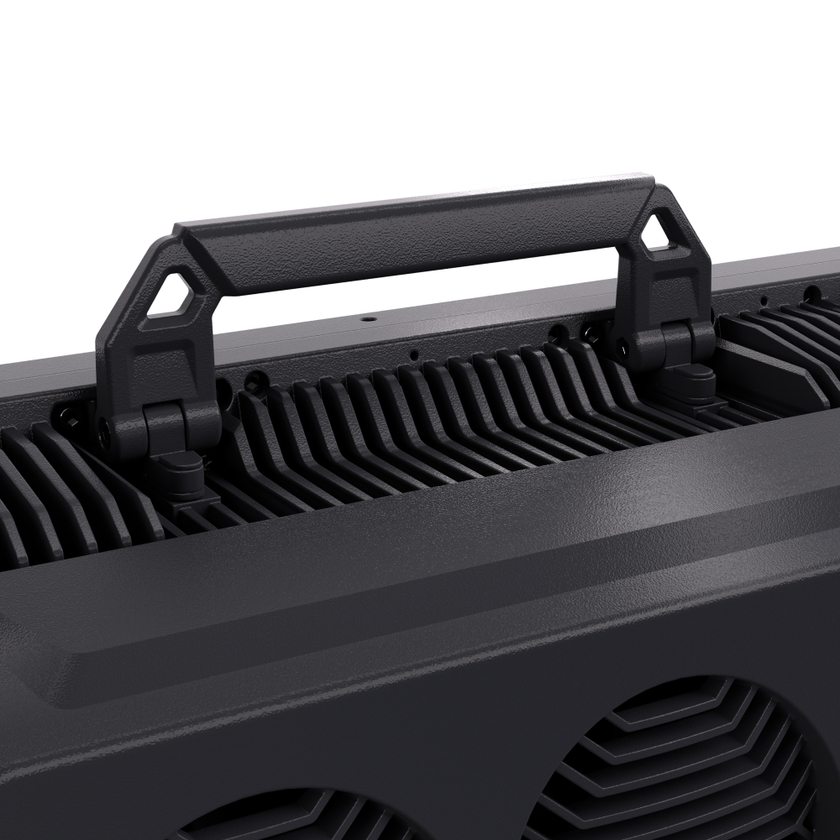
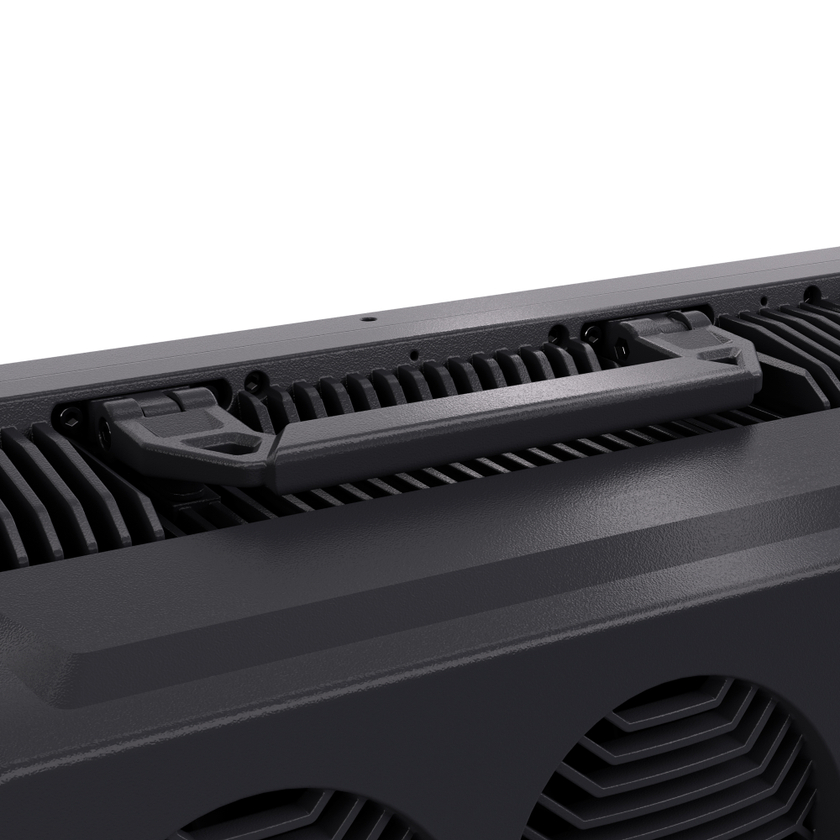
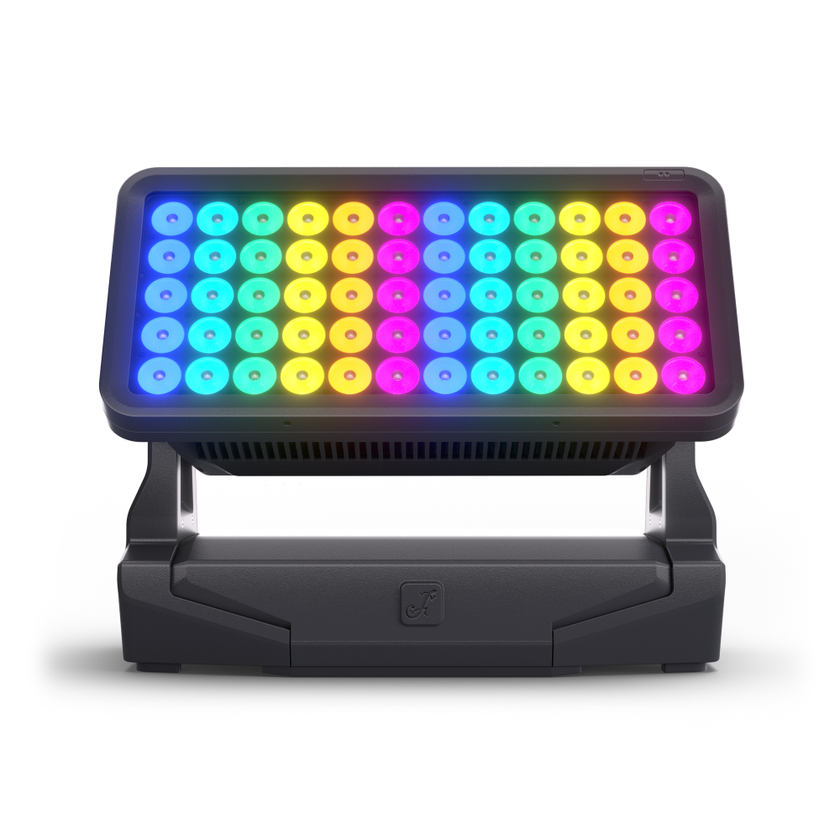
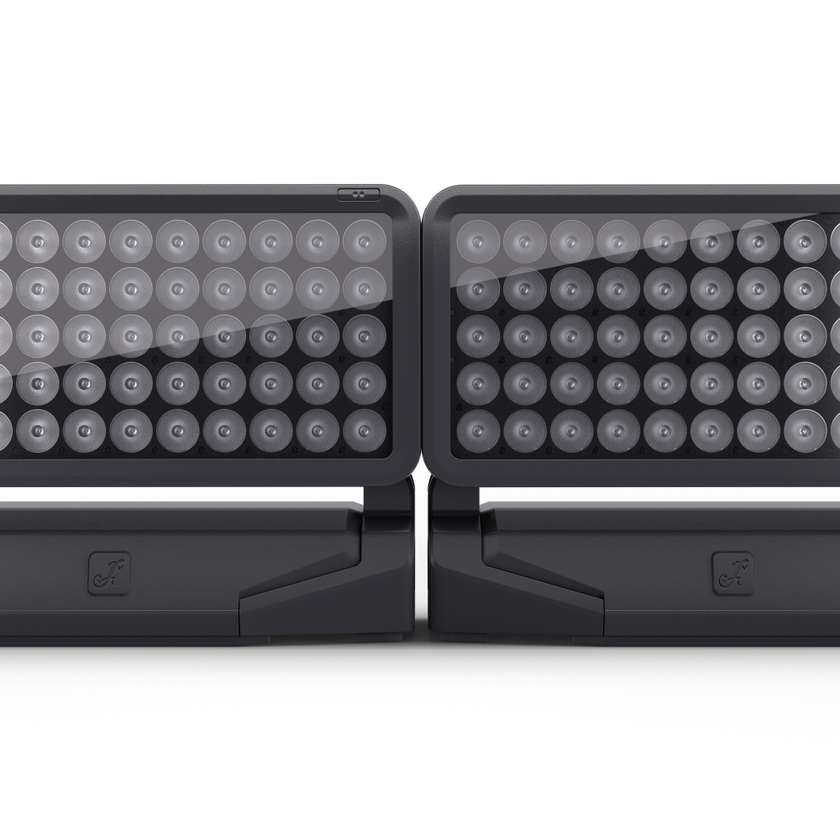
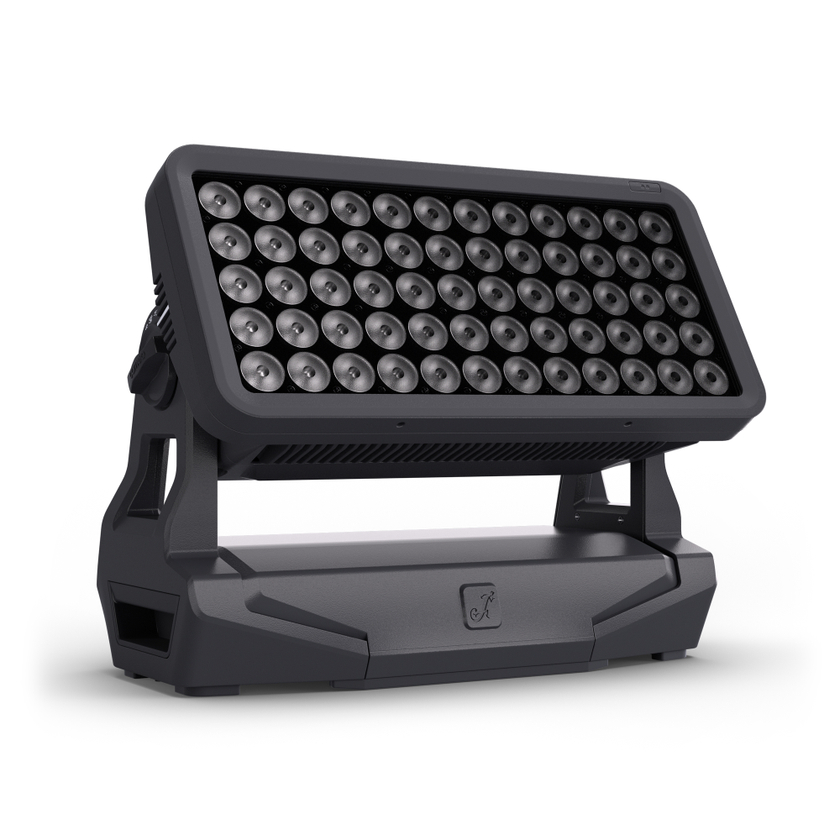
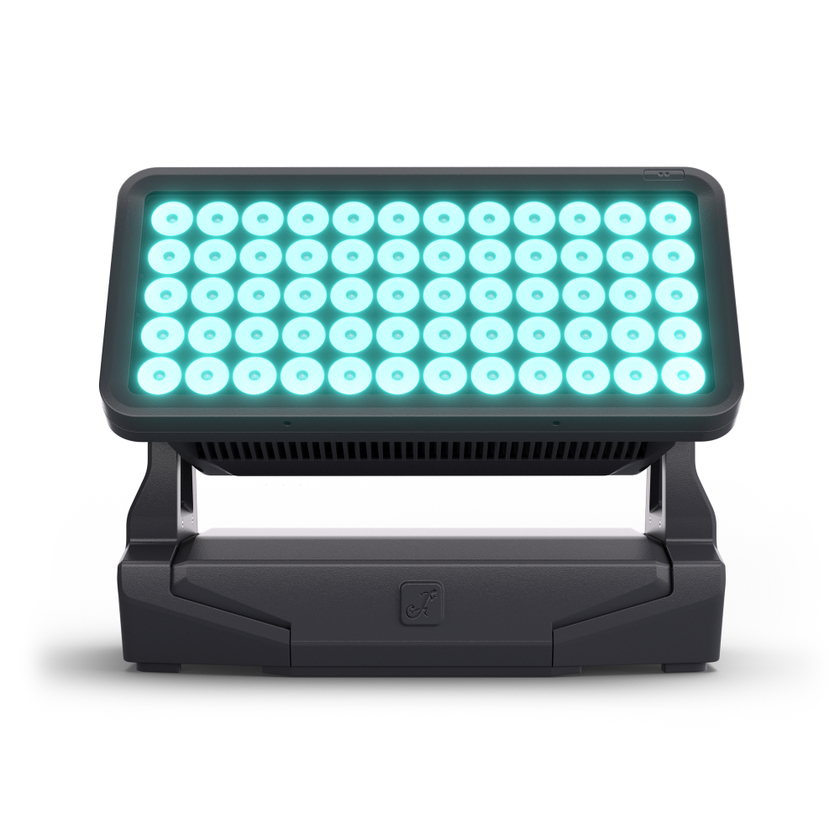
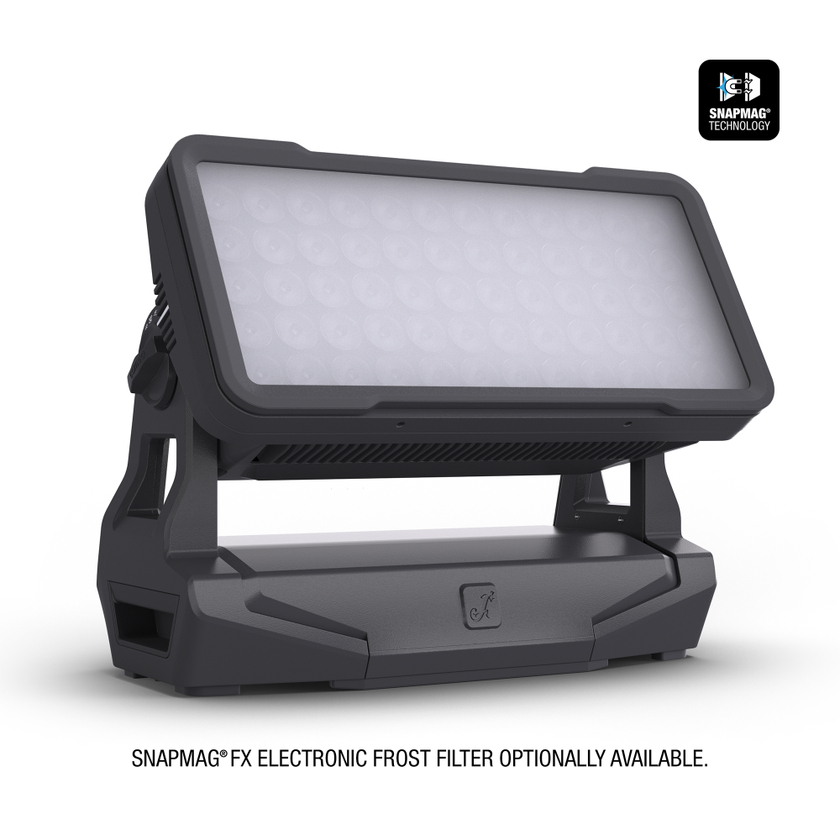
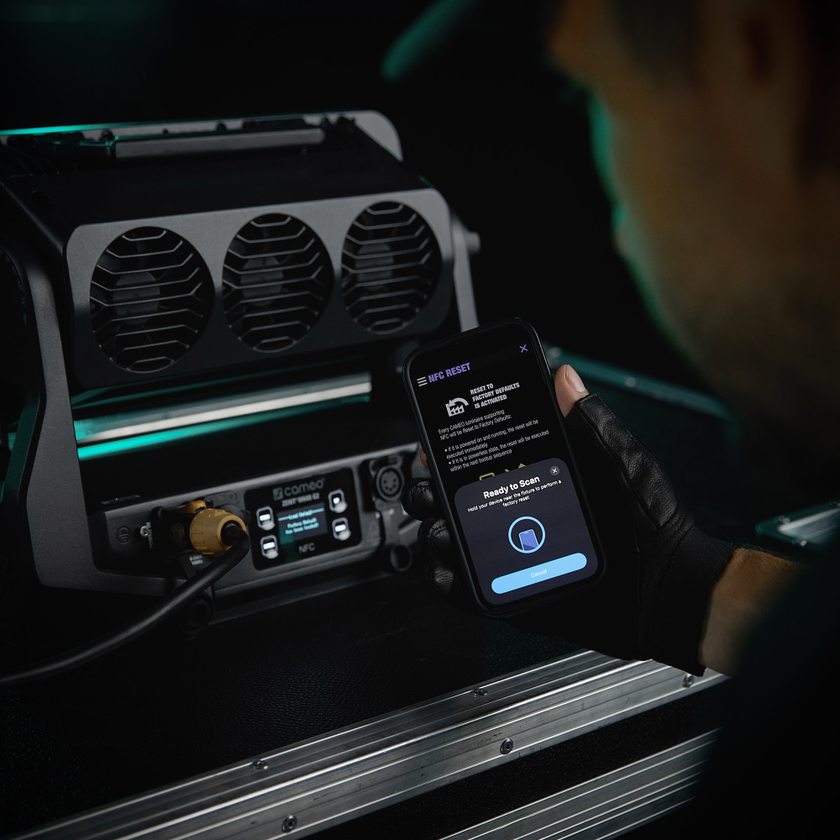
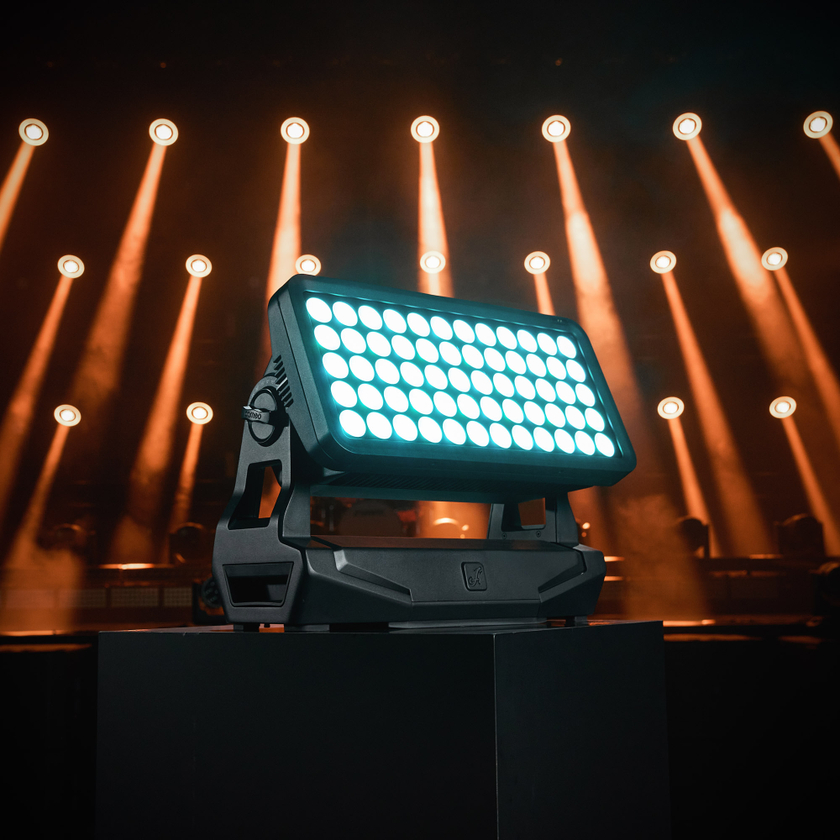
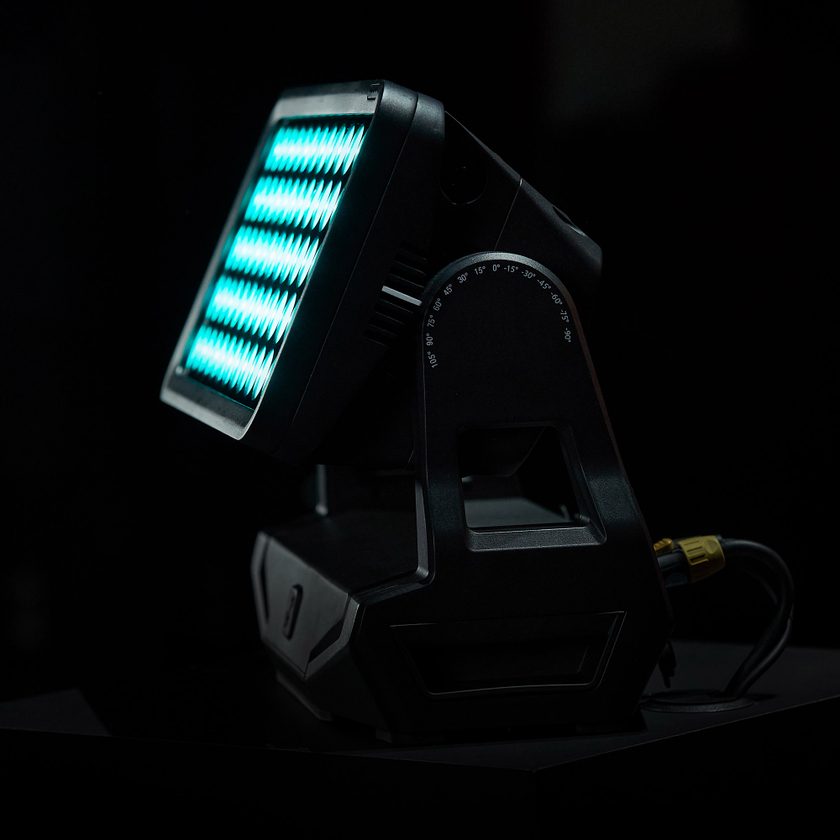
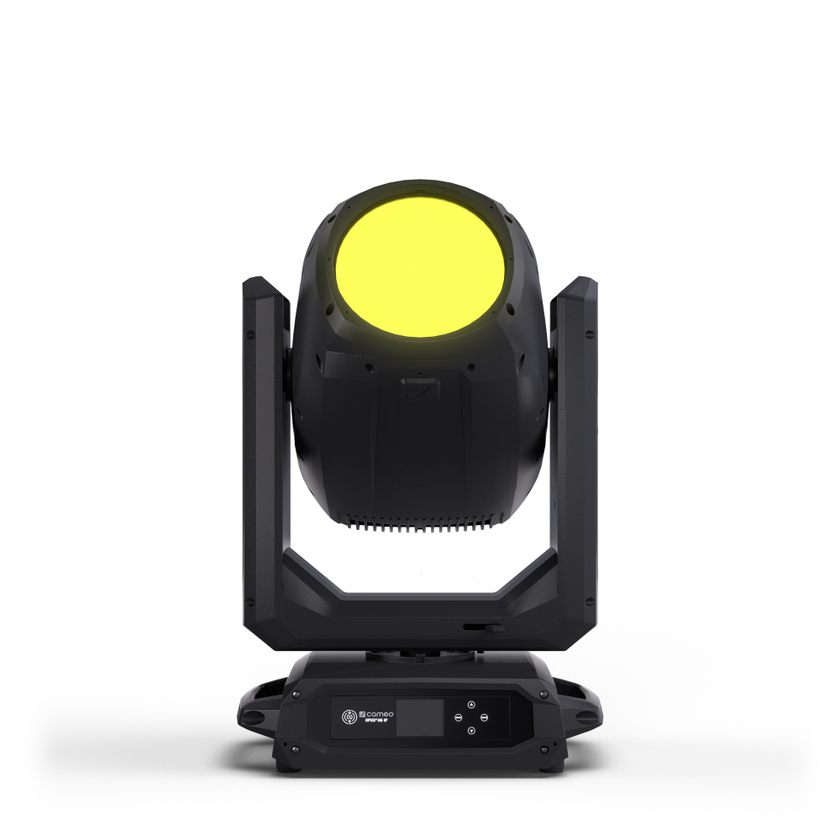
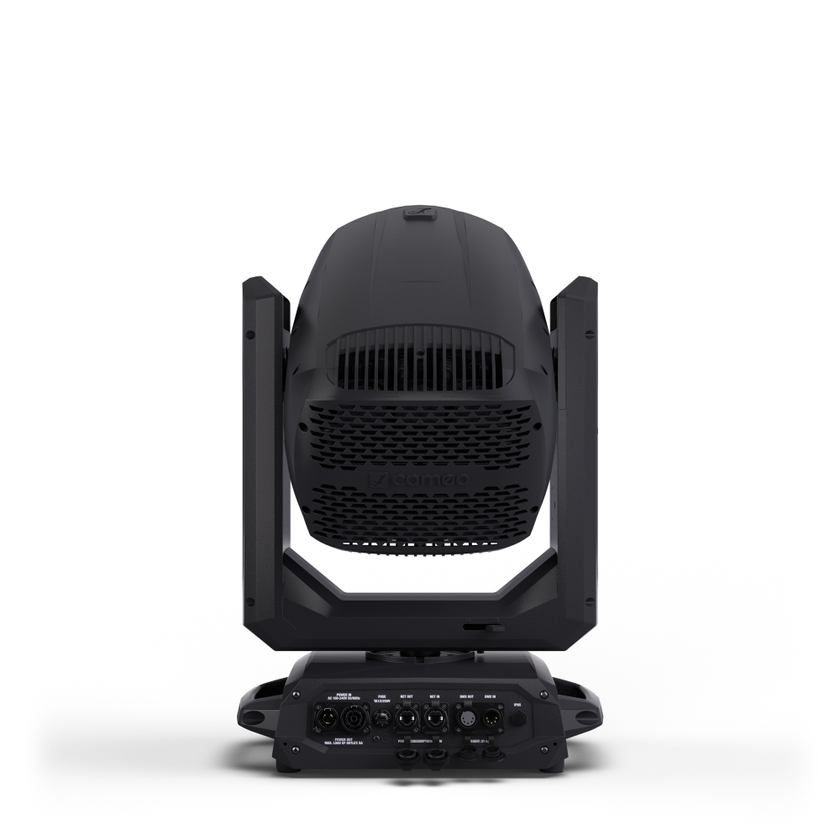
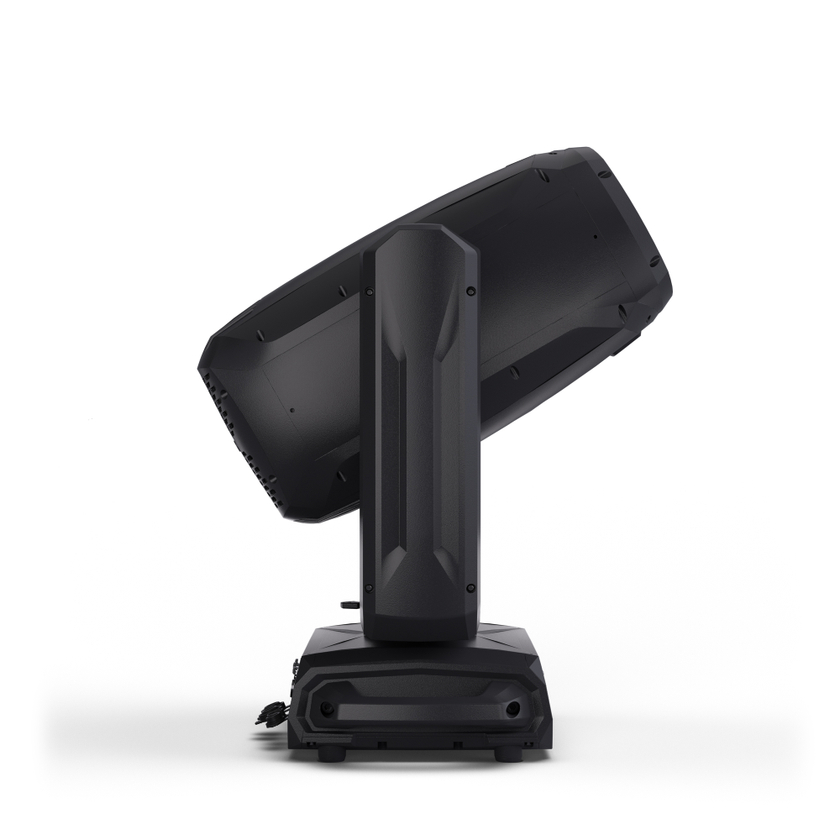
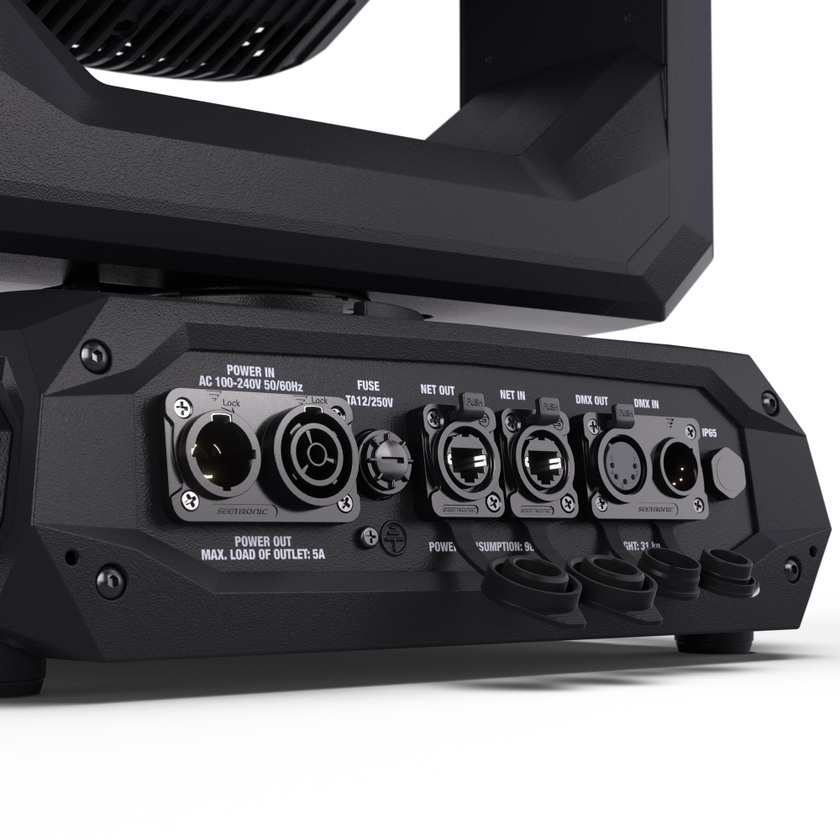
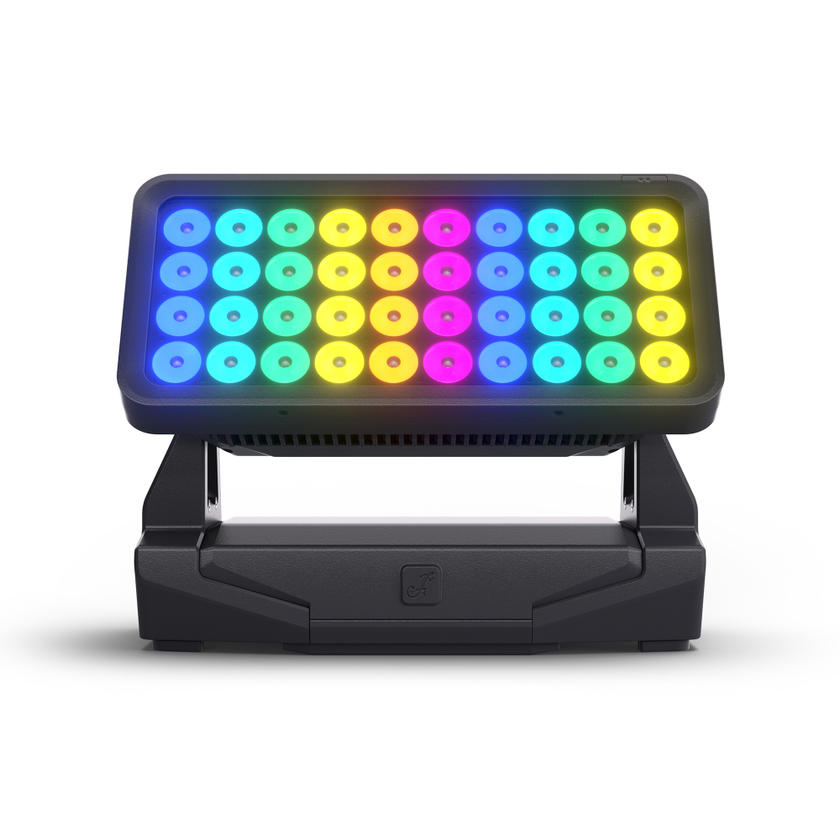
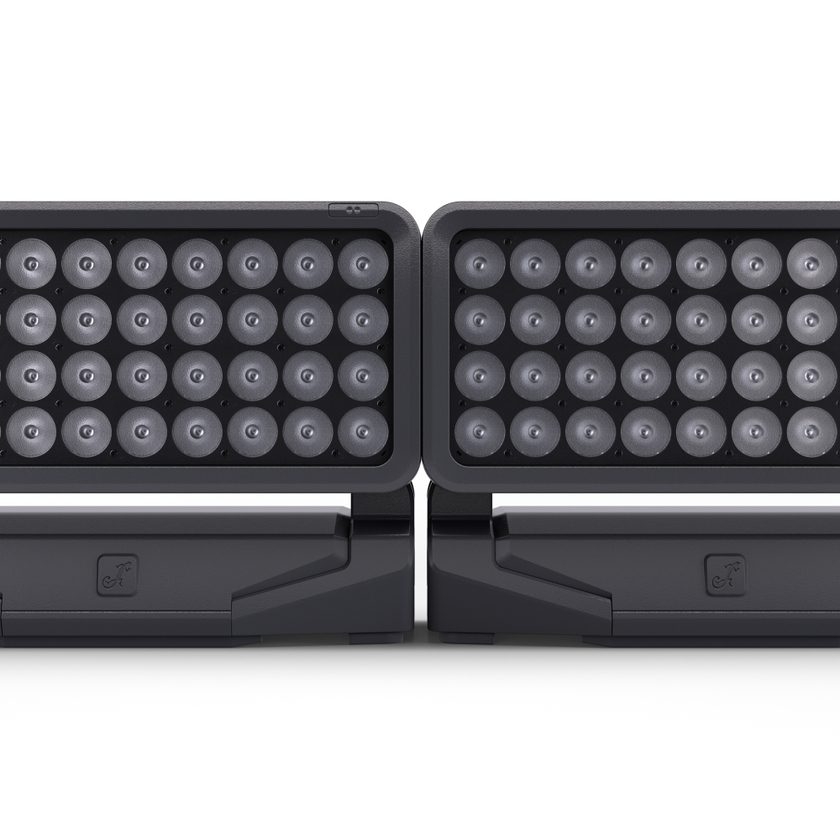
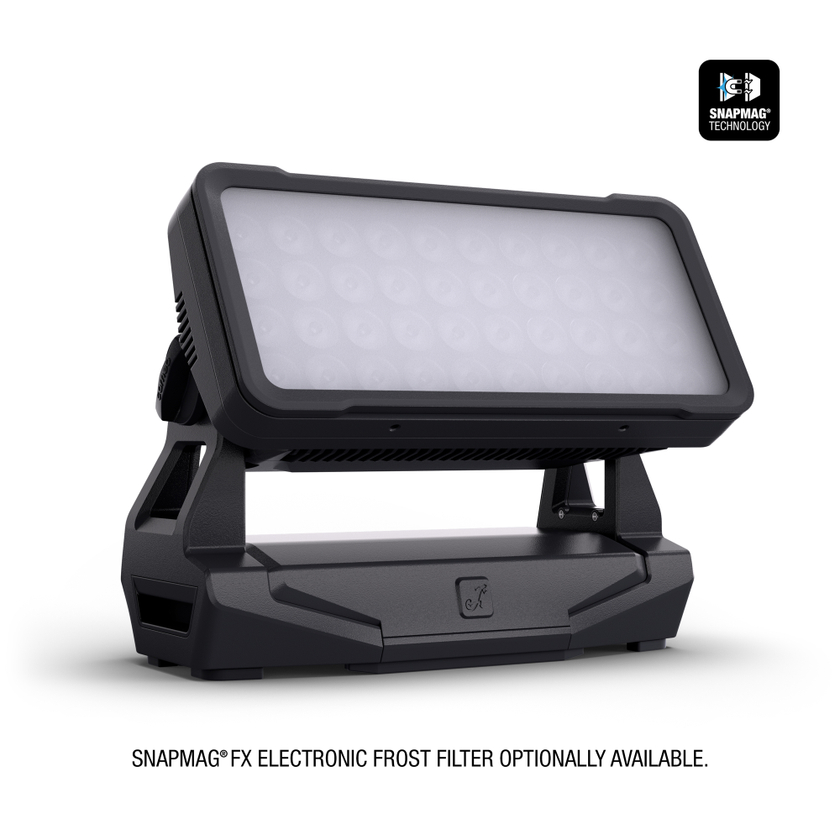
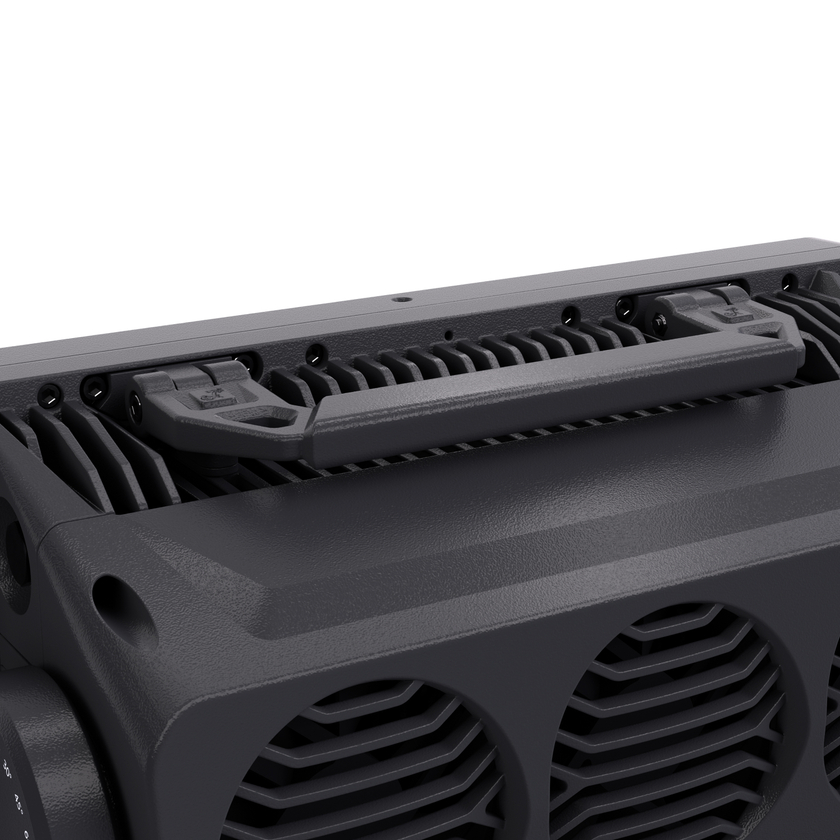
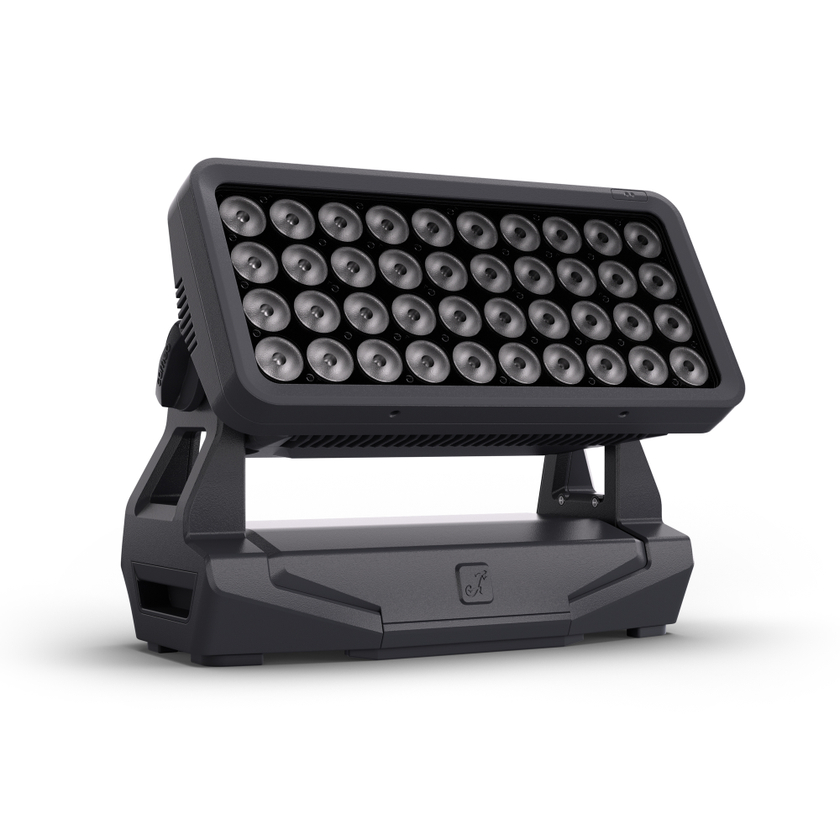
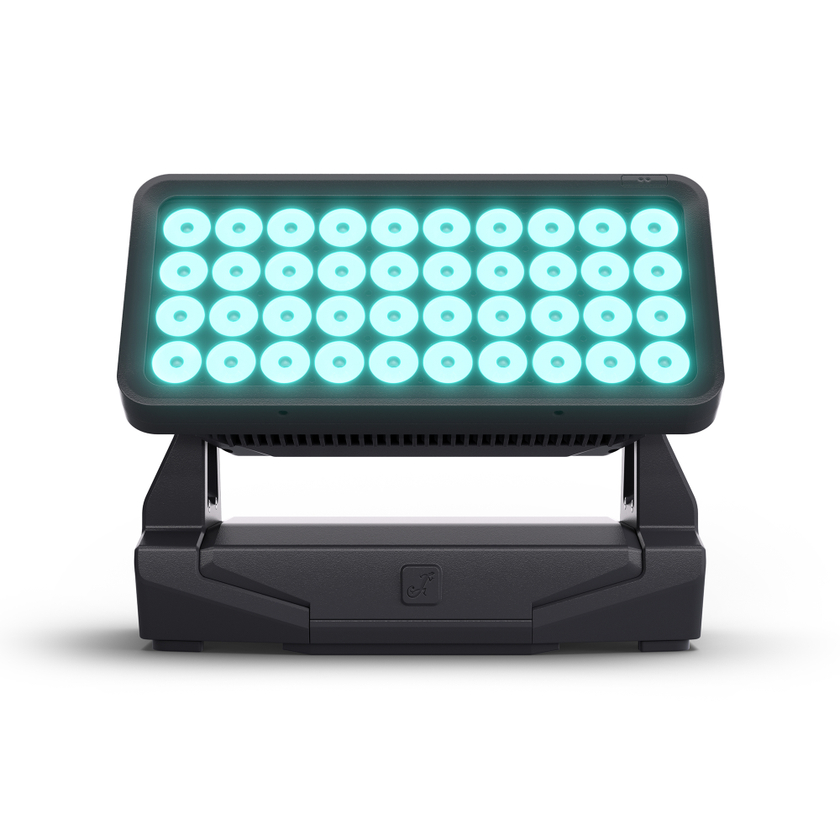
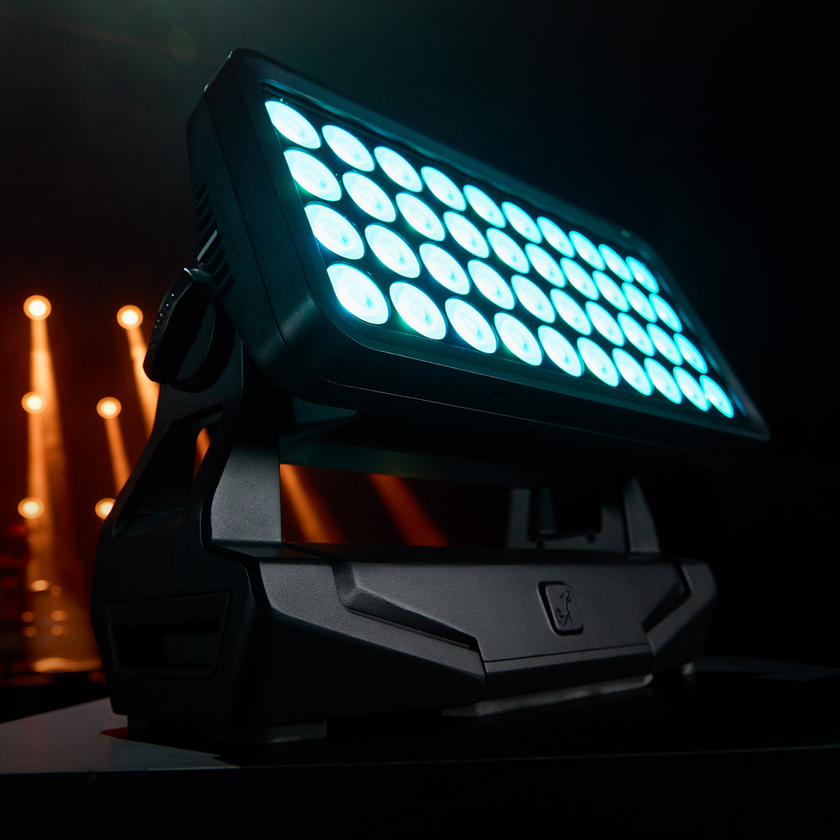
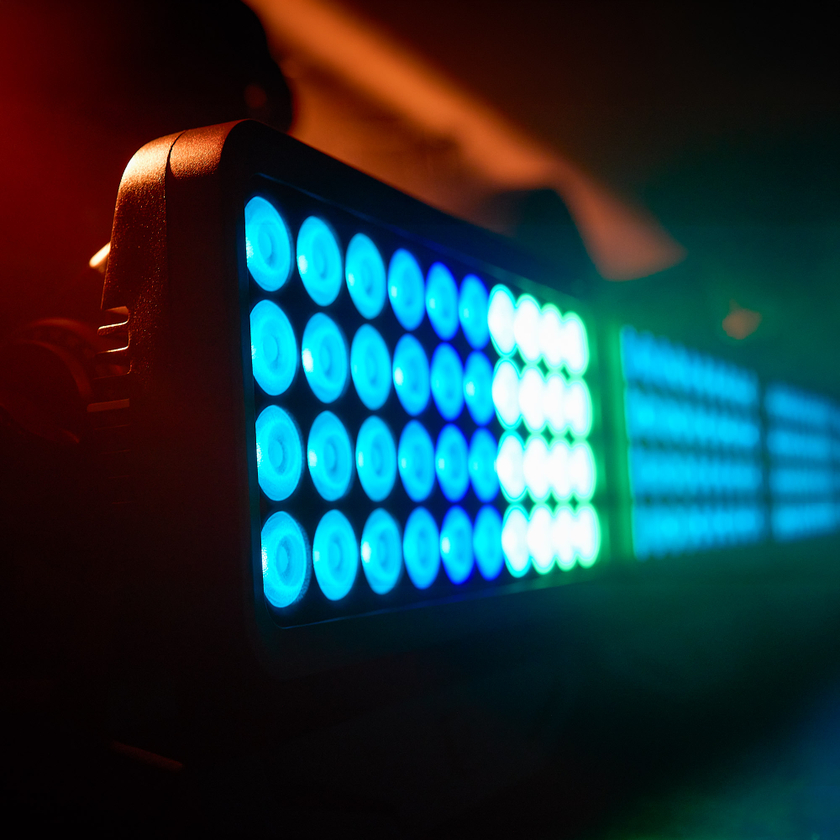
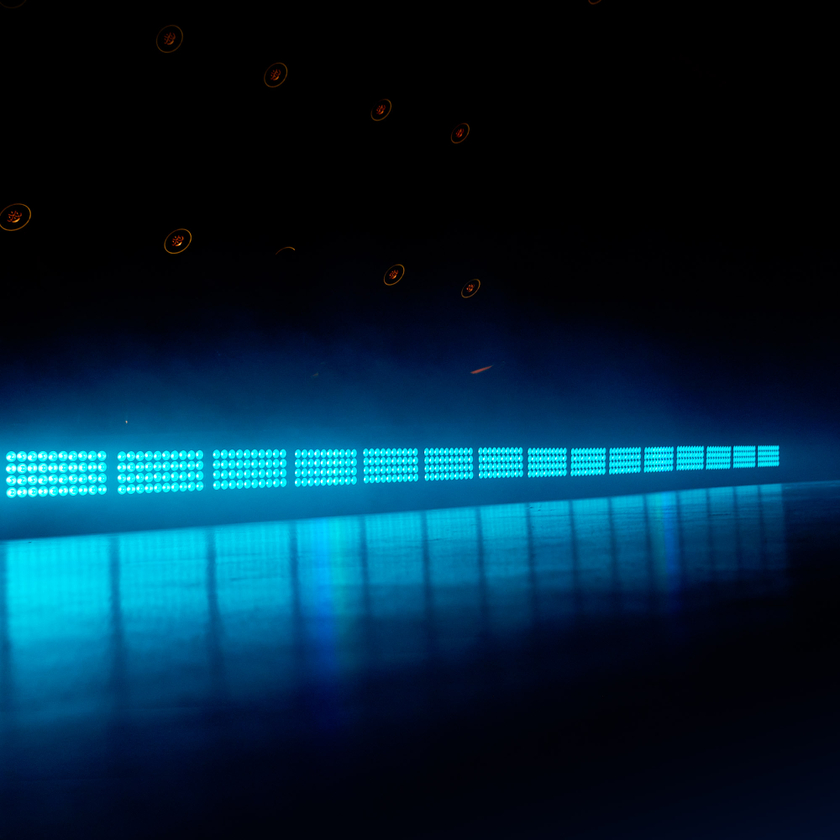
IP65 LED Wash Light
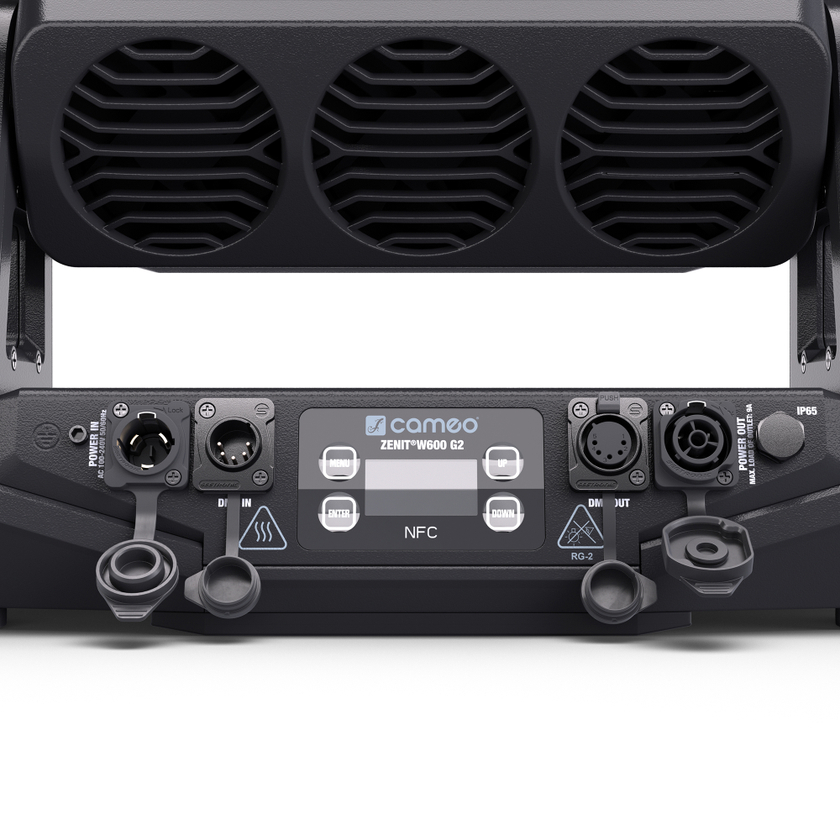
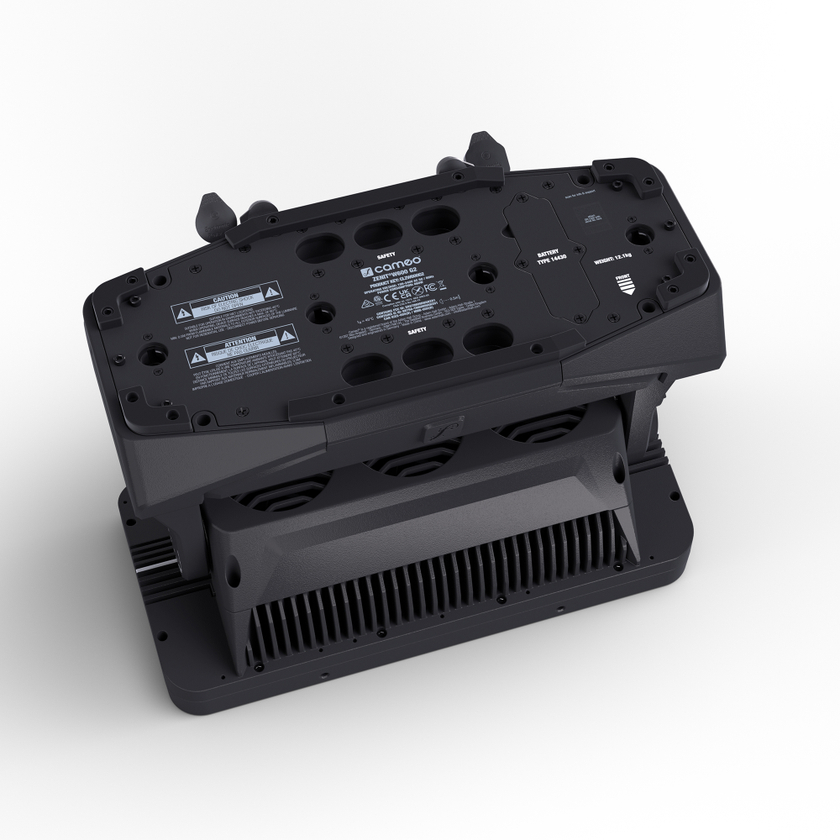
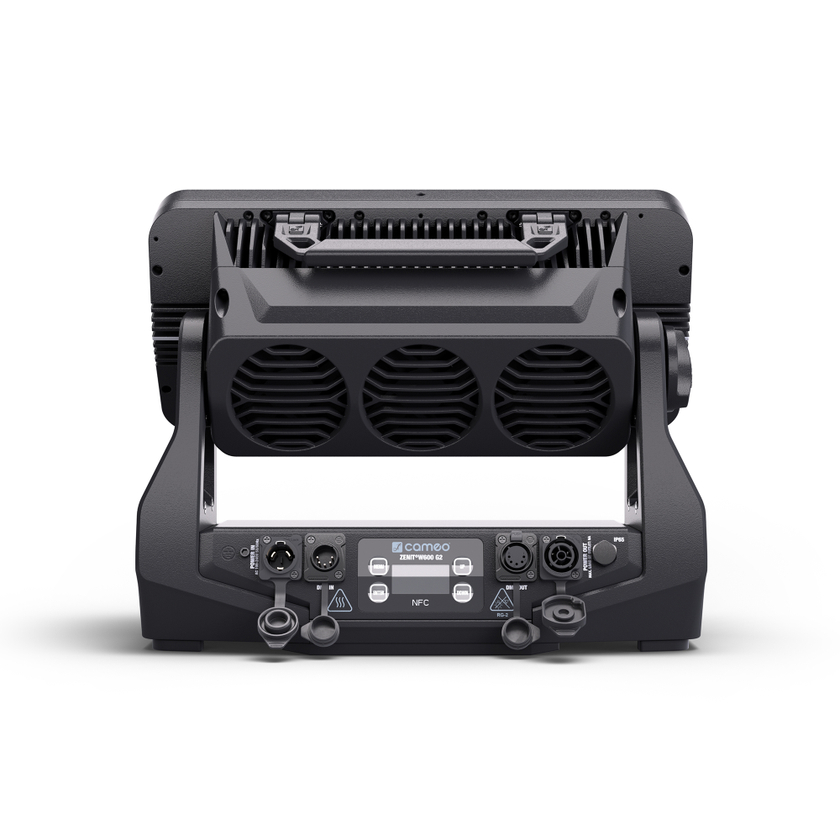
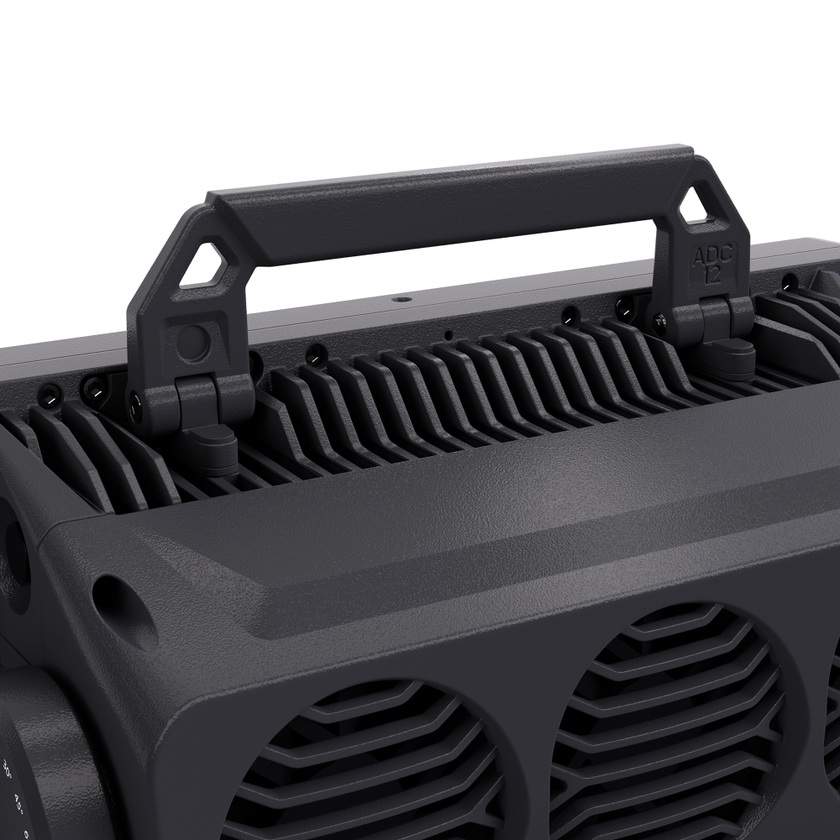
- Light source 60 x 50 W RGBALC LED (12 x 5)
- Light output 45000 lm, 3,200 lx (10 m)
- Zoom range Beam: 18° / Field: 34°
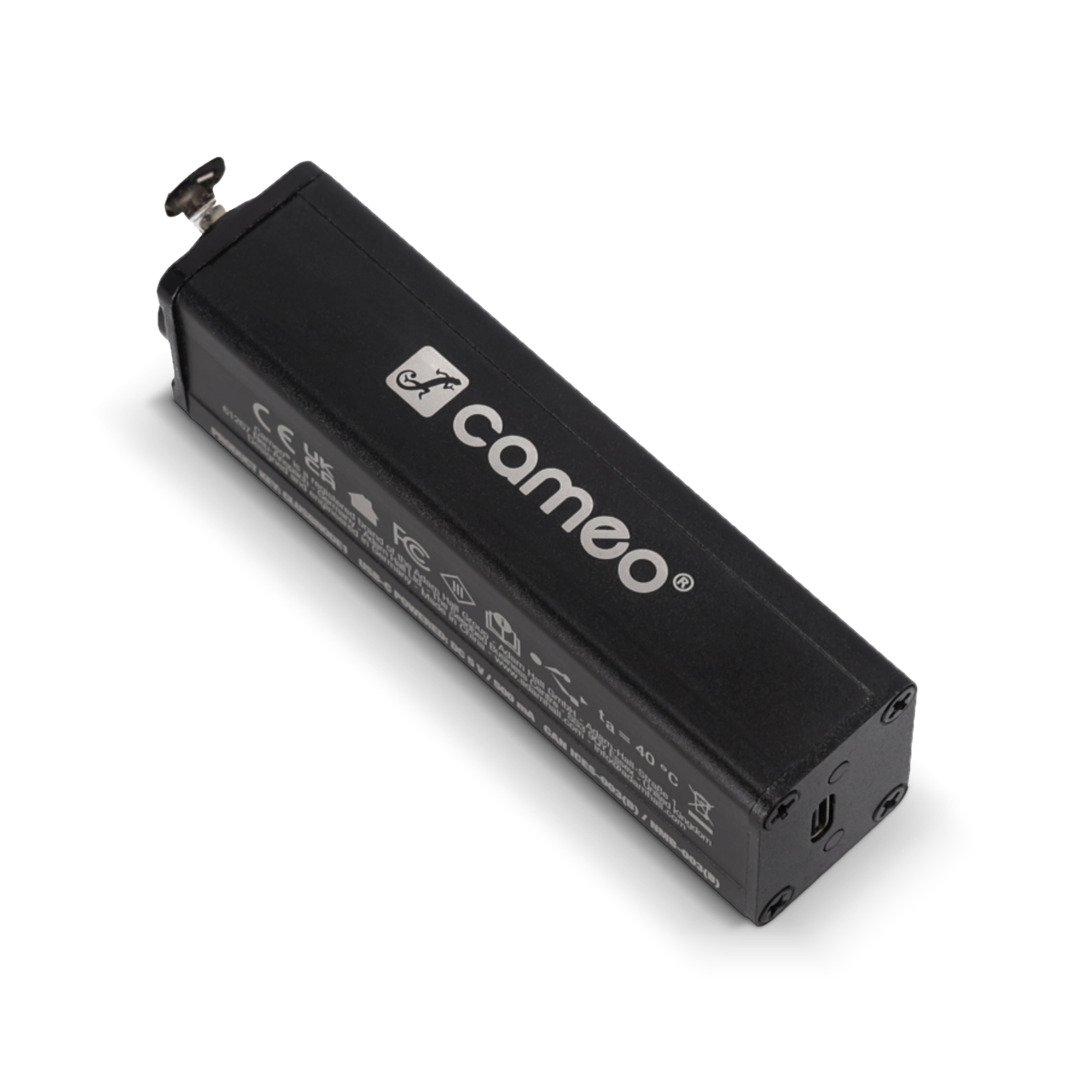
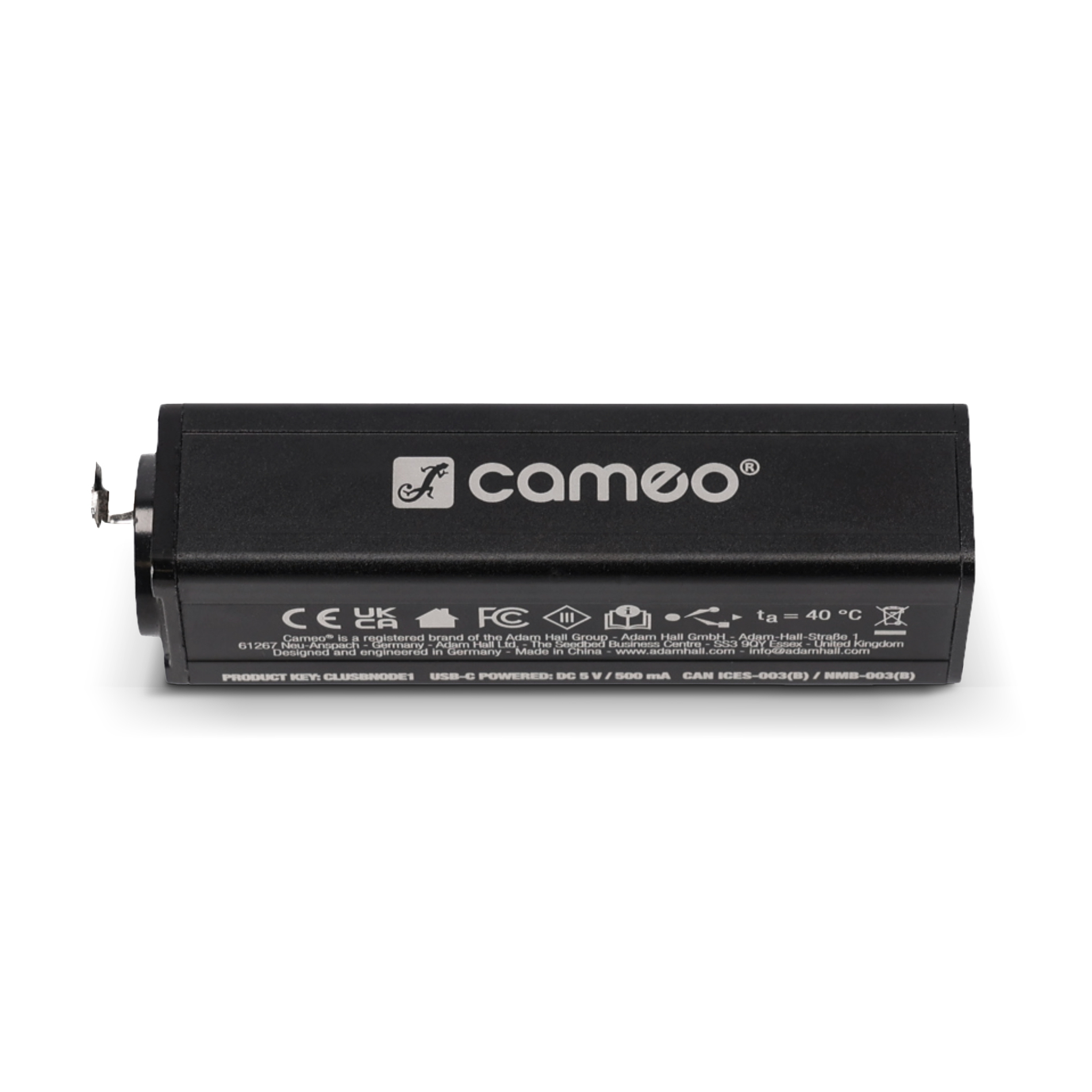
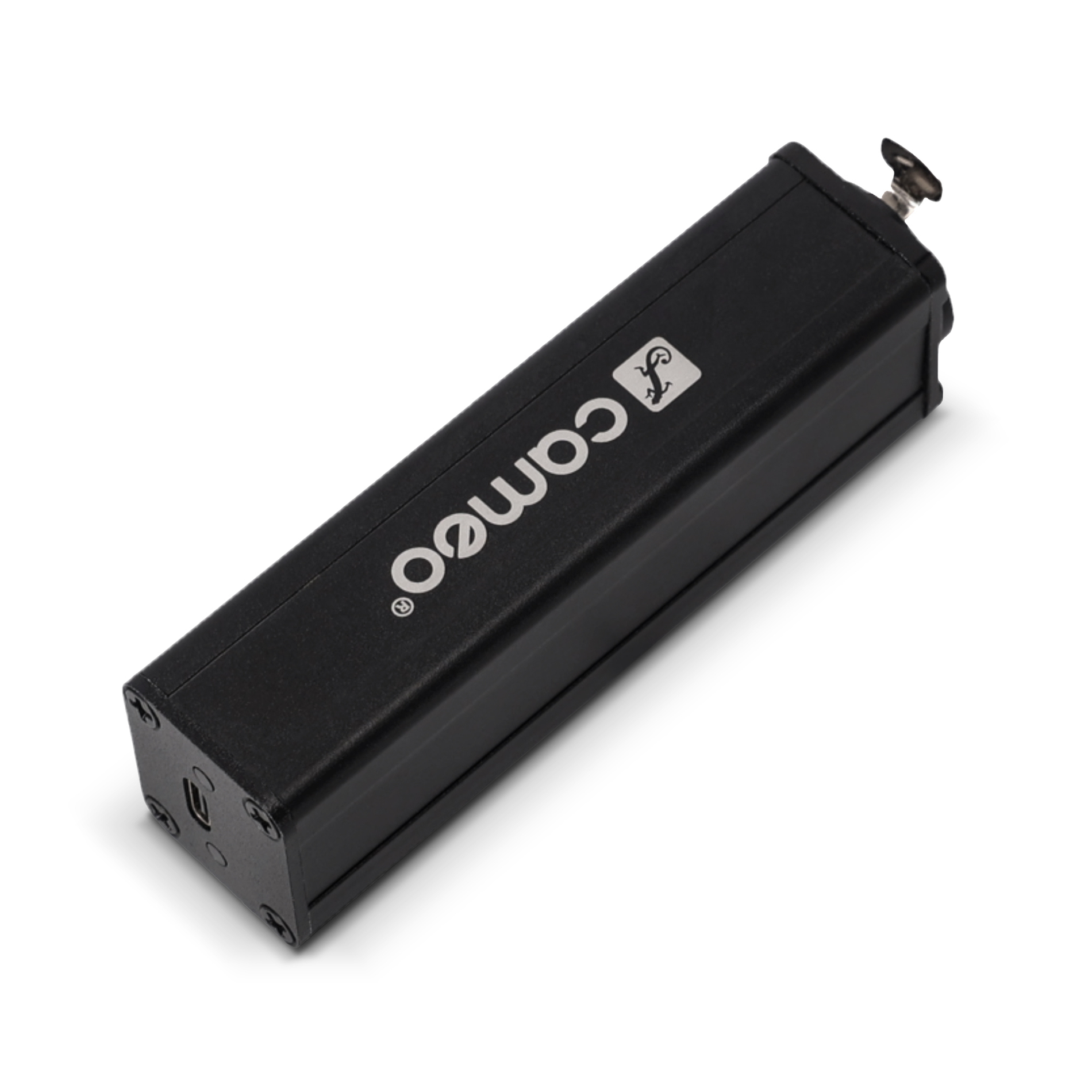
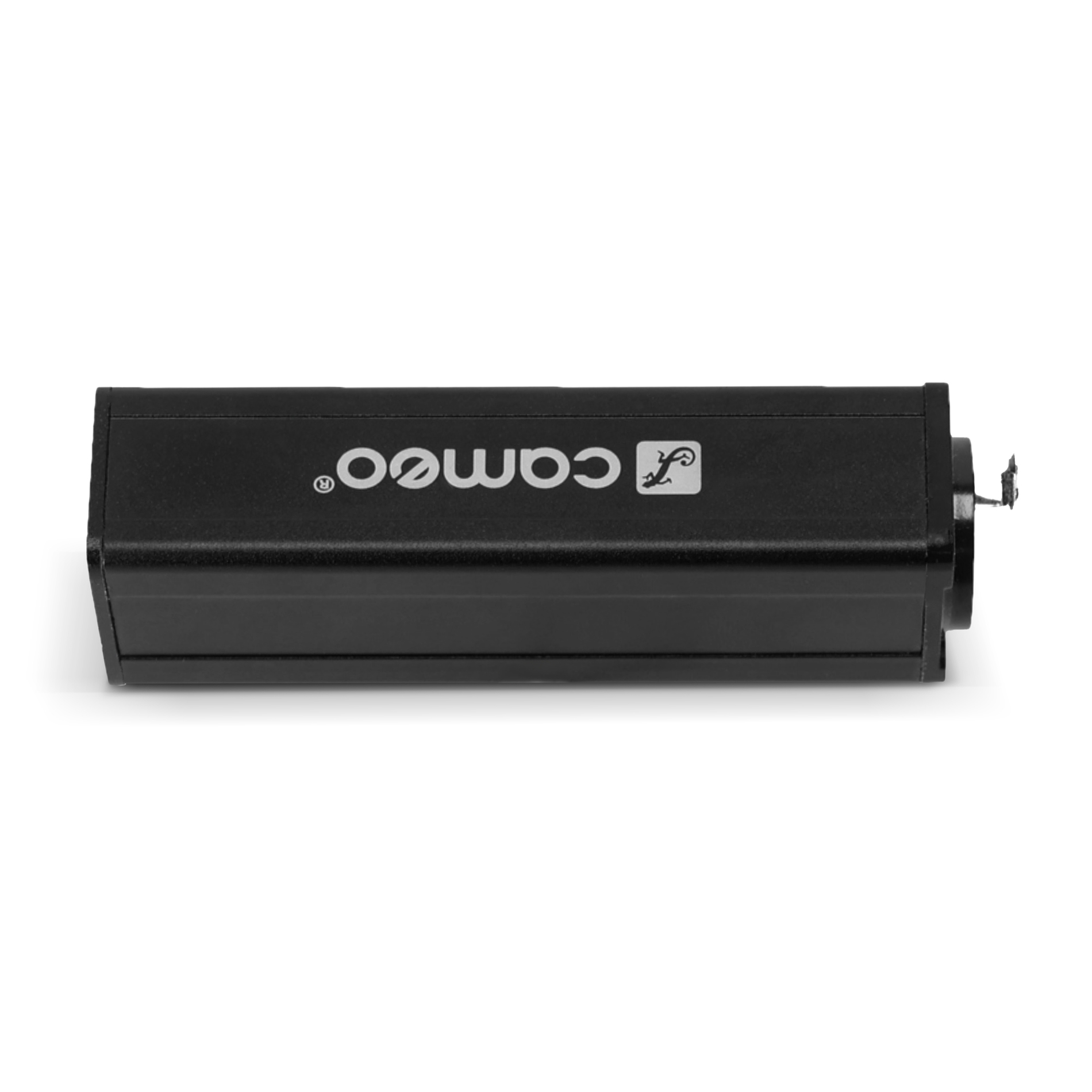
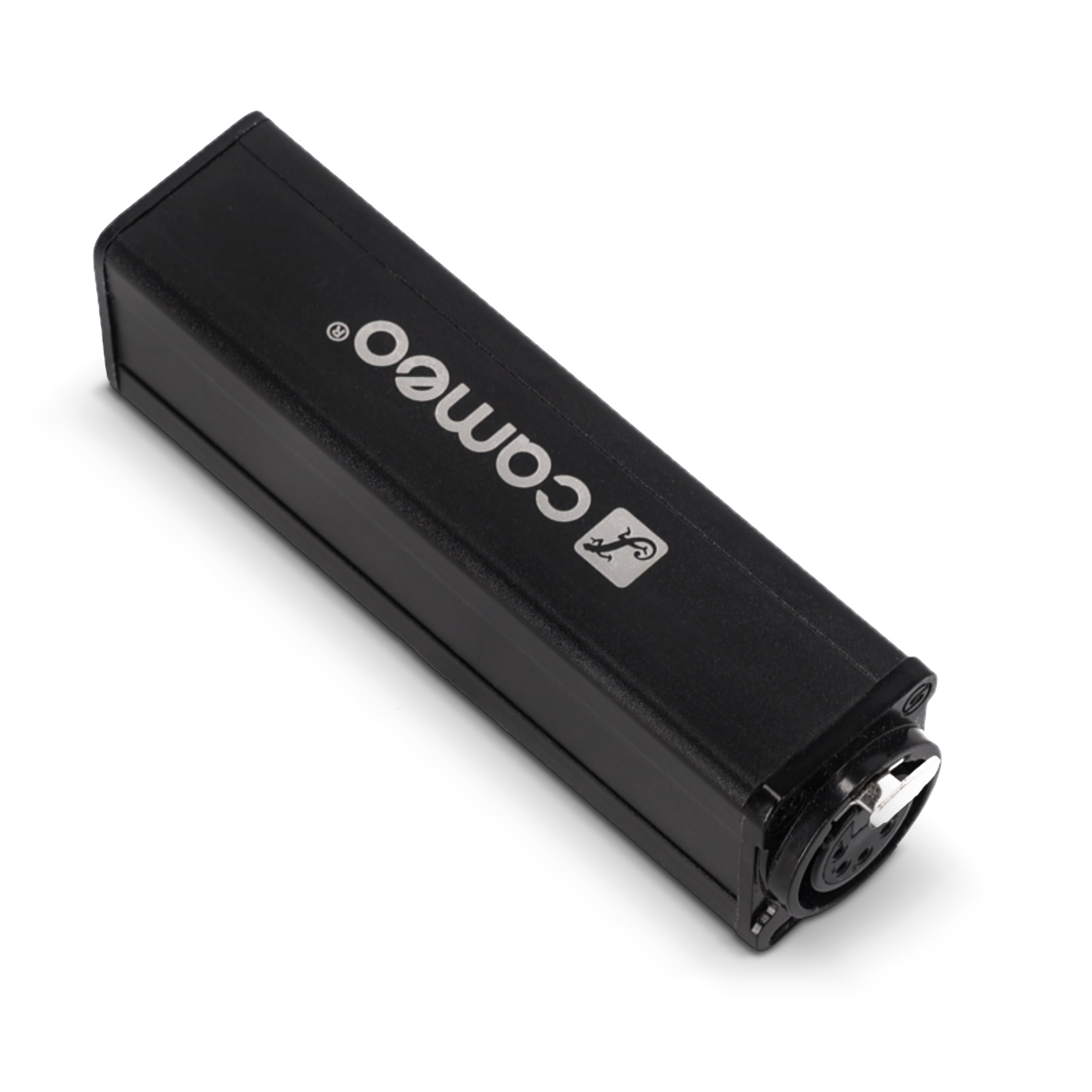
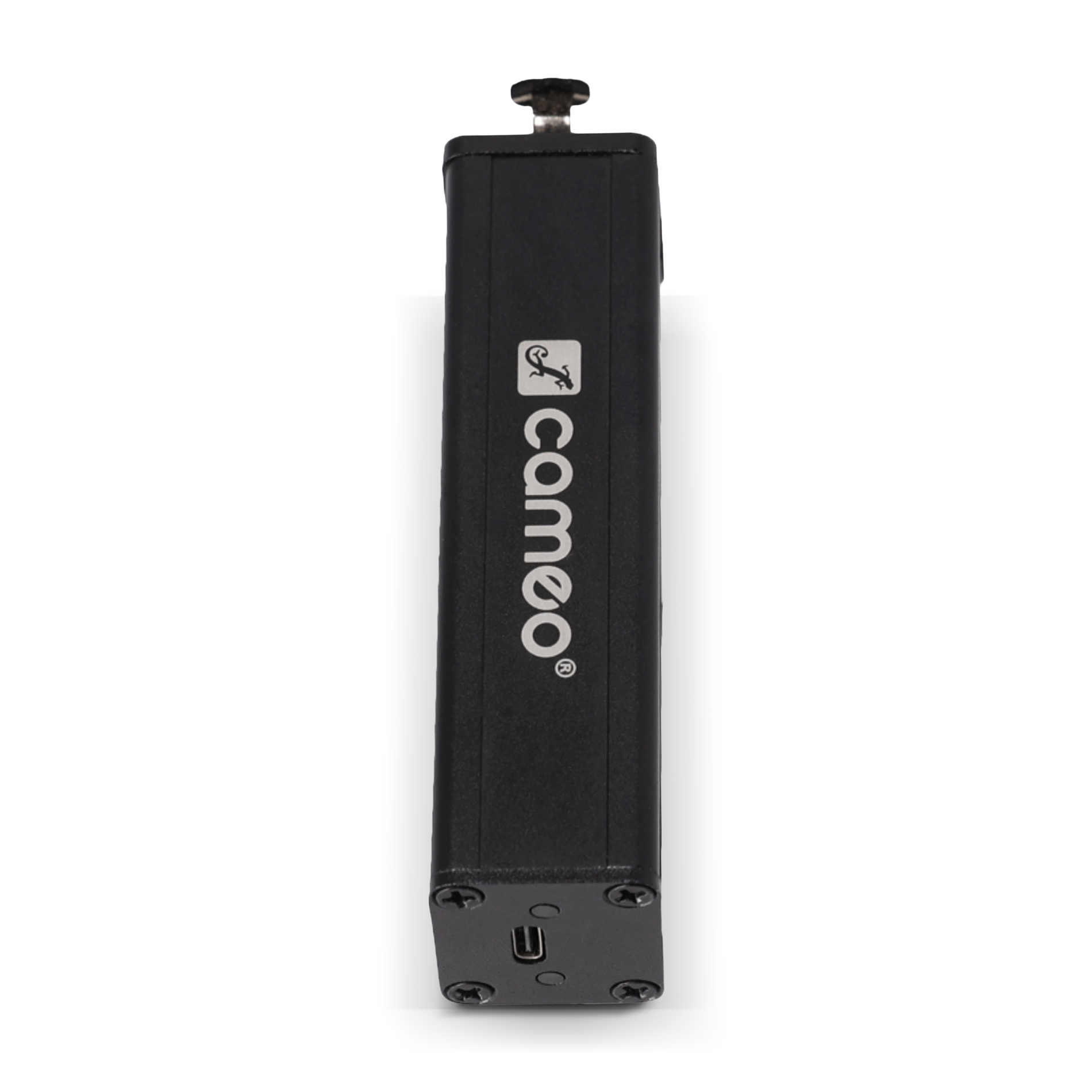
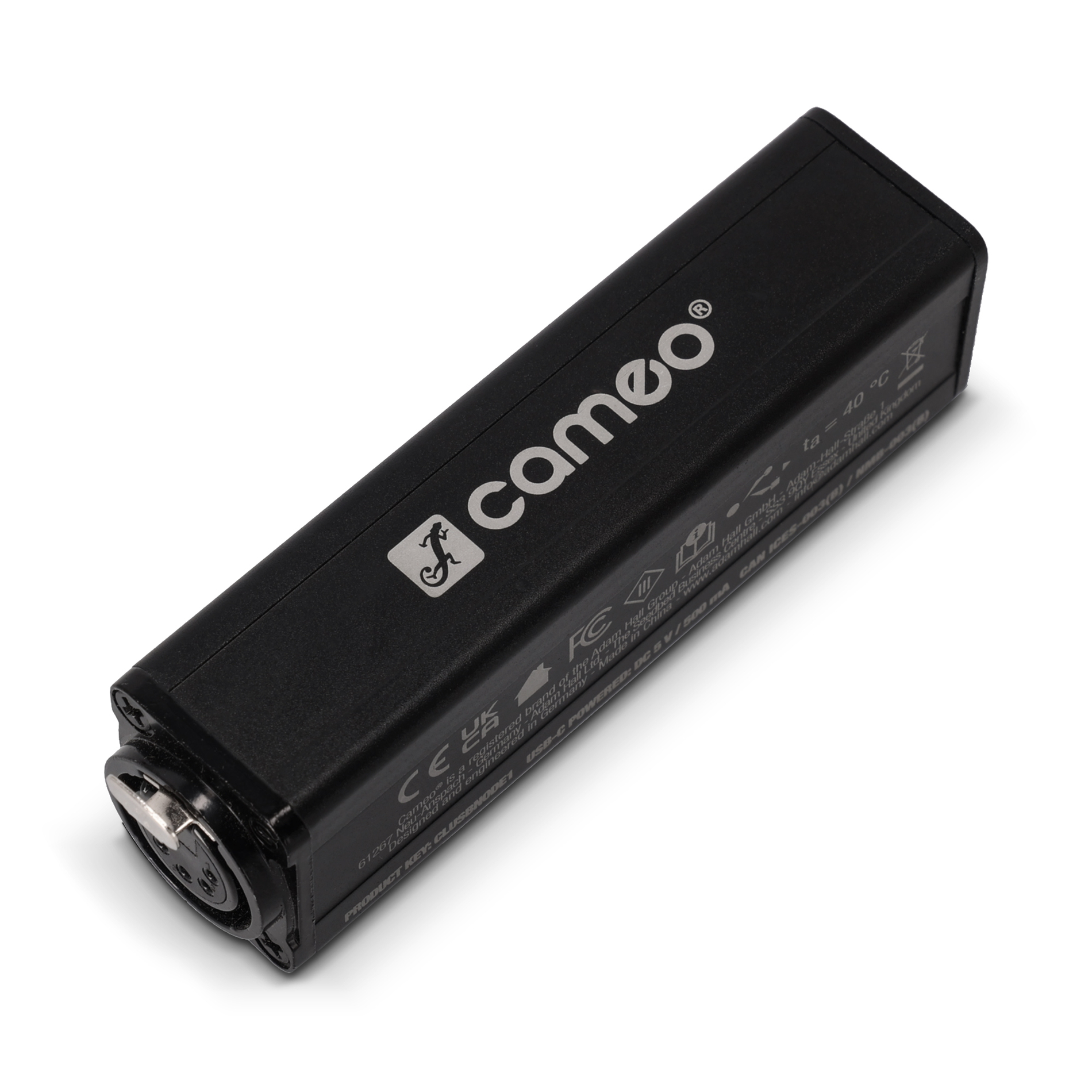
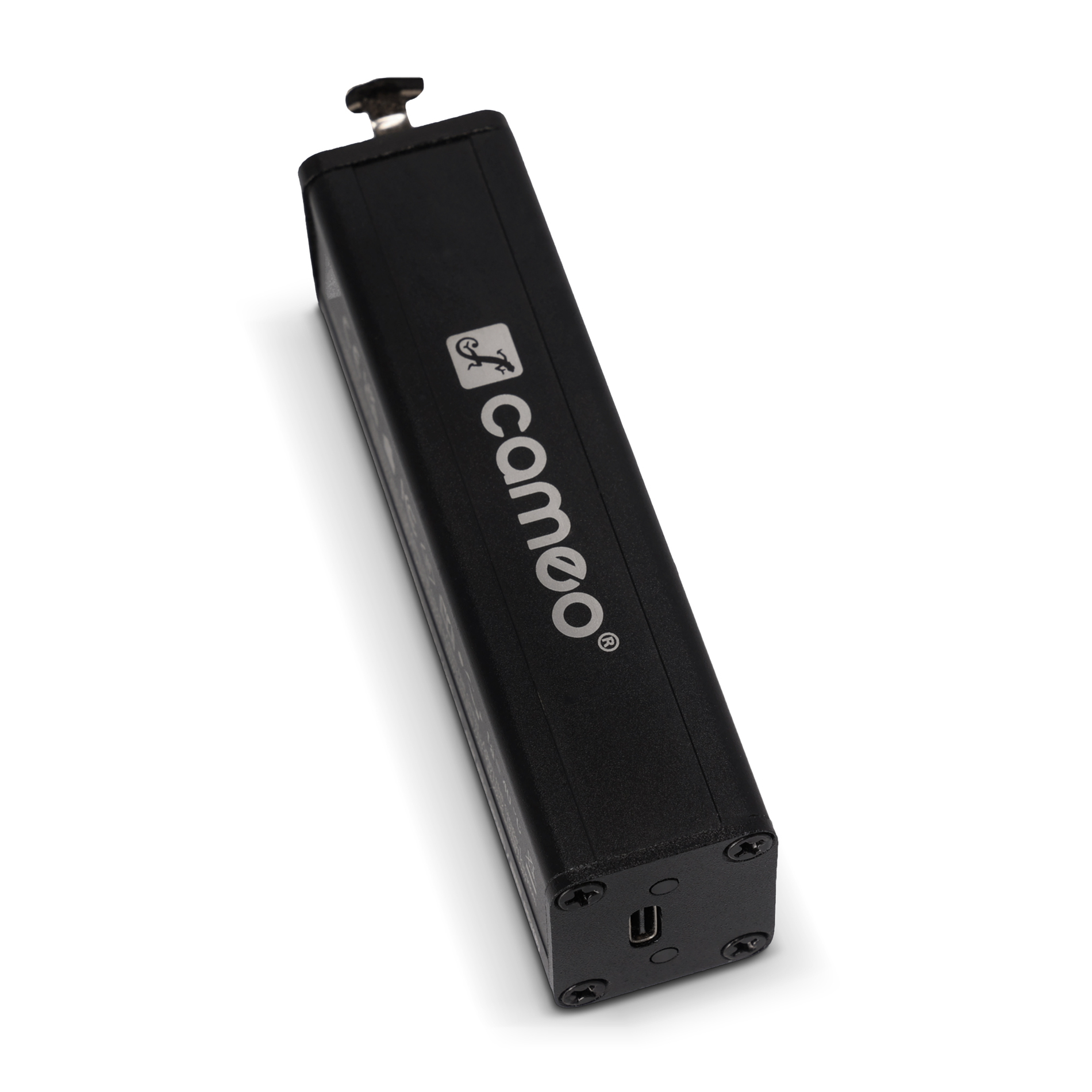
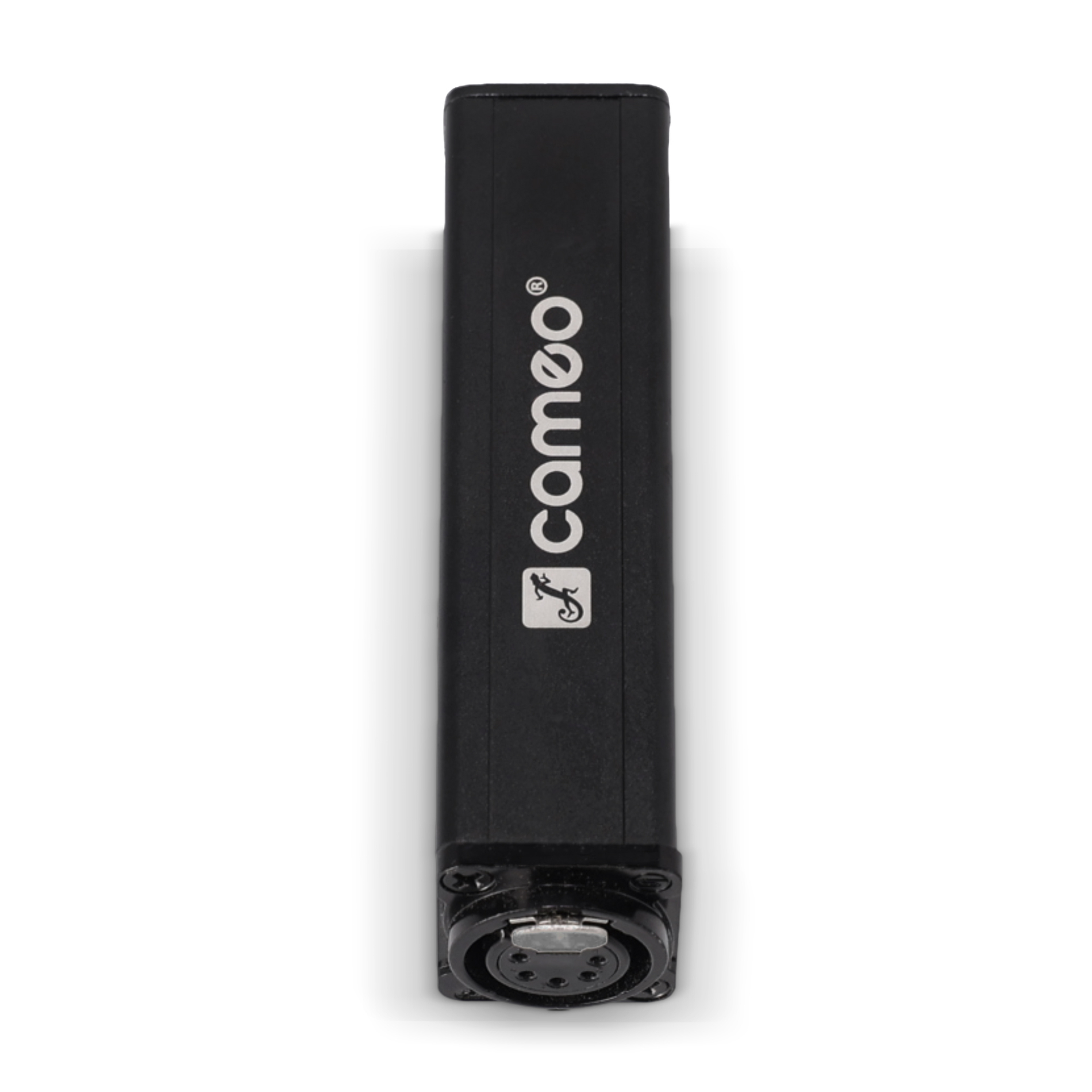
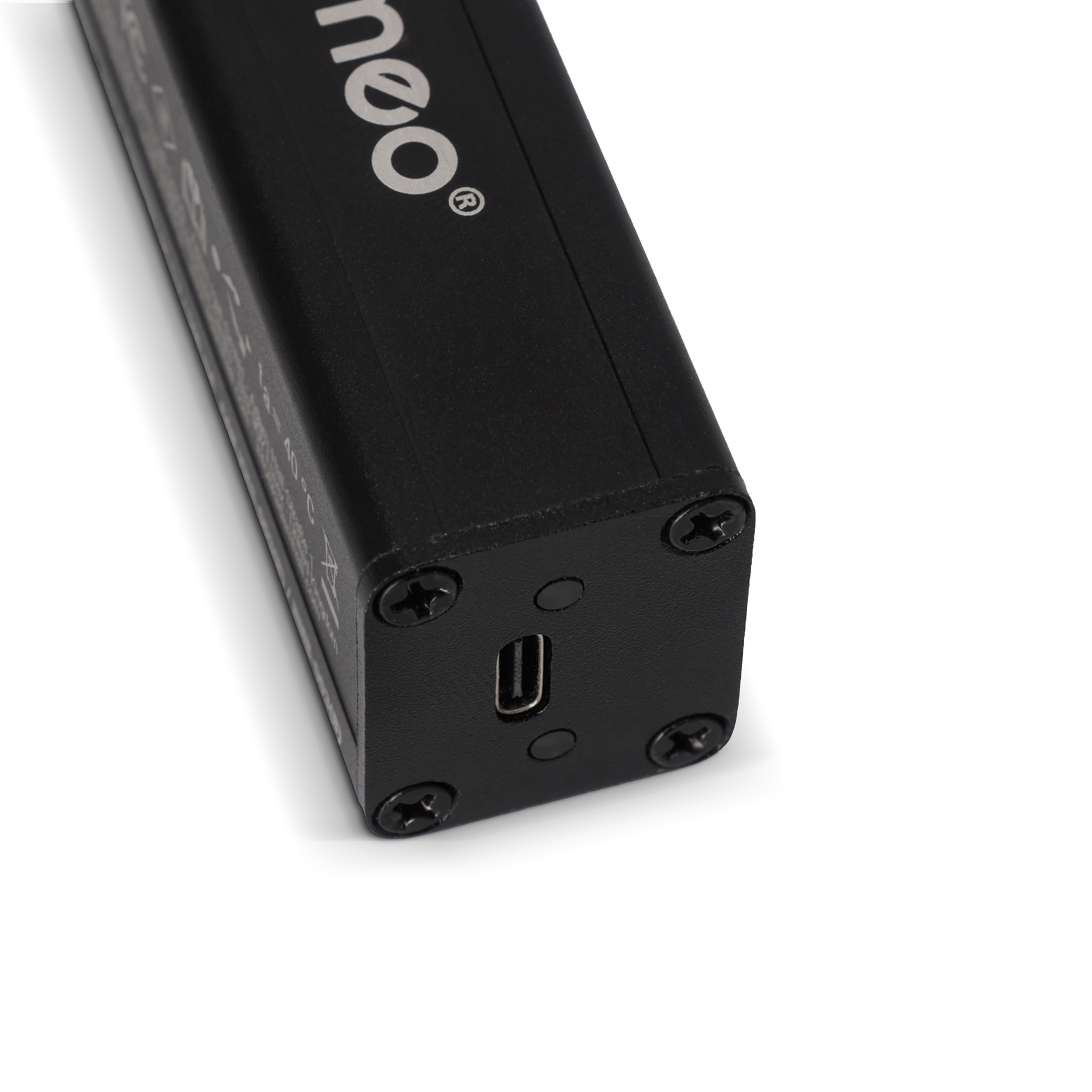
1-Port USB to DMX interface supporting ARTNET, DMX & RDM
The Cameo NODE 1 is a compact ArtNet-to-DMX/RDM gateway designed for direct connection to a PC. A single USB-C connection handles both data and power, eliminating the need for a separate power supply. The 5-pin XLR connector provides one DMX universe, while RDM enables communication with connected lights for configuration.
Its compact design makes the NODE 1 well suited to flexible, mobile use and easy to carry in the tech bag of lighting technicians and designers. For configuration, monitoring or service tasks on the move, it provides quick access to an ArtNet-to-DMX interface without requiring an additional power supply or further network hardware.
The NODE 1 supports PC-based lighting control software capable of integrating third-party ArtNet nodes, including current versions of ChamSys MagicQ and GrandMA3 on PC. It is also compatible with Cameo CONNECT® and has been designed and verified for firmware updates in accordance with E1.37-4 File Transfer Control.
| Controller protocols | Art‑Net, DMX512, RDM |
|---|---|
| Data in connector | USB-C socket female |
| Data out connector | XLR 5-pole female |
IP65 LED Wash Light
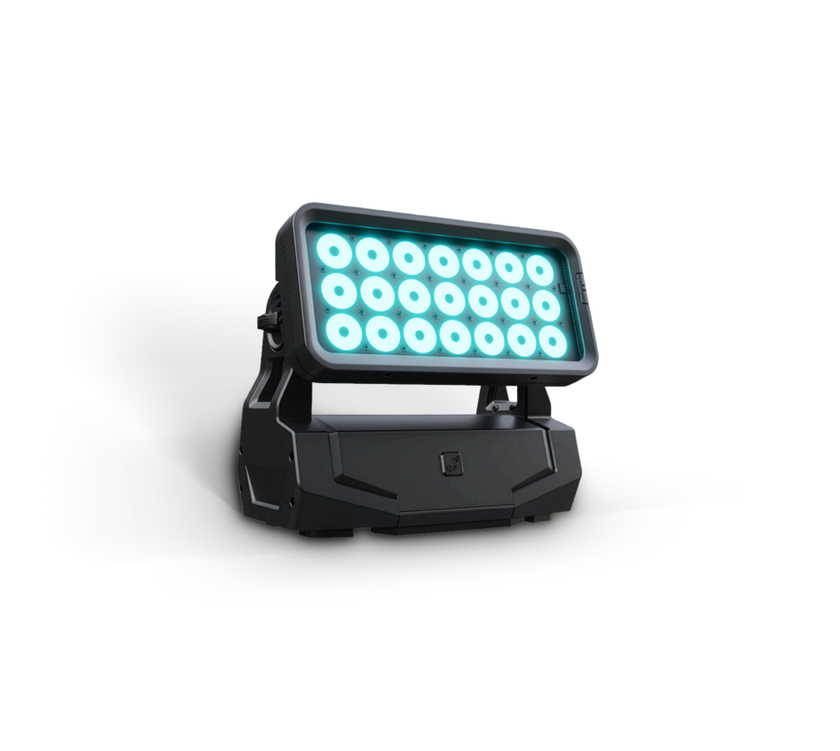
IP65 LED Wash Light
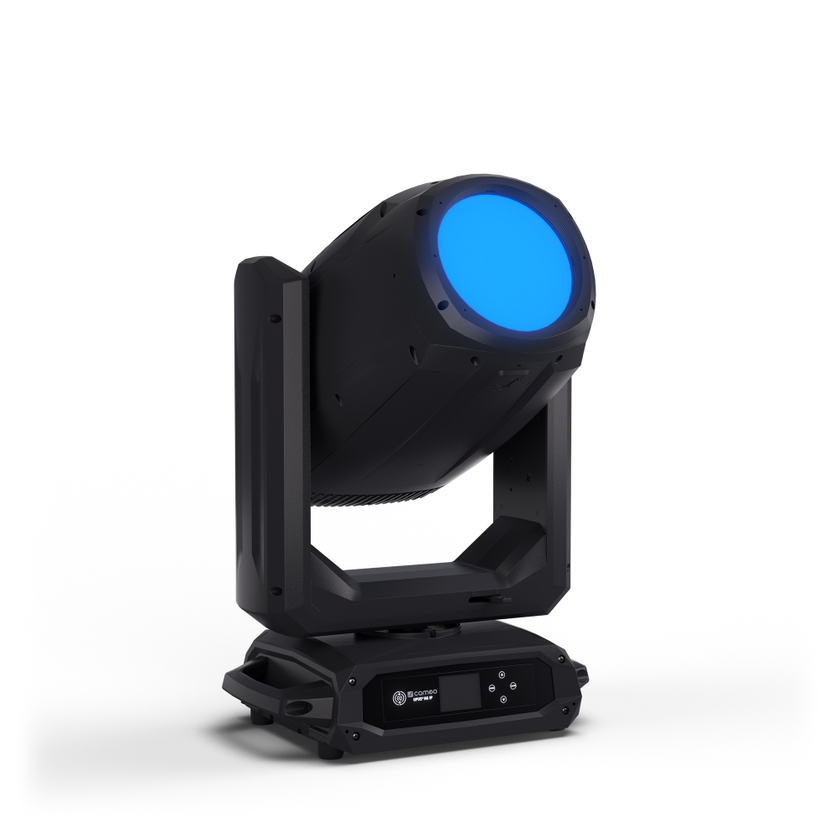
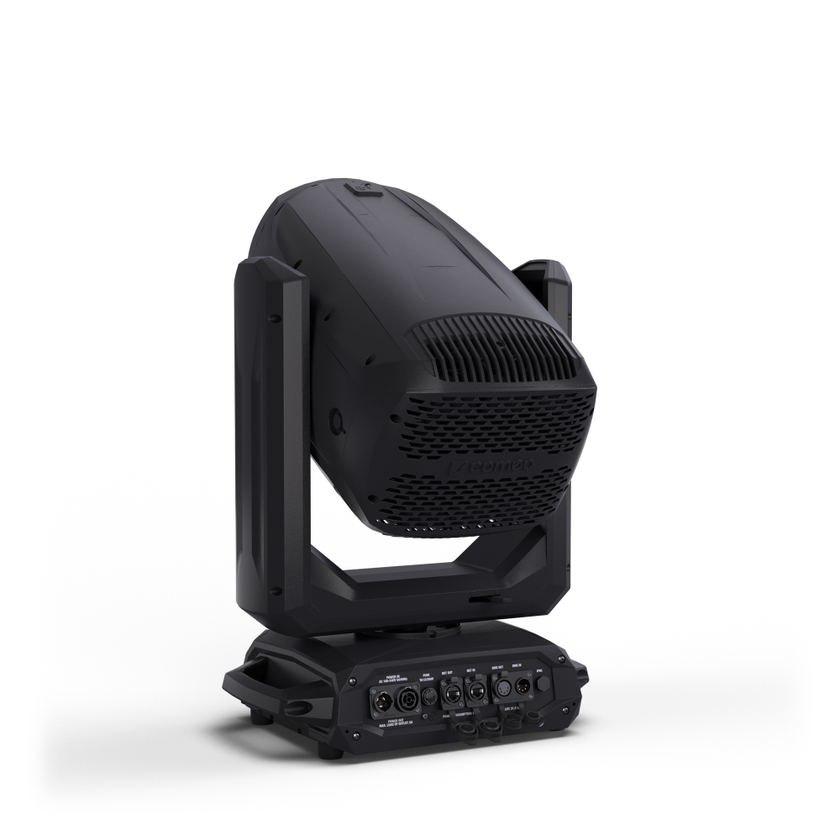
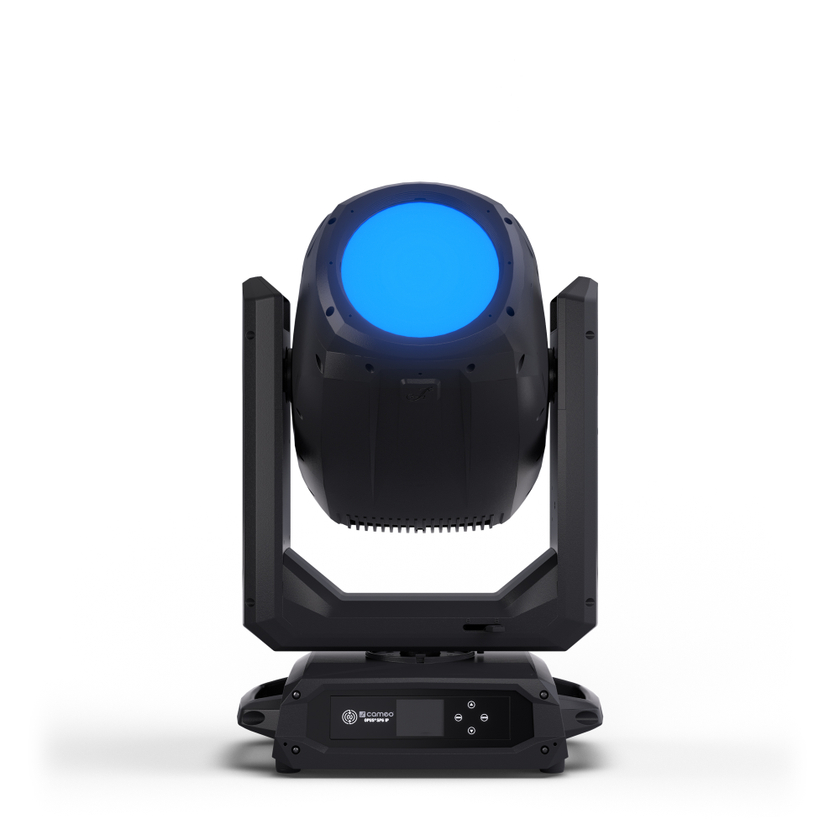
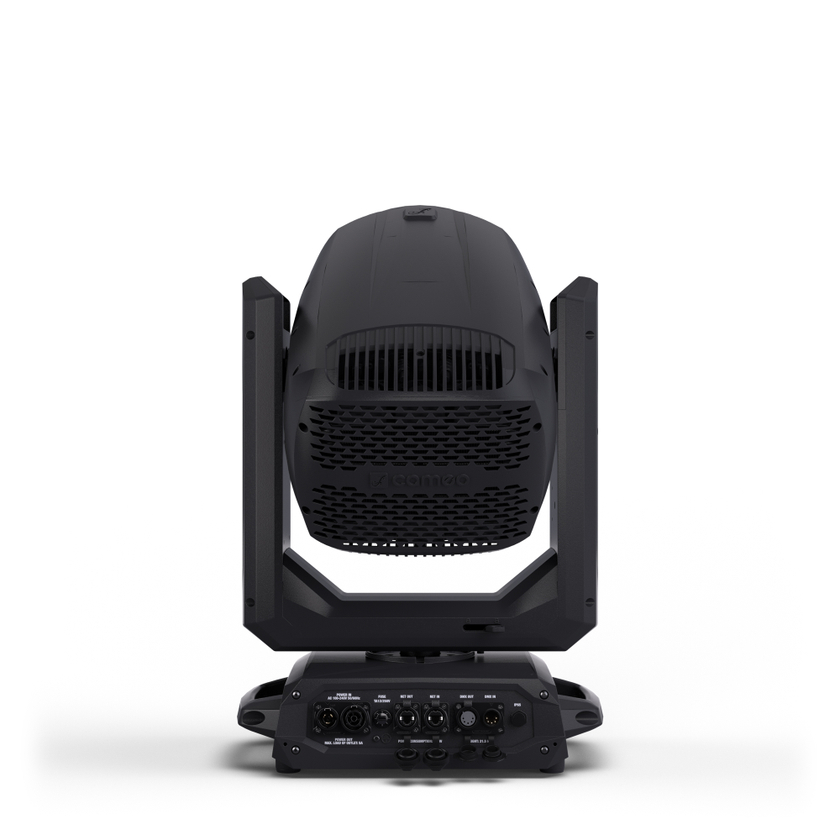
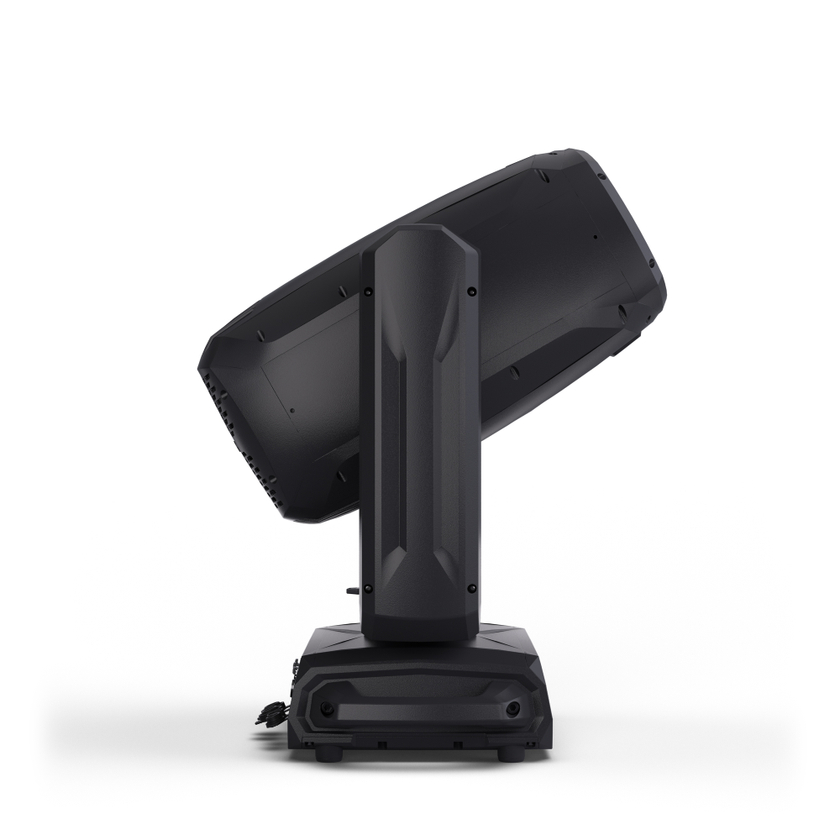
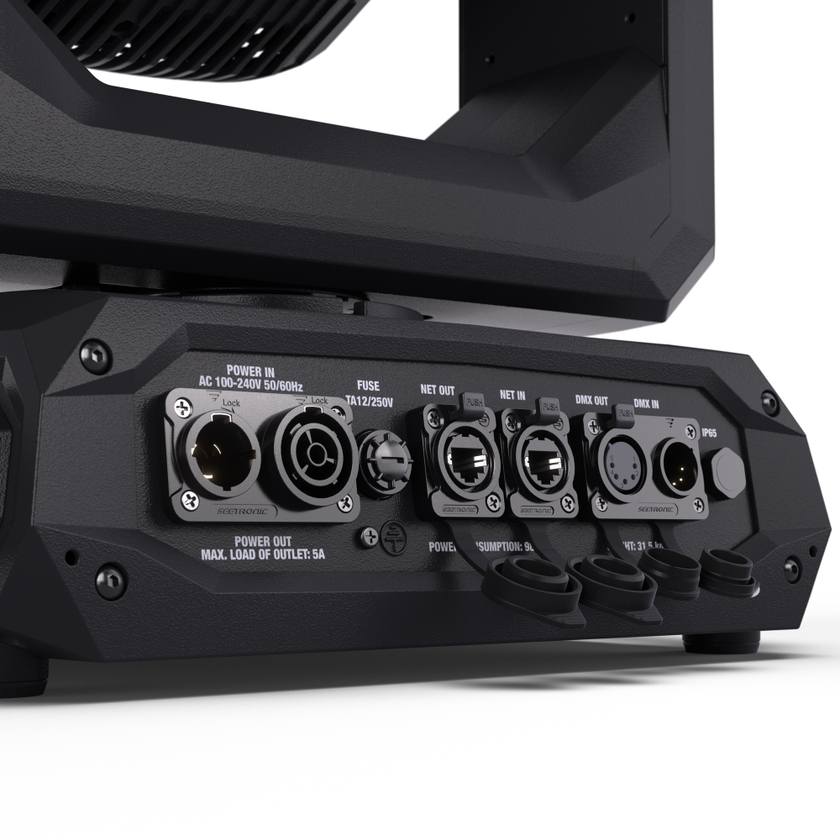
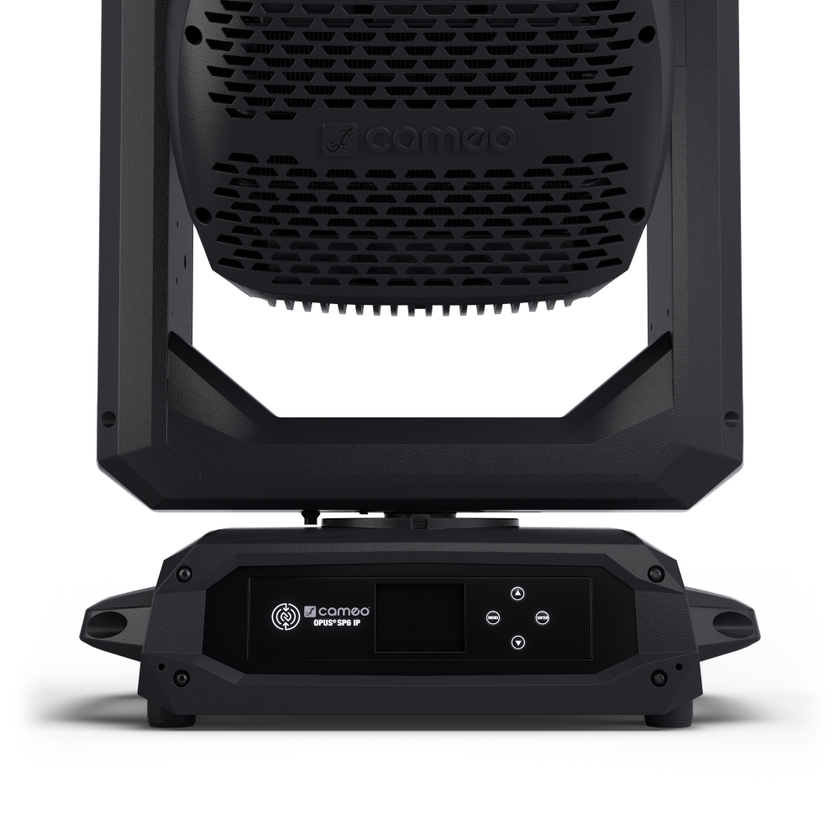
IP65 Spot Profile Moving Head
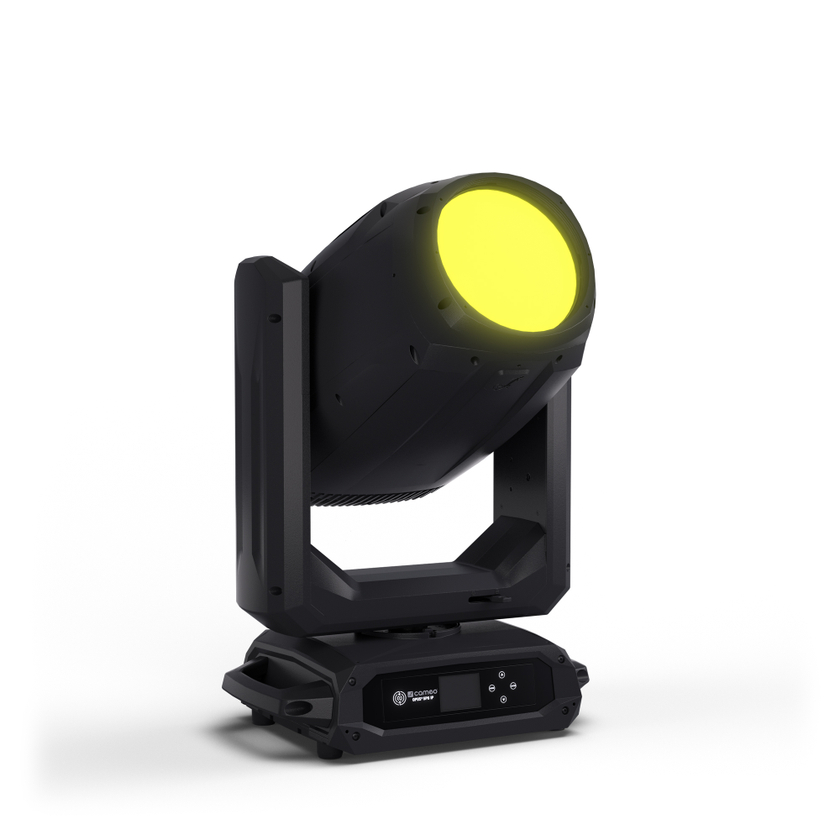
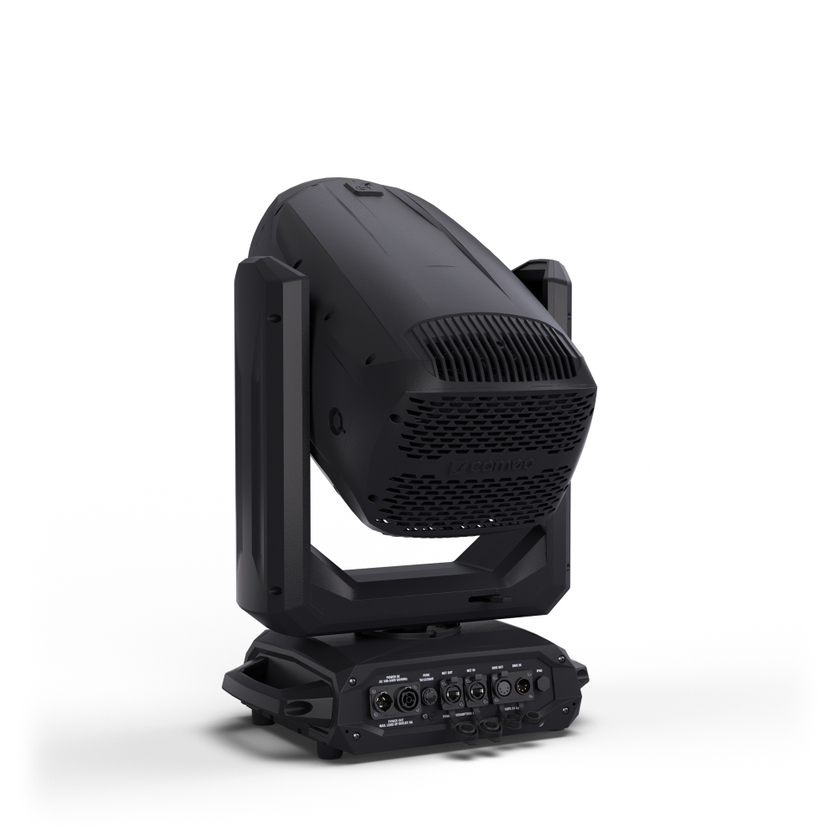
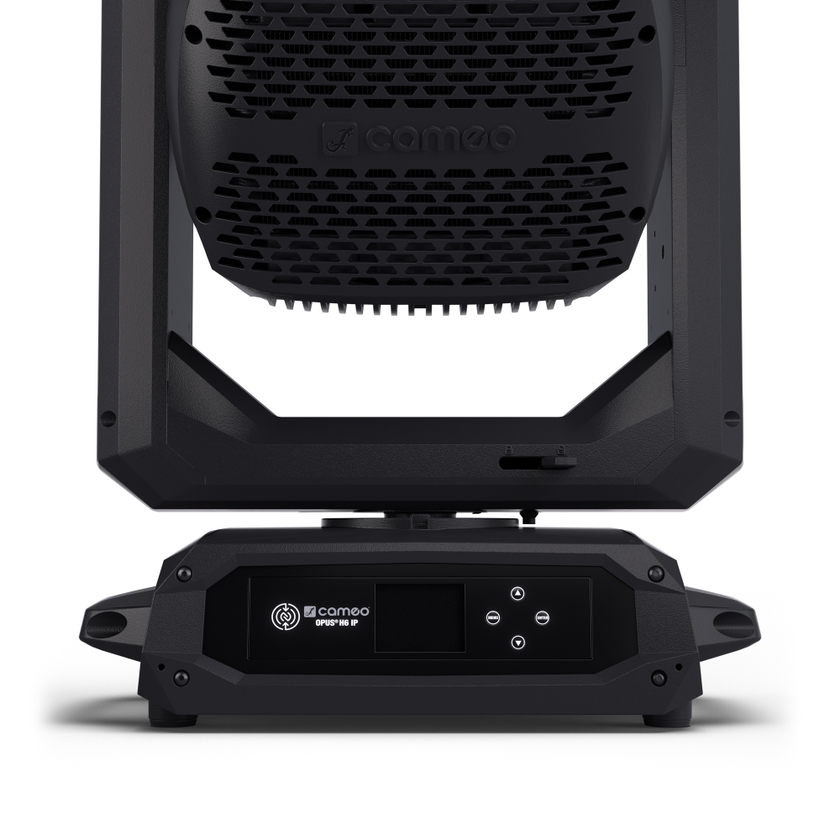
IP65 Hybrid Moving Head
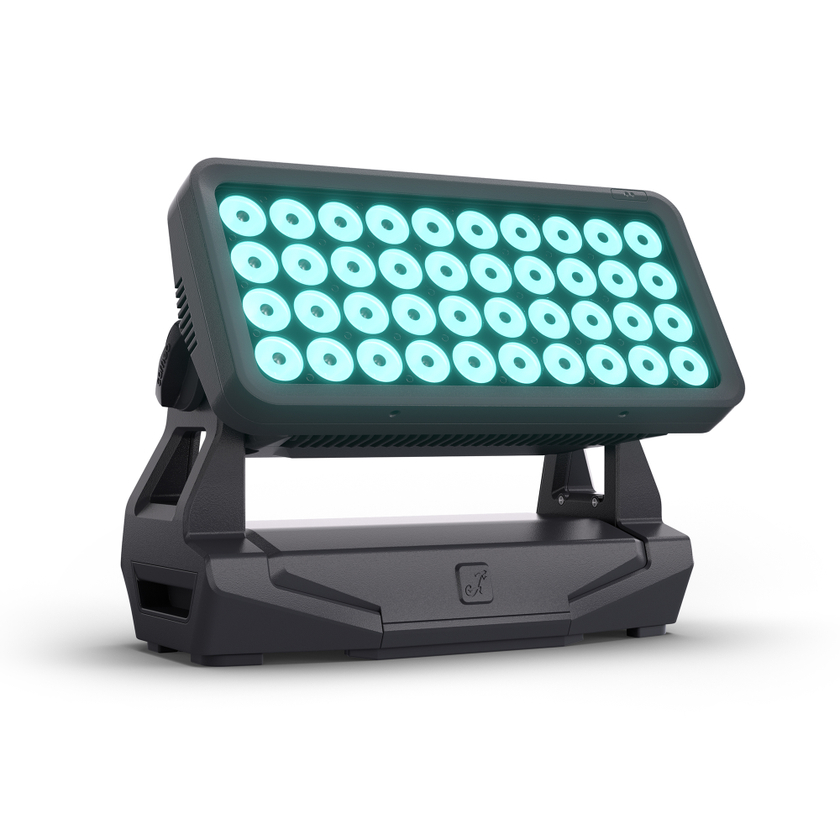
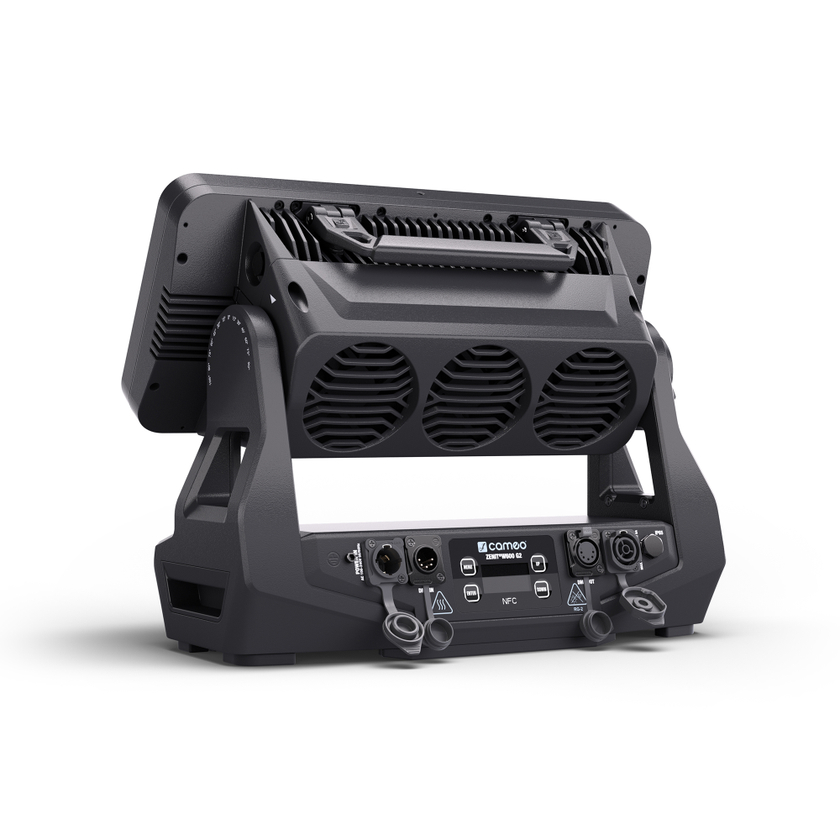
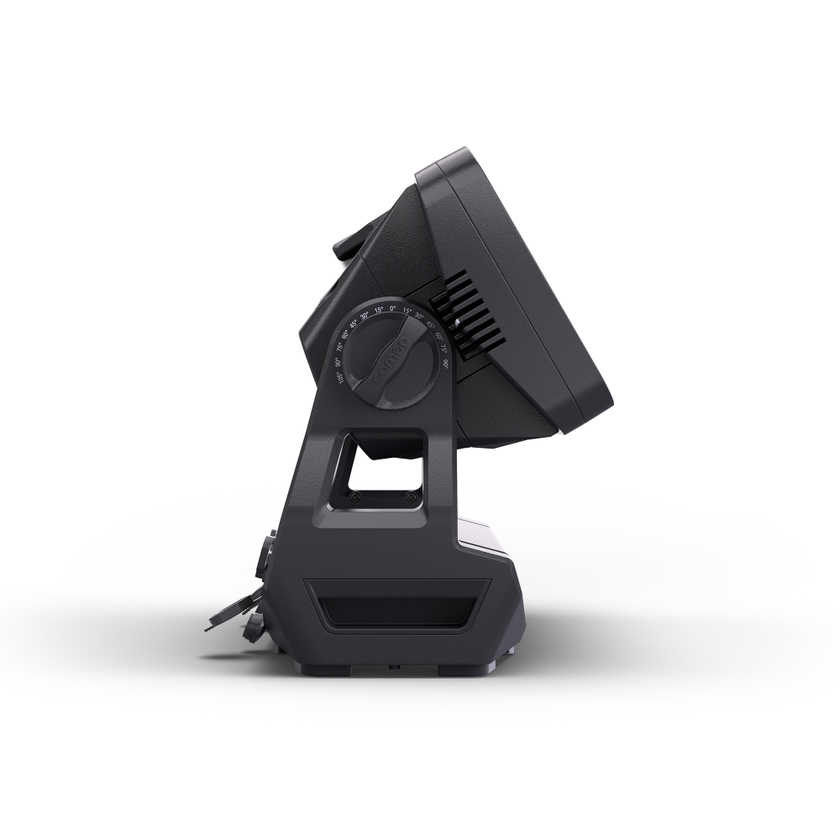
IP65 LED Wash Light
Cameo REACh Declaration – Adam Hall GmbH
Service & Regulation Documents | International | PDF | 141 KB
Service & Regulation Documents
International
141 KB
Cameo RoHS Confirmation – Adam Hall GmbH
Service & Regulation Documents | International | PDF | 203.79 KB
Service & Regulation Documents
International
203.79 KB
Cameo Catalogue / Brochure – AHG Product Highlights Autumn Winter 2026/27
Catalogues & Publications | English | PDF | 12.93 MB
Catalogues & Publications
English
12.93 MB
Cameo Catalogue / Brochure – Cameo Highlight Brochure Q3 2026
Catalogues & Publications | English | PDF | 47.05 MB
Catalogues & Publications
English
47.05 MB
Cameo Catalogue / Brochure – Cameo Product Catalogue 2026
Catalogues & Publications | English | PDF | 40.22 MB
Catalogues & Publications
English
40.22 MB
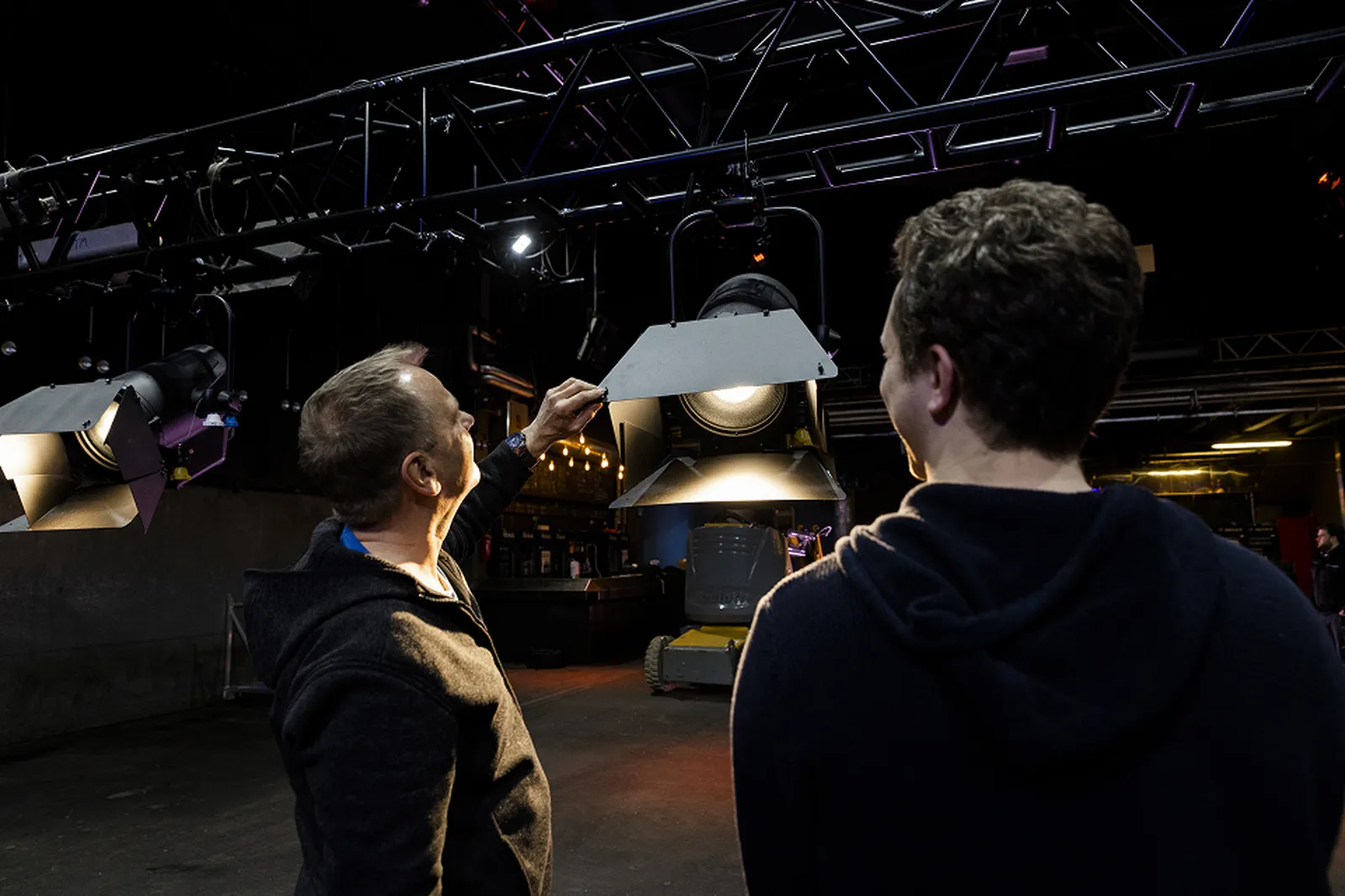
Our Sales team will be happy to present the Cameo product of your choice in a live demo – either in one of our showrooms or directly at your premises.
Fill in the contact form and send your request.
We review your request and forward it to the relevant contact person.
Our team will get in touch with you to arrange a demo appointment.
Note: As part of our B2B sales process, we review demo requests before confirming an appointment. If an individual demo is not possible, we will contact you and suggest an alternative way to experience the Cameo product of your choice.
Find Cameo products through our trusted network of partners and distributors worldwide.