Article number: CLDVCCUEItem No. CLDVCCUE
6 Photos
DVC CUE
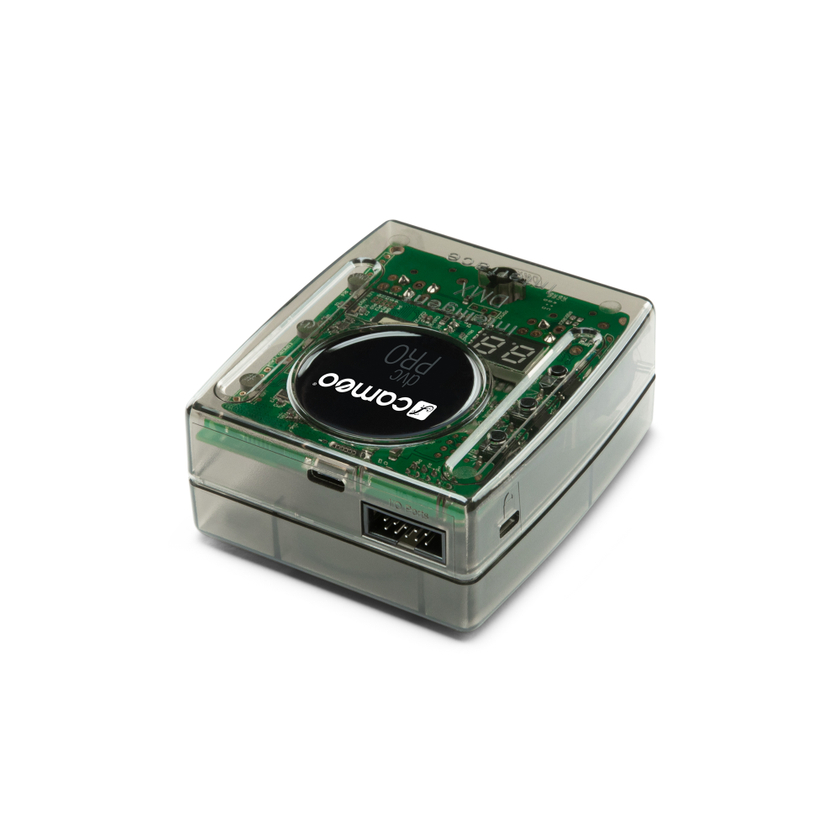
USB to DMX Interface with up to 2048 DMX Channels and Illuminated Control Panel
Share
- 1024 DMX channels in live mode, 512 DMX channels in stand-alone mode
- Expandable from 2 to 4 DMX512 universes (2048 DMX channels)
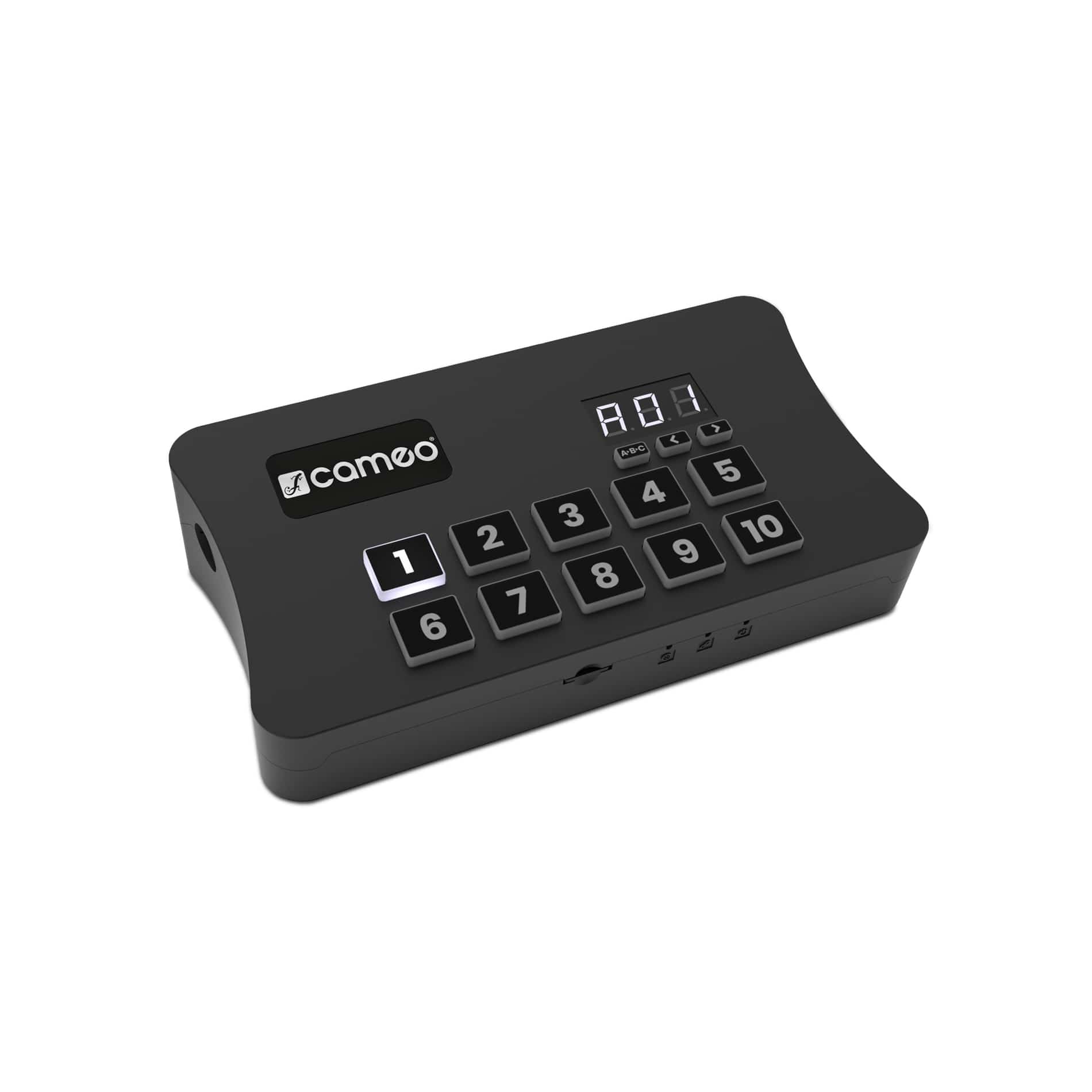
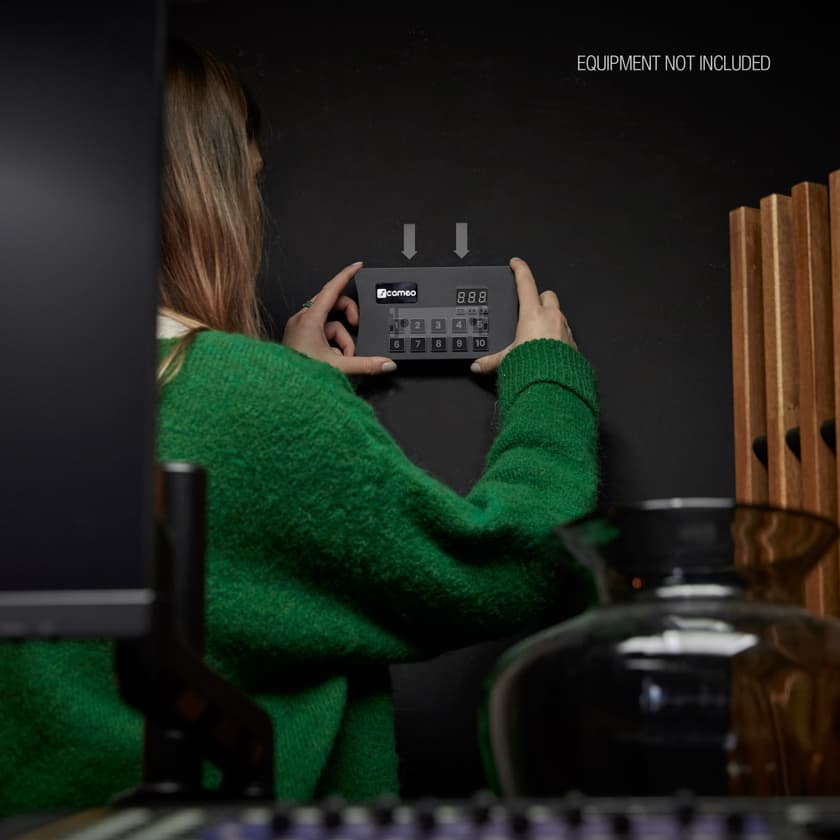
- Intuitive backlit keyboard with 10 buttons for direct access
- 99 scenes across 5 zones and calendar triggering (only possible with optional ESApro 2 software)
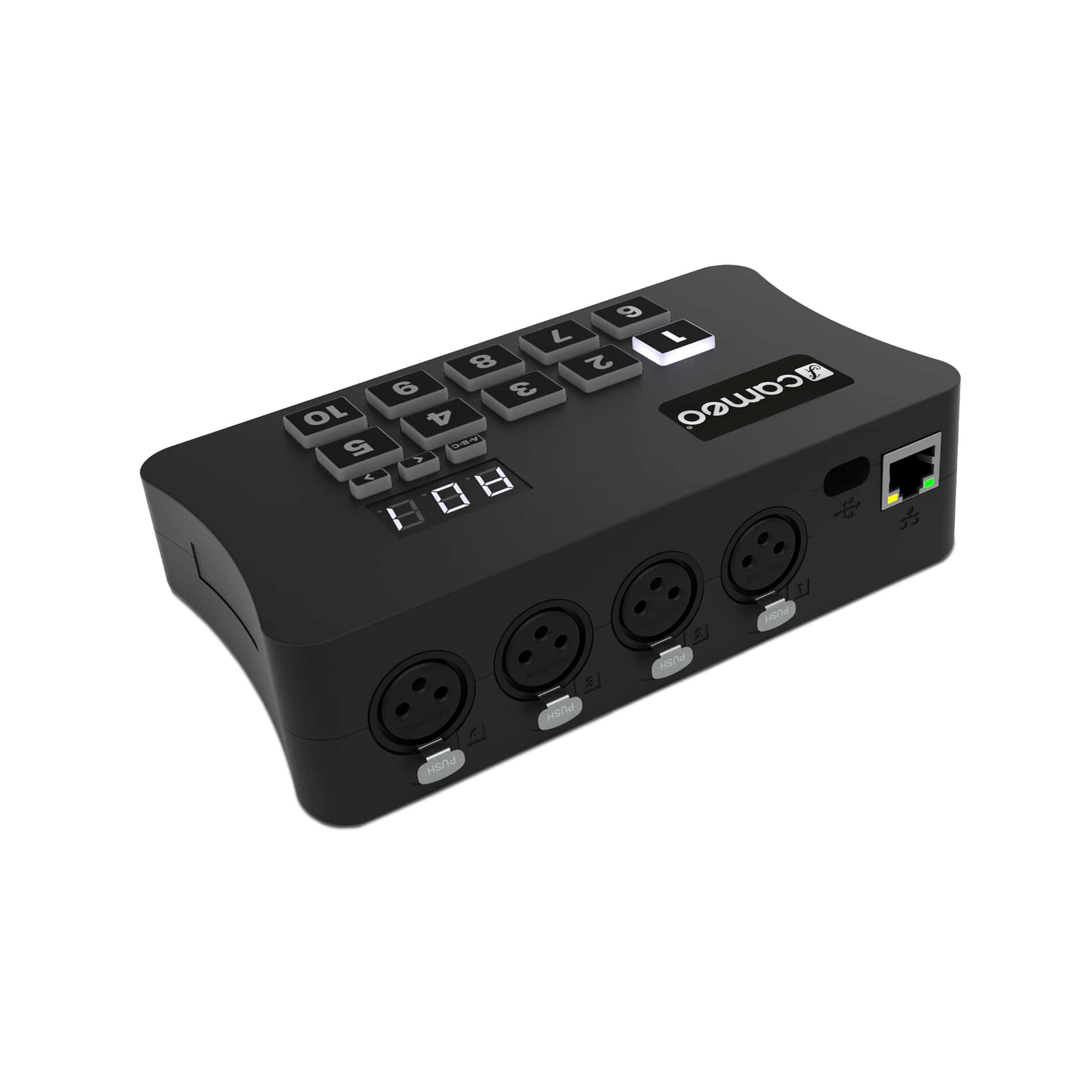
- USB and Ethernet for programming/control
Description
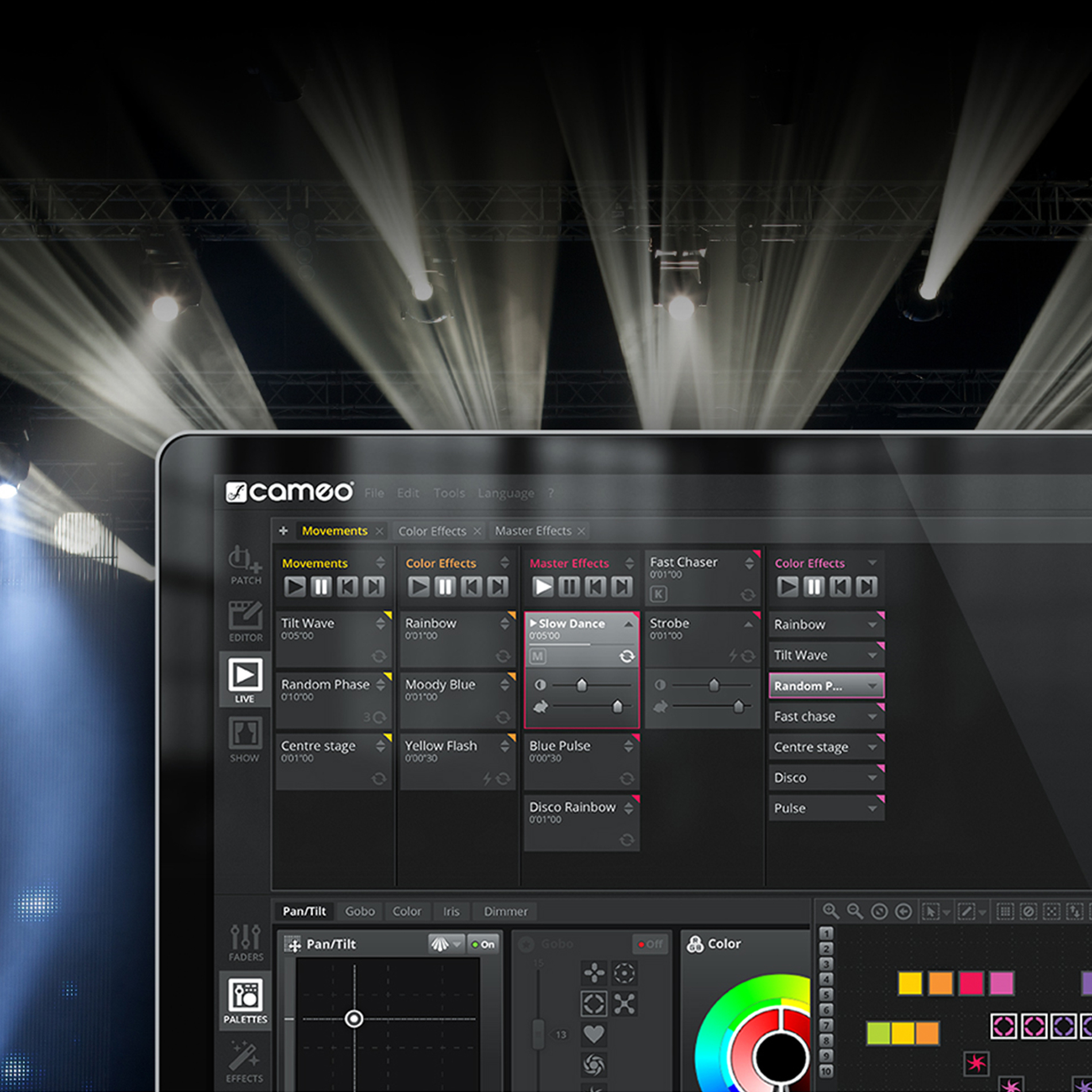
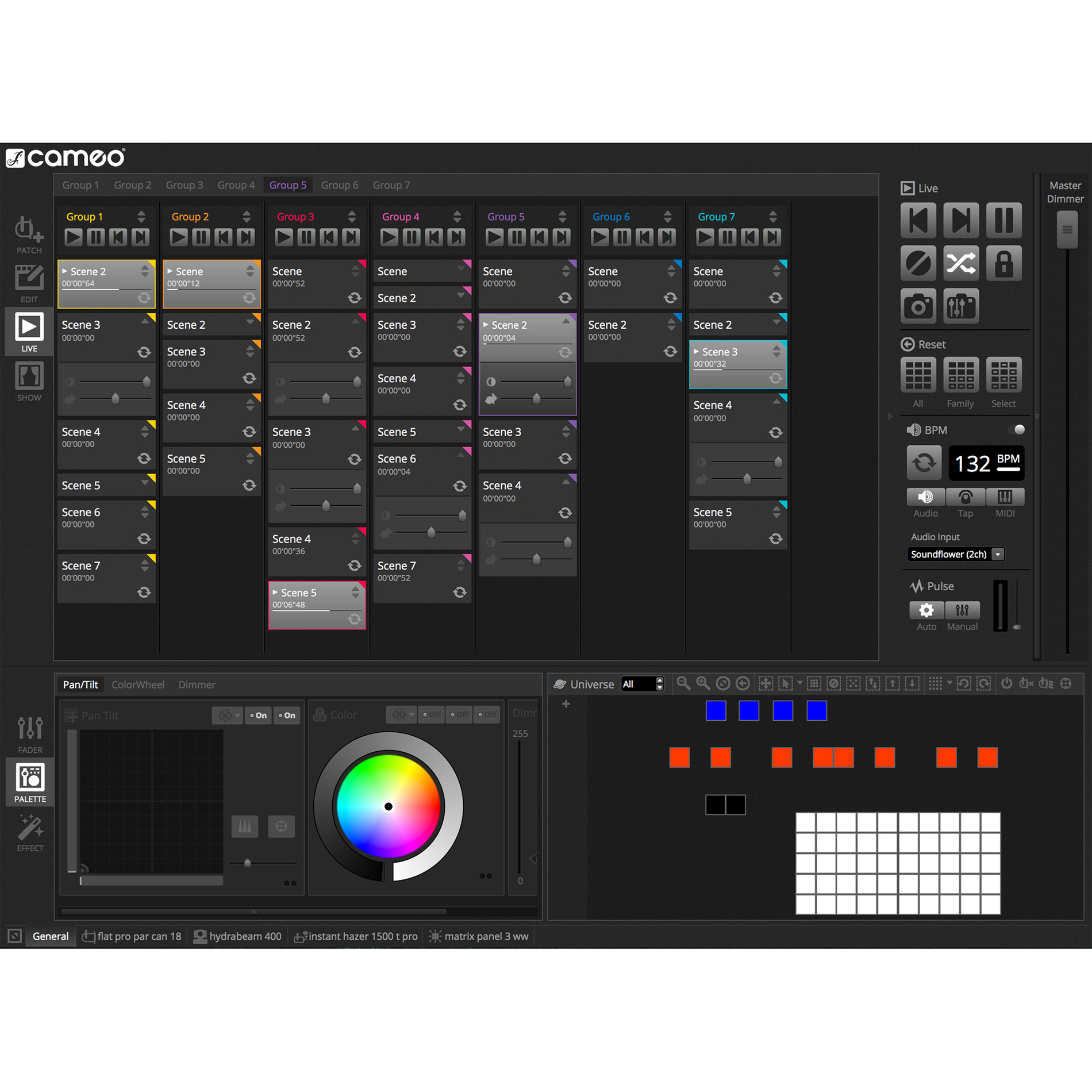
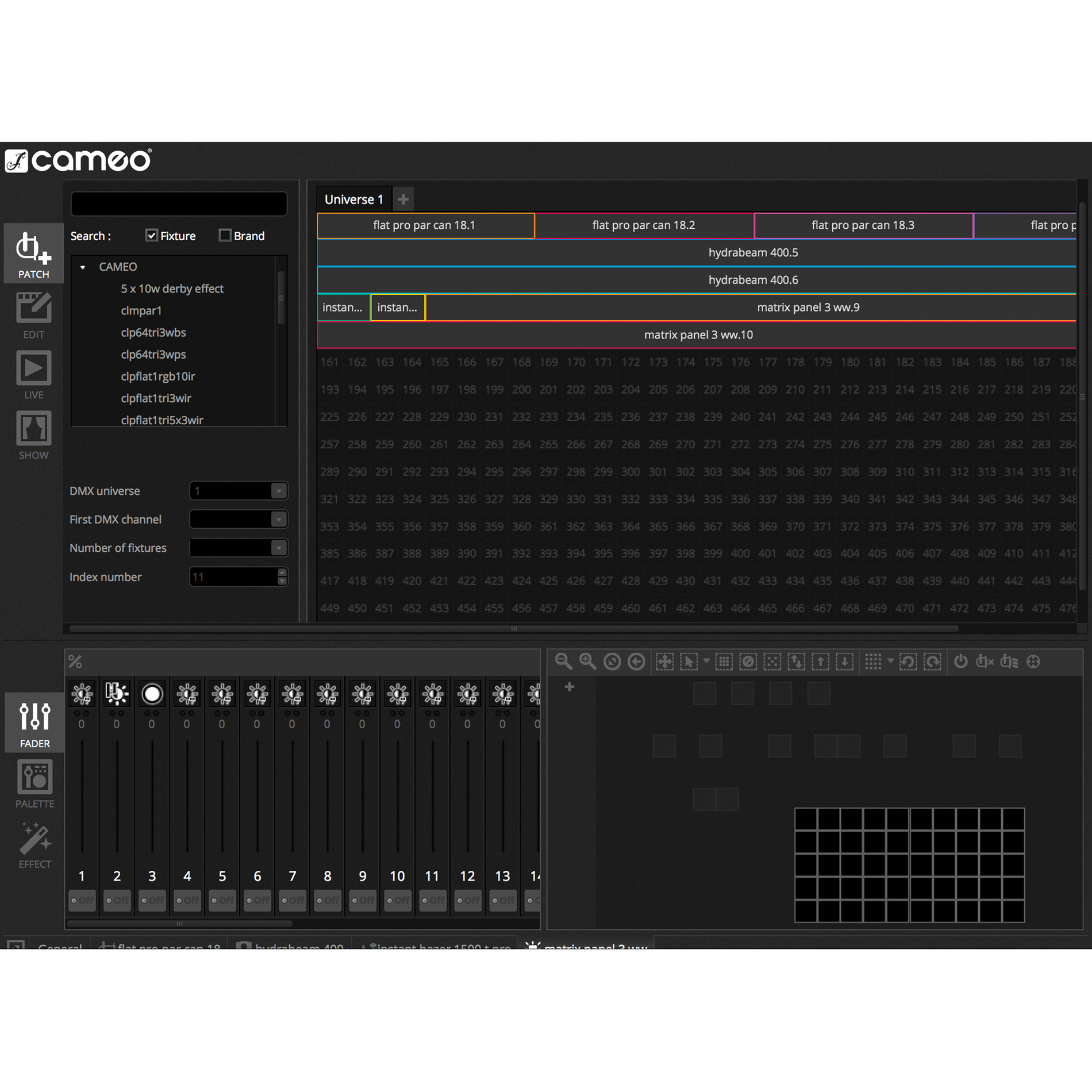
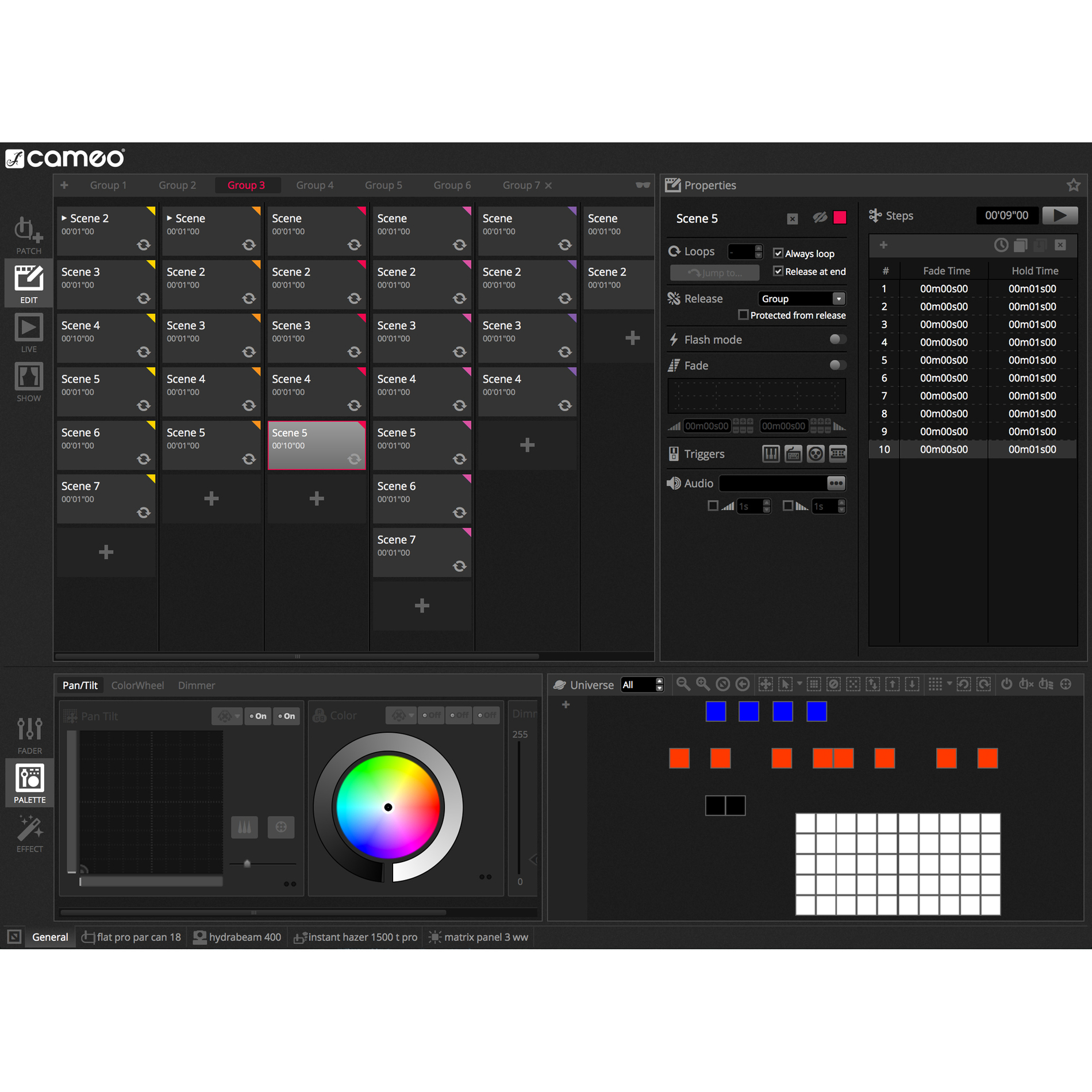
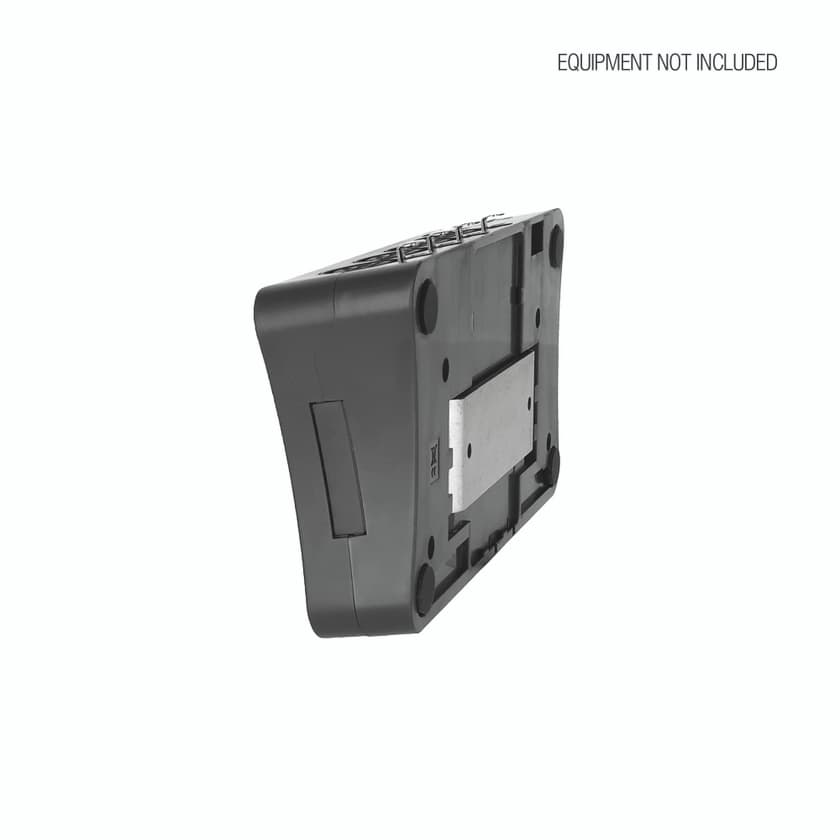
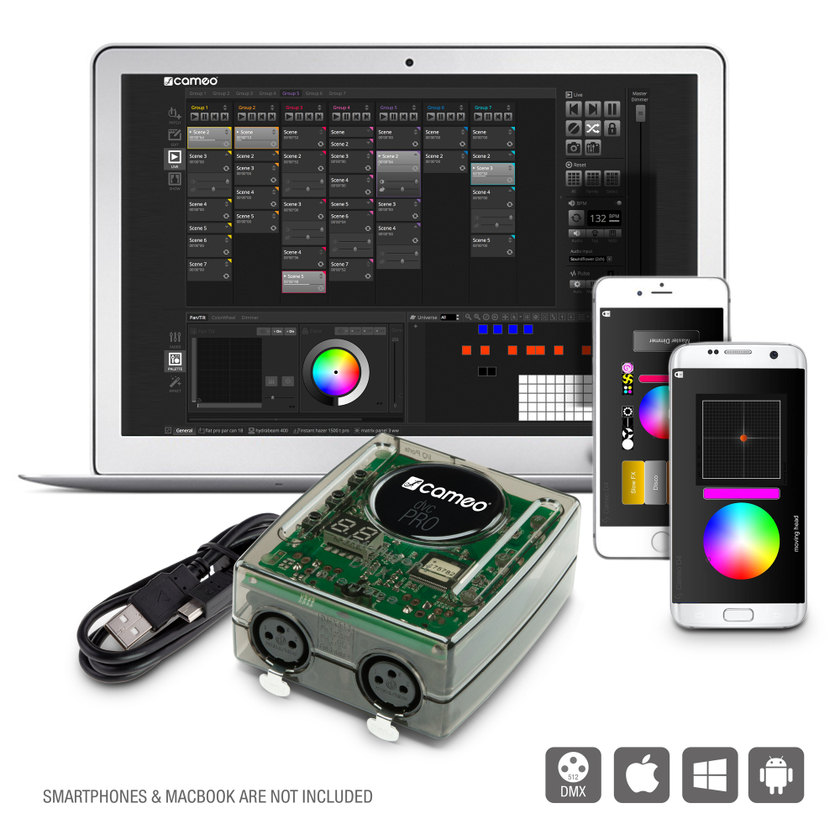
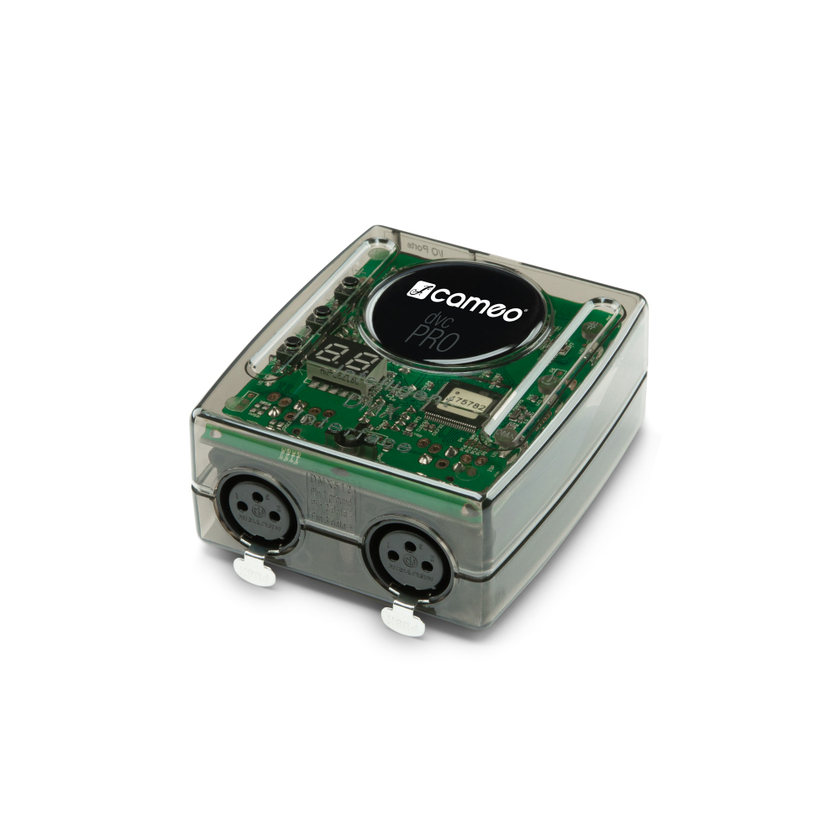
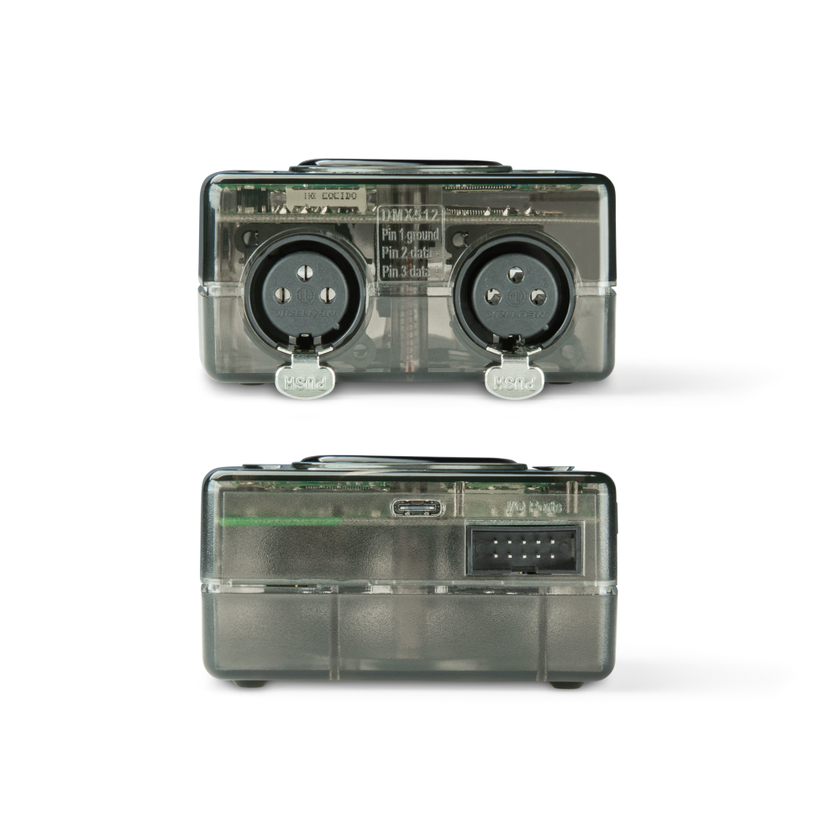
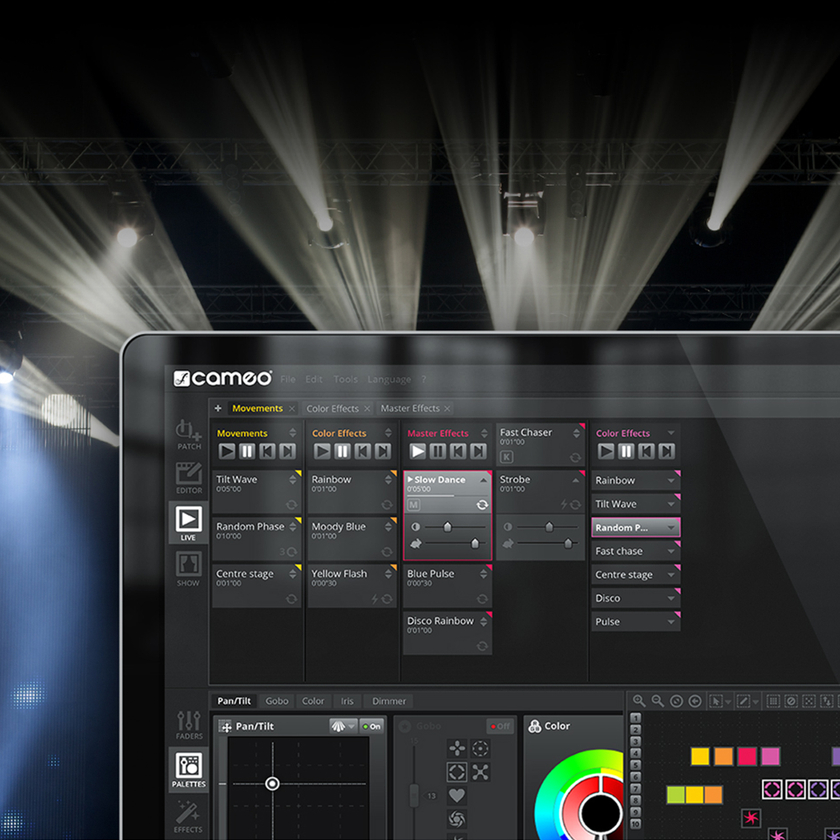
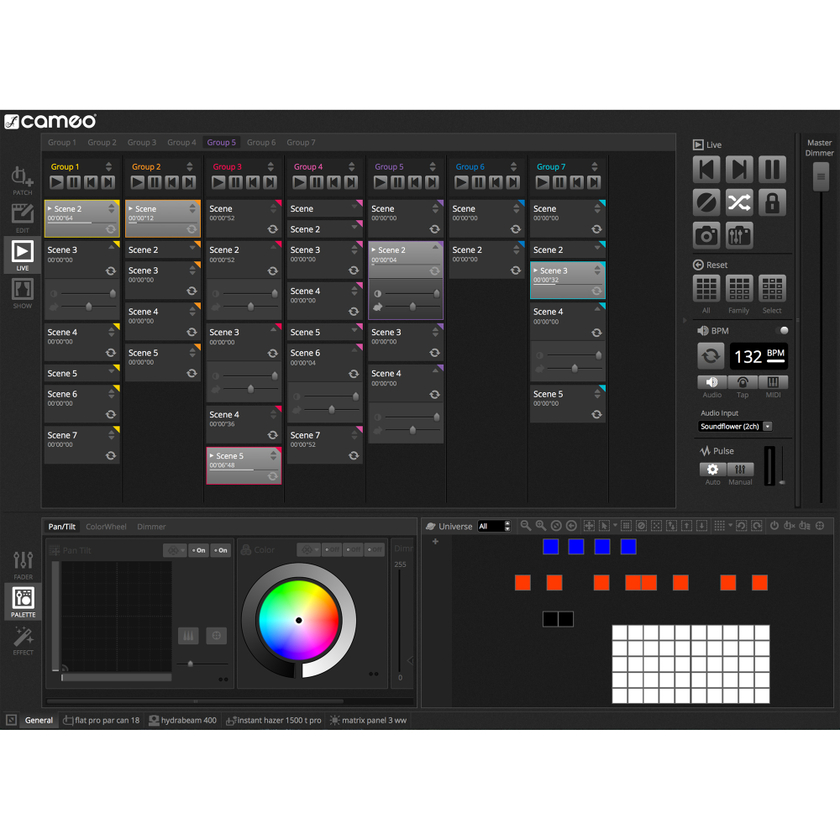
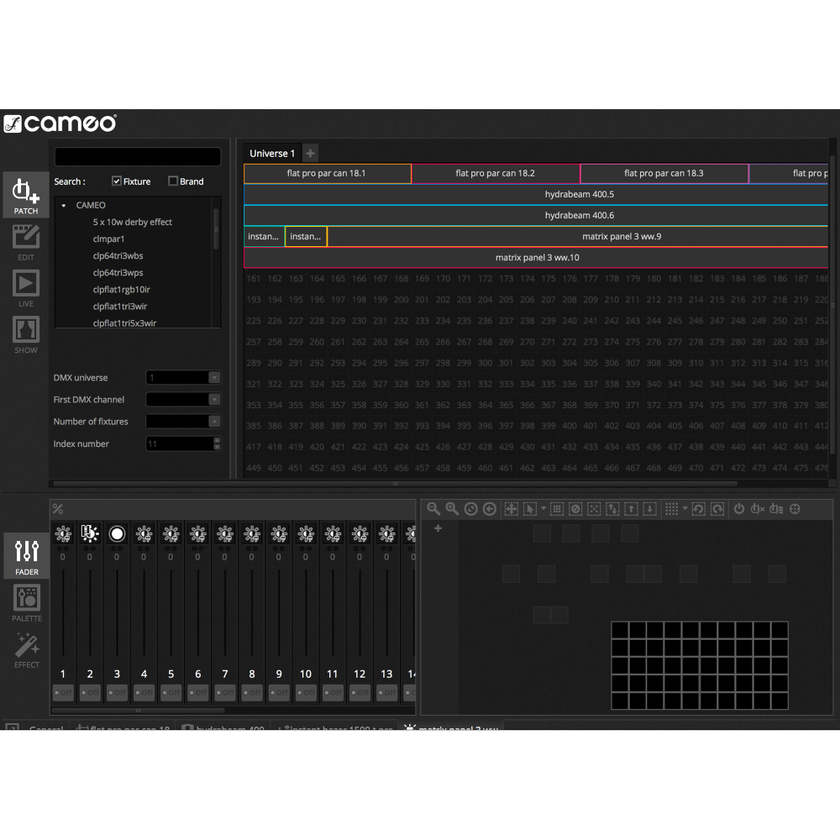
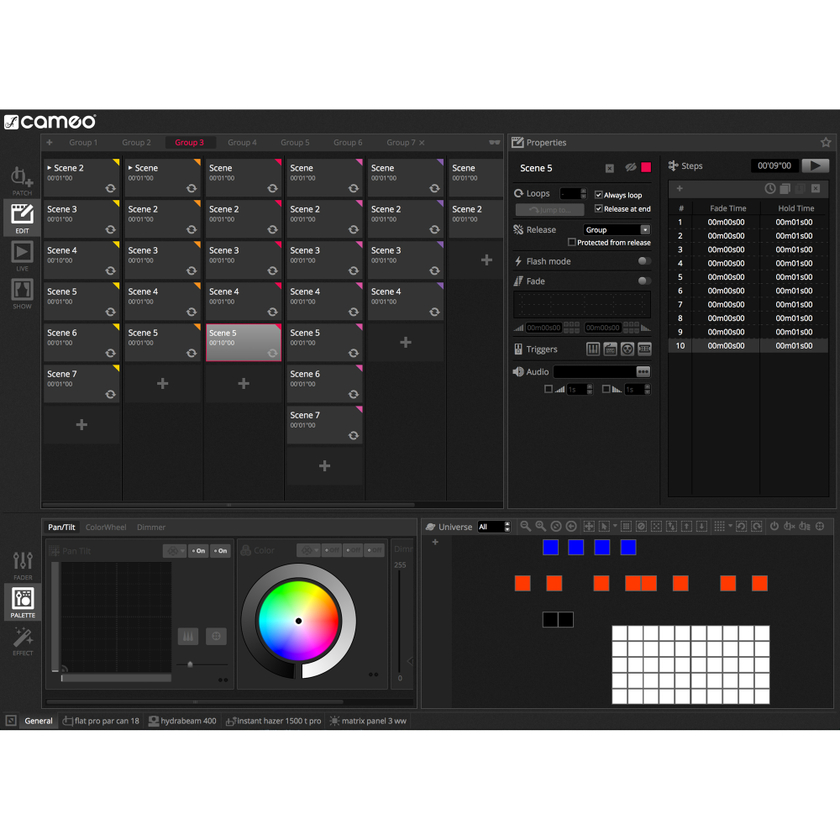
You can conveniently control DMX-compatible lighting devices from your PC and Mac with the Cameo DVC CUE Interface and the associated Cameo software powered by Daslight, In both live and standalone mode, the plug- and-play interface offers you two DMX512 universes, which can be extended to four universes and thus 2048 DMX channels. The interface has a USB-C port for power supply and computer connection, four 3-pin DMX outputs, and an Ethernet port for external control. To use as a stand-alone unit without a computer, you can save pre-programmed scenes on a microSD card and call them up directly on the interface via ten illuminated buttons. The ABC button navigates through five zones, while the arrow keys navigate through 99 scenes. Stand-alone operation requires a commercially available 5 V USB power supply.
Specifications
| Product type | USB to DMX Interface |
|---|---|
| Live channels | 1024 channels |
| Stand Alone channels | 512 (upgradeable to 2048) |
| Software Mode | full Cameo D4 / full Daslight D4 |
| Operating systems | iOS, Mac OS, Android, Windows |
| Inputs | Ethernet, USB-C |
| Outputs | Ethernet |
| Memory | microSD, SDHC (32 GB Max) |
| Color | grey |
| Operating voltage | 5 - 5.5 V DC 0.6 A |
| Protection class IP | IP20 |
| Width | 160 mm |
| Height | 90 mm |
| Depth | 45 |
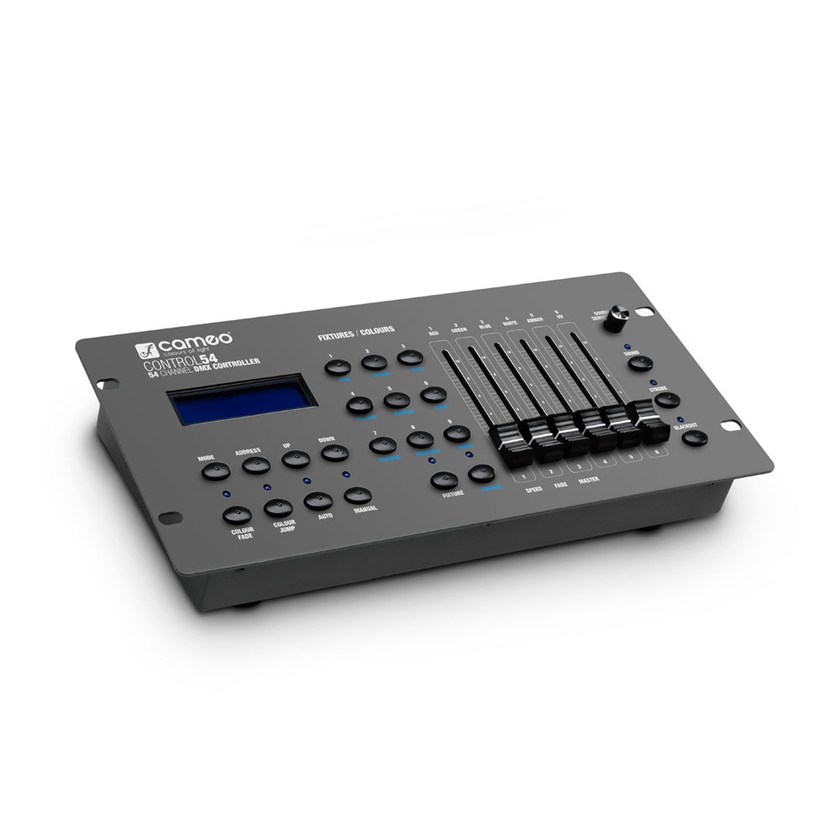
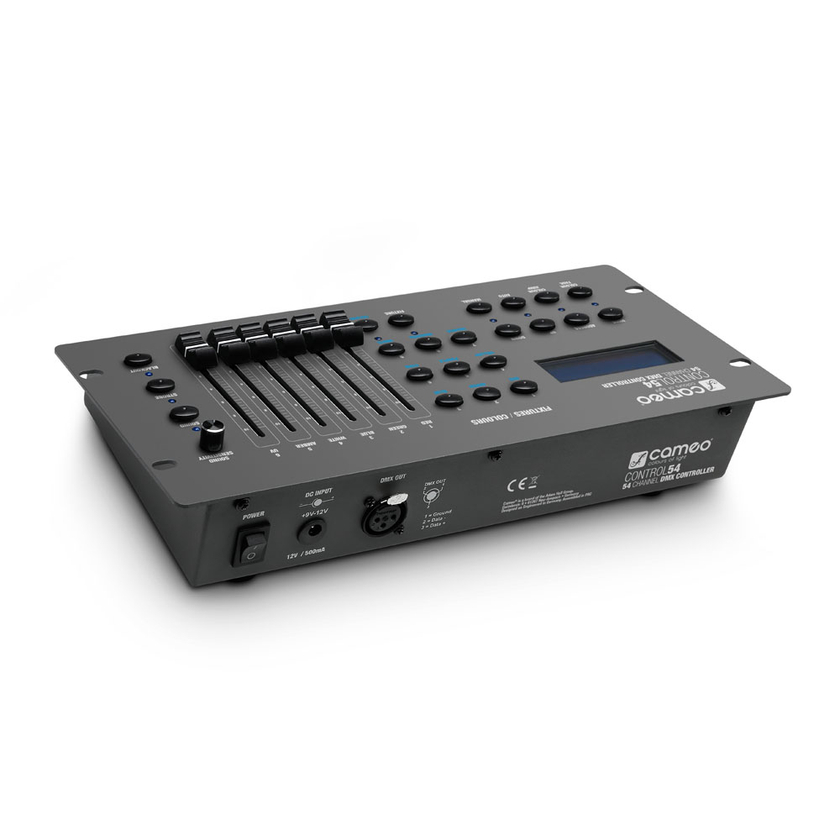
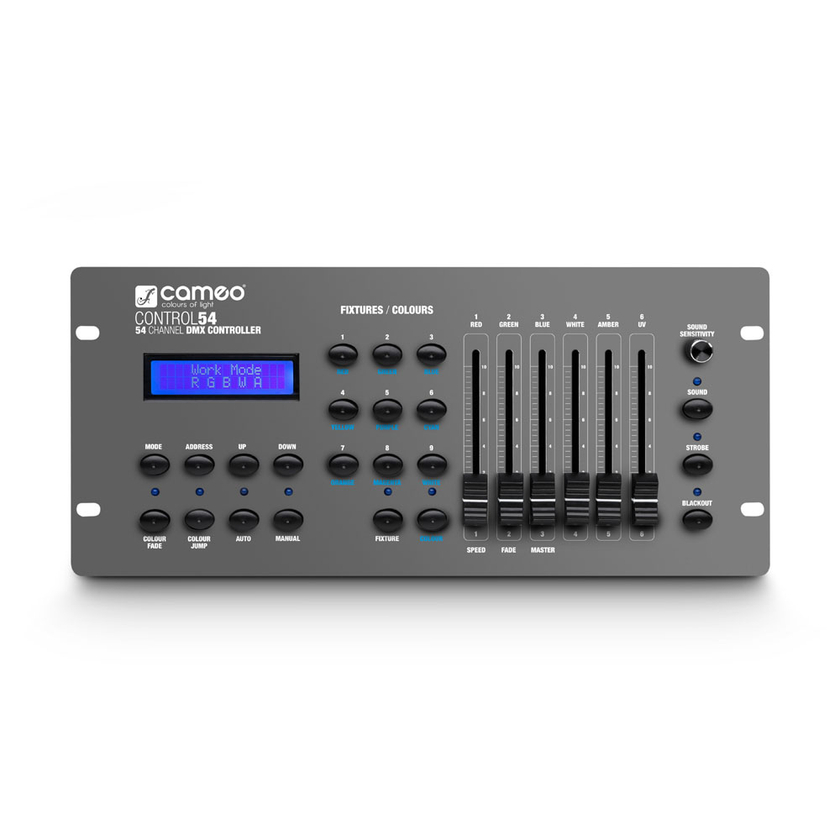
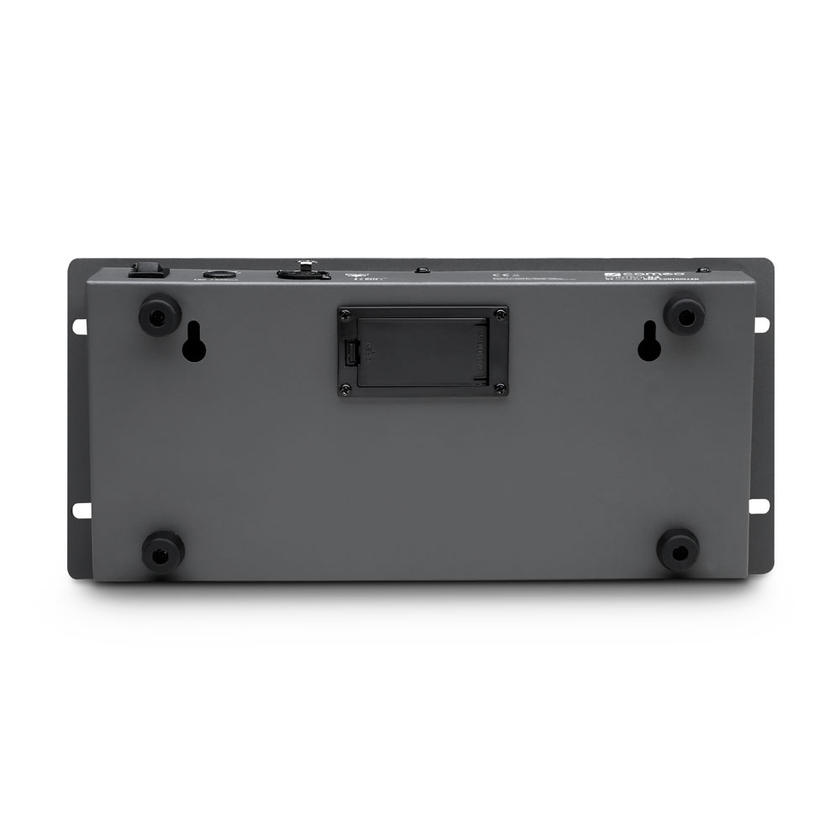
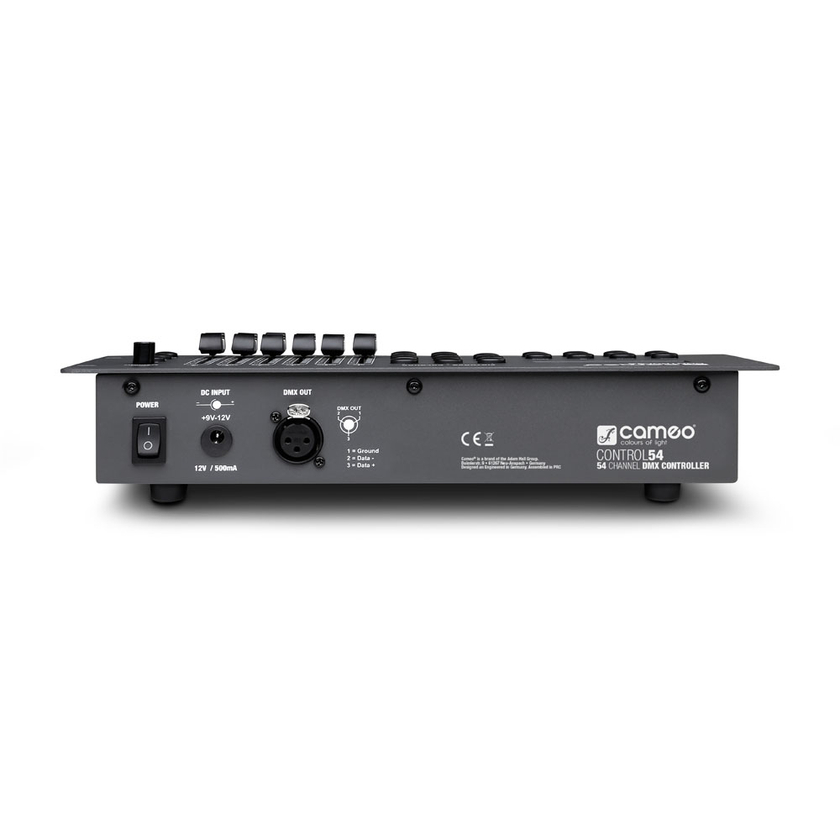
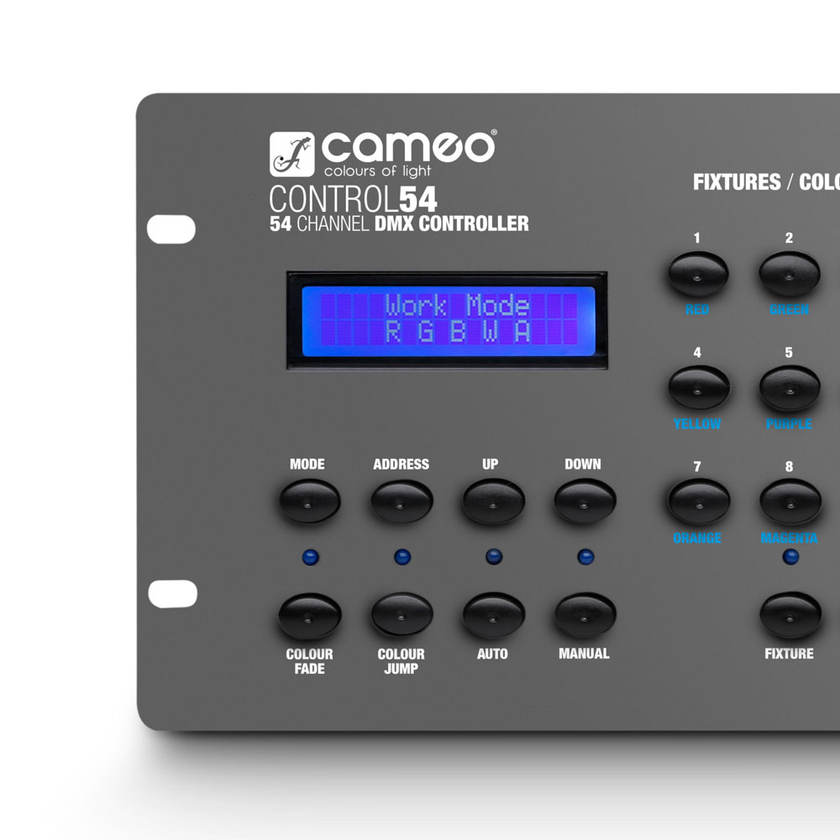
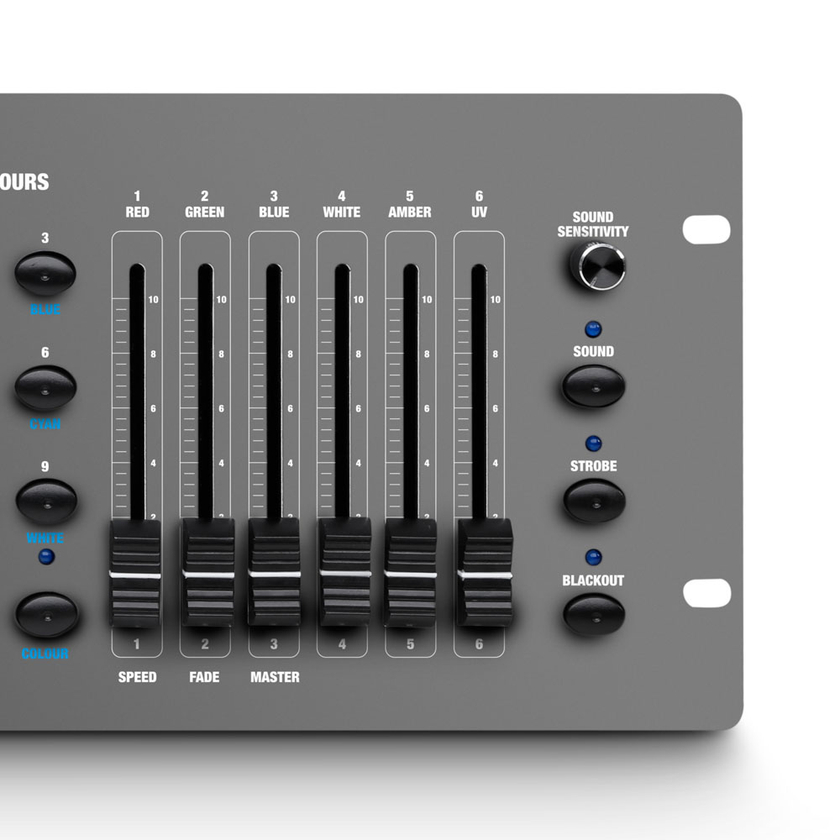
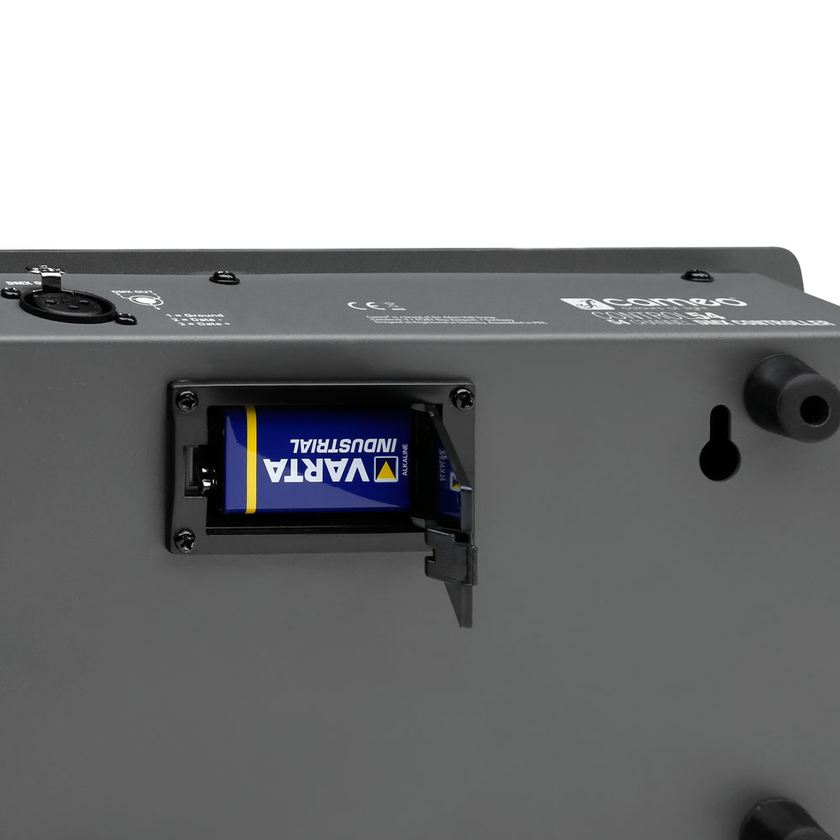
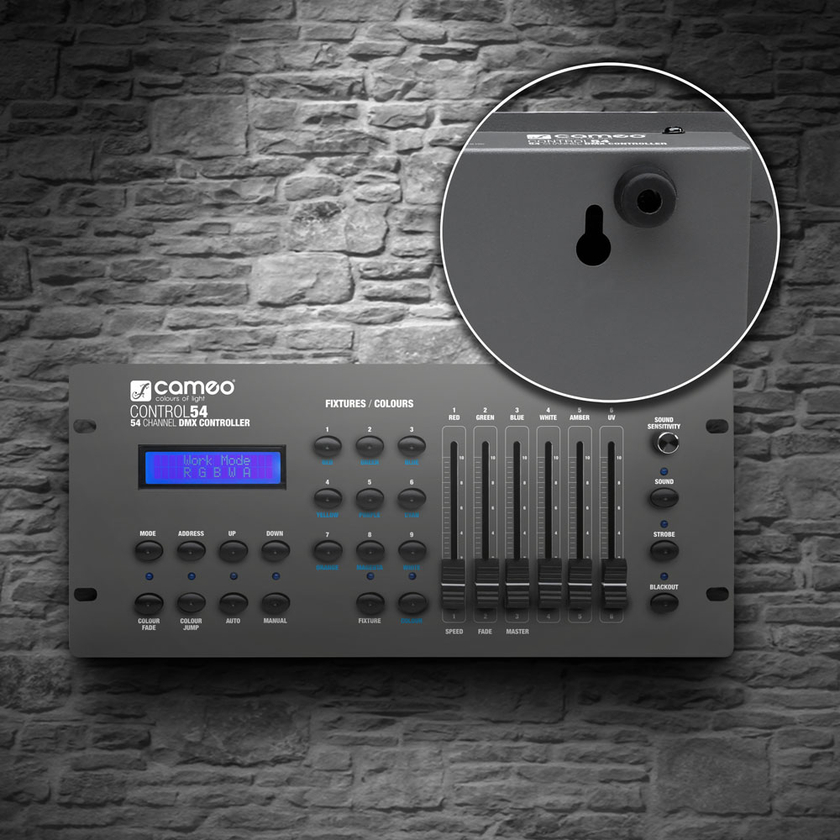
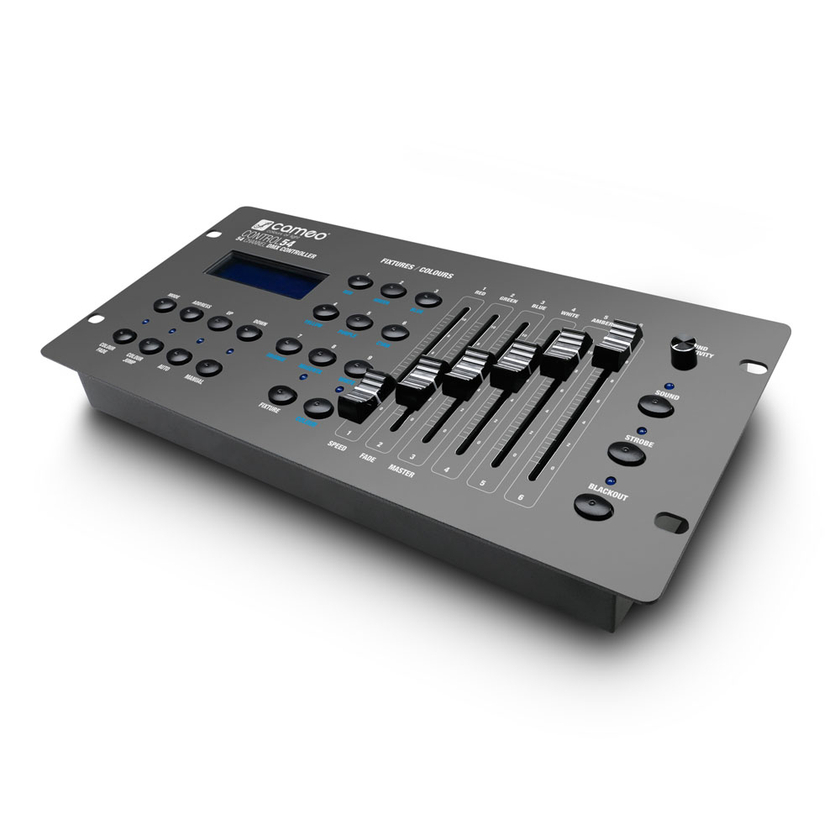
54-Channel DMX Controller
- Product type DMX Mixers
- Number of DMX channels 54
- Control USITT DMX 512 protocol
Stories
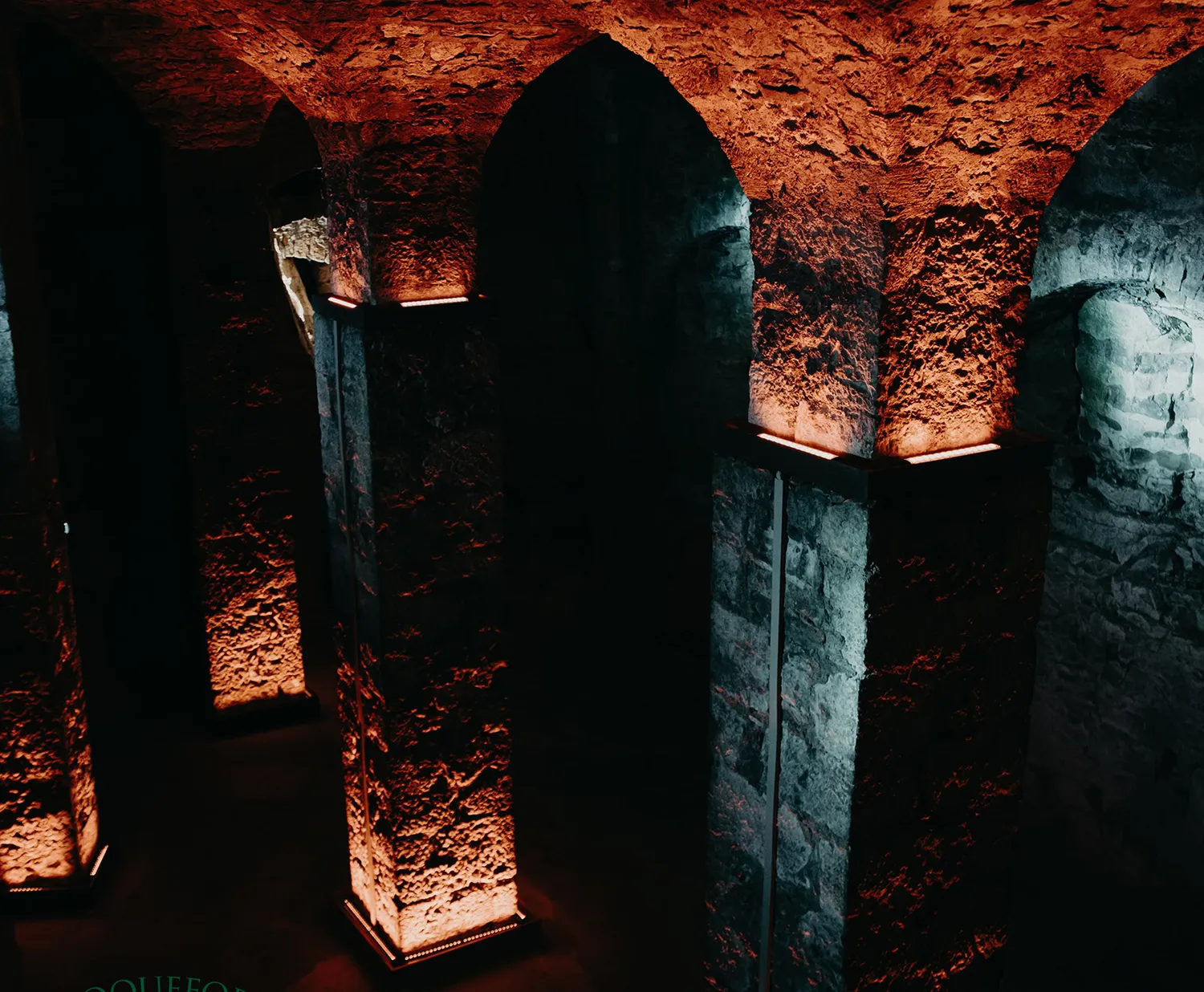
The Cave Finds Its Voice – Immersive Audio and Lighting Technology for Roquefort Société Caves
In the heart of the French department of Aveyron lies one of the most extraordinary sites in French culinary culture: the Roquefort Société Caves. The famous Roquefort AOP blue cheese has been maturing in these natural caves for centuries. Year after year, over 100,000 people visit the extensive network of tunnels and vaults. As part of an extensive redesign of the visitor experience, the French integrator STE AUDIO, in collaboration with the team from Adam Hall Integrated Systems, developed a fully integrated audio, lighting and control solution that brings the history of the caves to life in a completely new way.
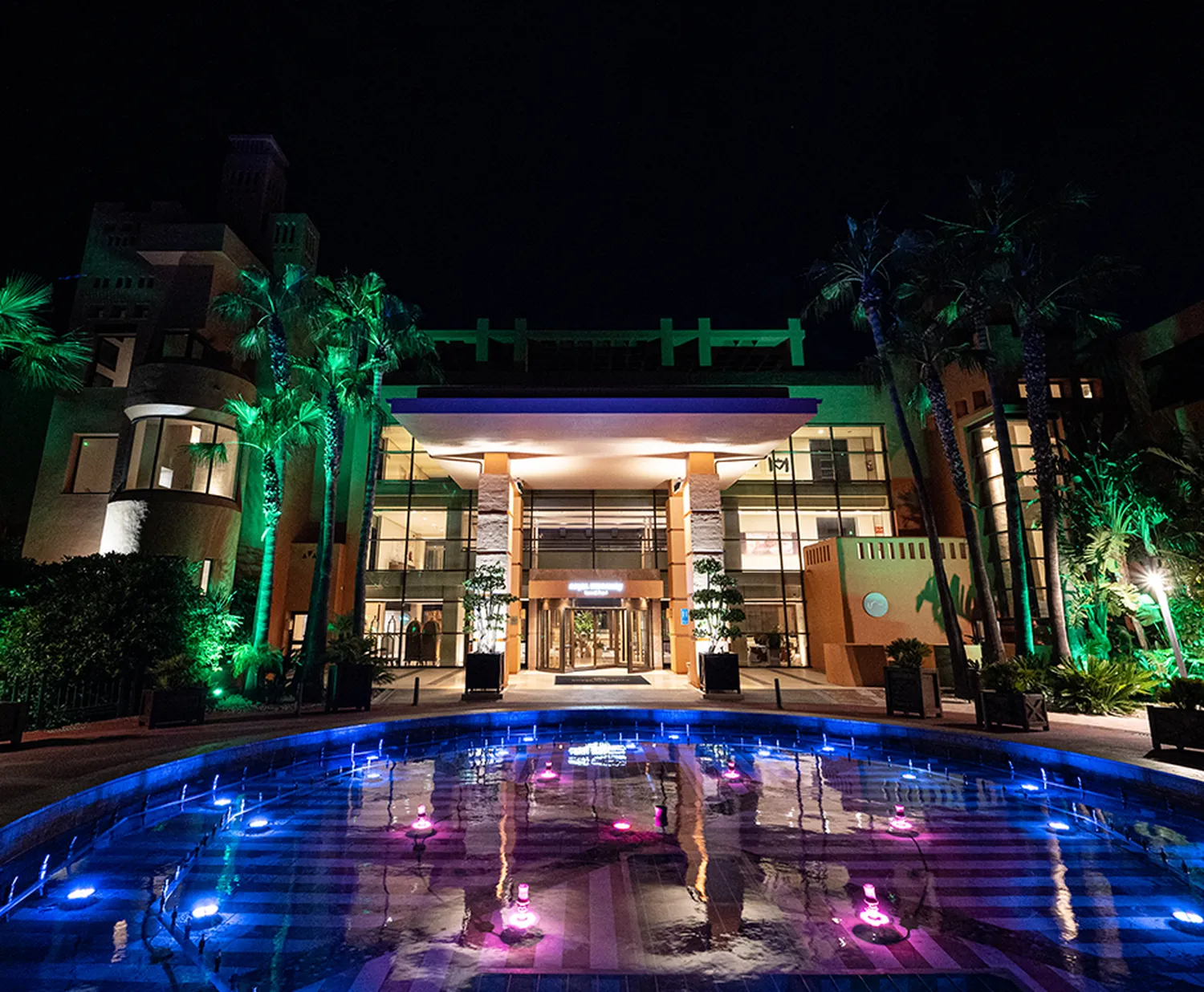
Luxury on the Coast of Light:
With its tropical gardens, diverse restaurants, expansive pool areas, and impressive architecture, the Royal Hideaway Sancti Petri on the Costa de la Luz offers its guests a resort experience of the highest calibre. This multi-award-winning 5-star hotel in the province of Cádiz is one of Spain’s most renowned holiday destinations, combining relaxation, fine dining, wellness, and event culture in a unique setting. To meet the varying needs of its numerous indoor and outdoor areas, the hotel decided to undertake a comprehensive modernisation of its audio and lighting infrastructure. The Spanish integrator Evel Eventos was responsible for the planning and implementation, relying on solutions from LD Systems and Cameo.
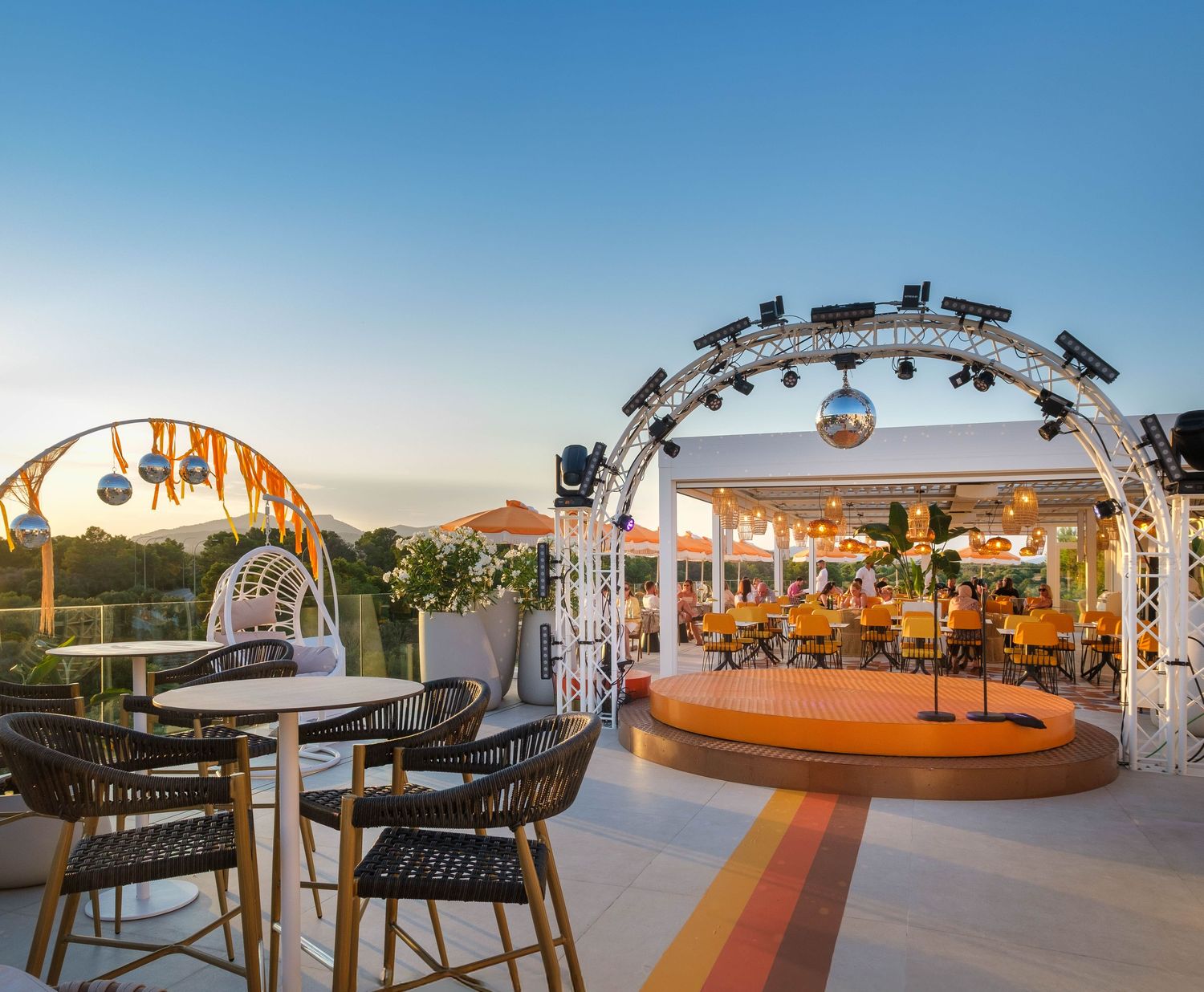
Integrated audio and lighting setup for Hotel Monsuau
Mediterranean lifestyle meets integrated audio and lighting technology. On the roof terrace of the boutique hotel Monsuau in Cala D'Or, Mallorca, guests can enjoy excellent cocktails at sunset, listen to DJ sets and experience thrilling live shows – and all with a completely new sound and lighting system since this summer. For the stylish rooftop ambience, the installation service provider responsible for the new system, Sonomusic, developed a customised system based on solutions from LD Systems and Cameo. The audio and lighting setup is managed and controlled via the QUESTRA design and management software from LD Systems.
Downloads
DVC CUE User Manual
Manuals | English | PDF | 13.96 MB
Manuals
English
PDF
13.96 MB
DVC CUE User Manual
Manuals | German | PDF | 13.94 MB
Manuals
German
PDF
13.94 MB
Cameo REACh Declaration – Adam Hall GmbH
Service & Regulation Documents | International | PDF | 141 KB
Service & Regulation Documents
International
PDF
141 KB
Cameo RoHS Confirmation – Adam Hall GmbH
Service & Regulation Documents | International | PDF | 203.79 KB
Service & Regulation Documents
International
PDF
203.79 KB
DVC CUE Software Links
Software | International | PDF | 34.77 KB
Software
International
PDF
34.77 KB
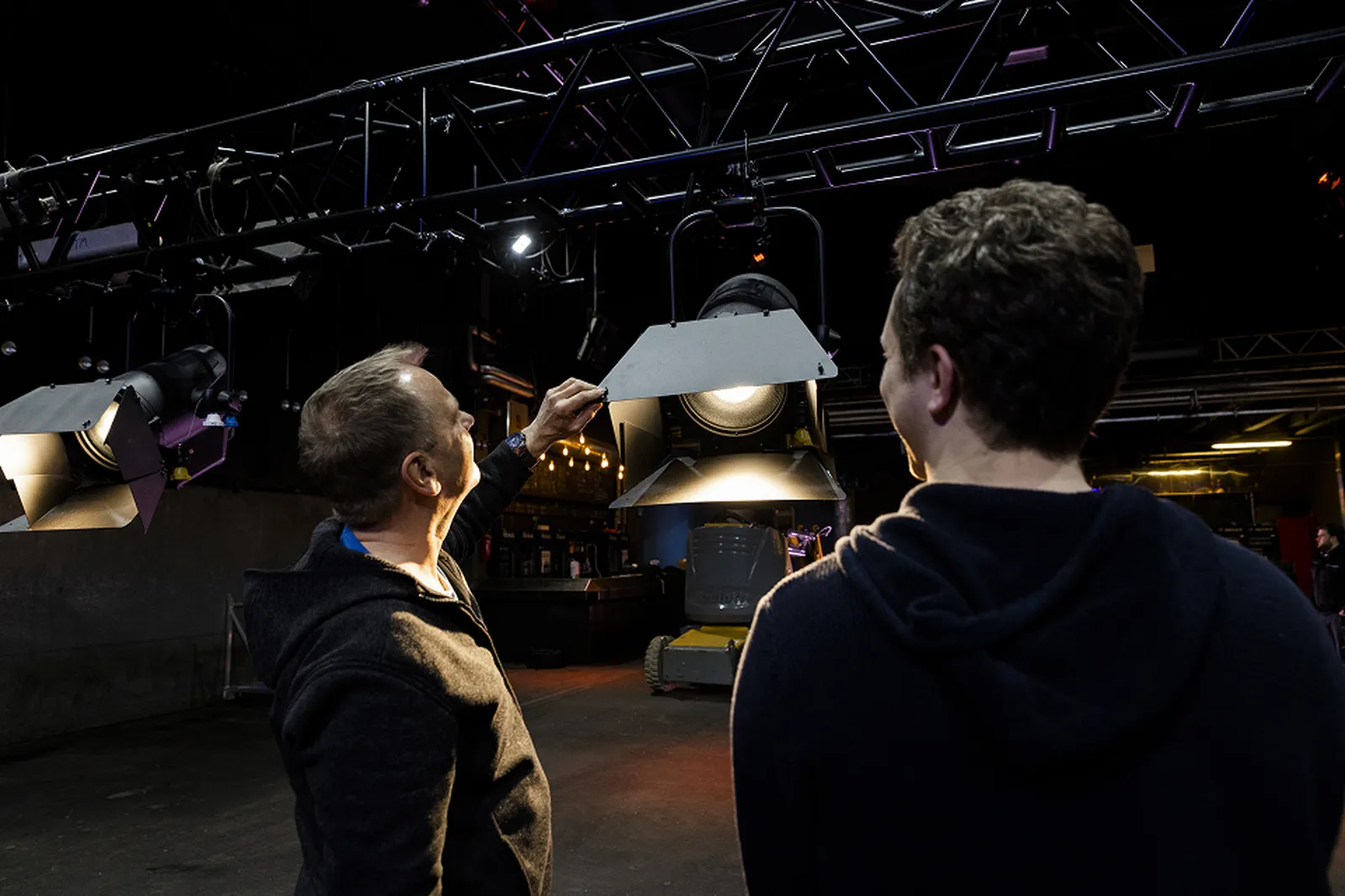
REQUEST A DEMO
Our Sales team will be happy to present the Cameo product of your choice in a live demo – either in one of our showrooms or directly at your premises.
Fill in the contact form and send your request.
We review your request and forward it to the relevant contact person.
Our team will get in touch with you to arrange a demo appointment.
Note: As part of our B2B sales process, we review demo requests before confirming an appointment. If an individual demo is not possible, we will contact you and suggest an alternative way to experience the Cameo product of your choice.
Where to buy
Find Cameo products through our trusted network of partners and distributors worldwide.