
CAMEO CONNECT® IS A WORKFLOW PLATFORM THAT SIMPLIFIES THE CONFIGURATION, DEPLOYMENT, SERVICING AND MAINTENANCE OF CAMEO FIXTURES BY COMBINING NFC TECHNOLOGY, CLOUD-BASED FIRMWARE MANAGEMENT AND INTEGRATED SERVICE TOOLS.
ONE ECOSYSTEM. MULTIPLE WORKFLOWS.
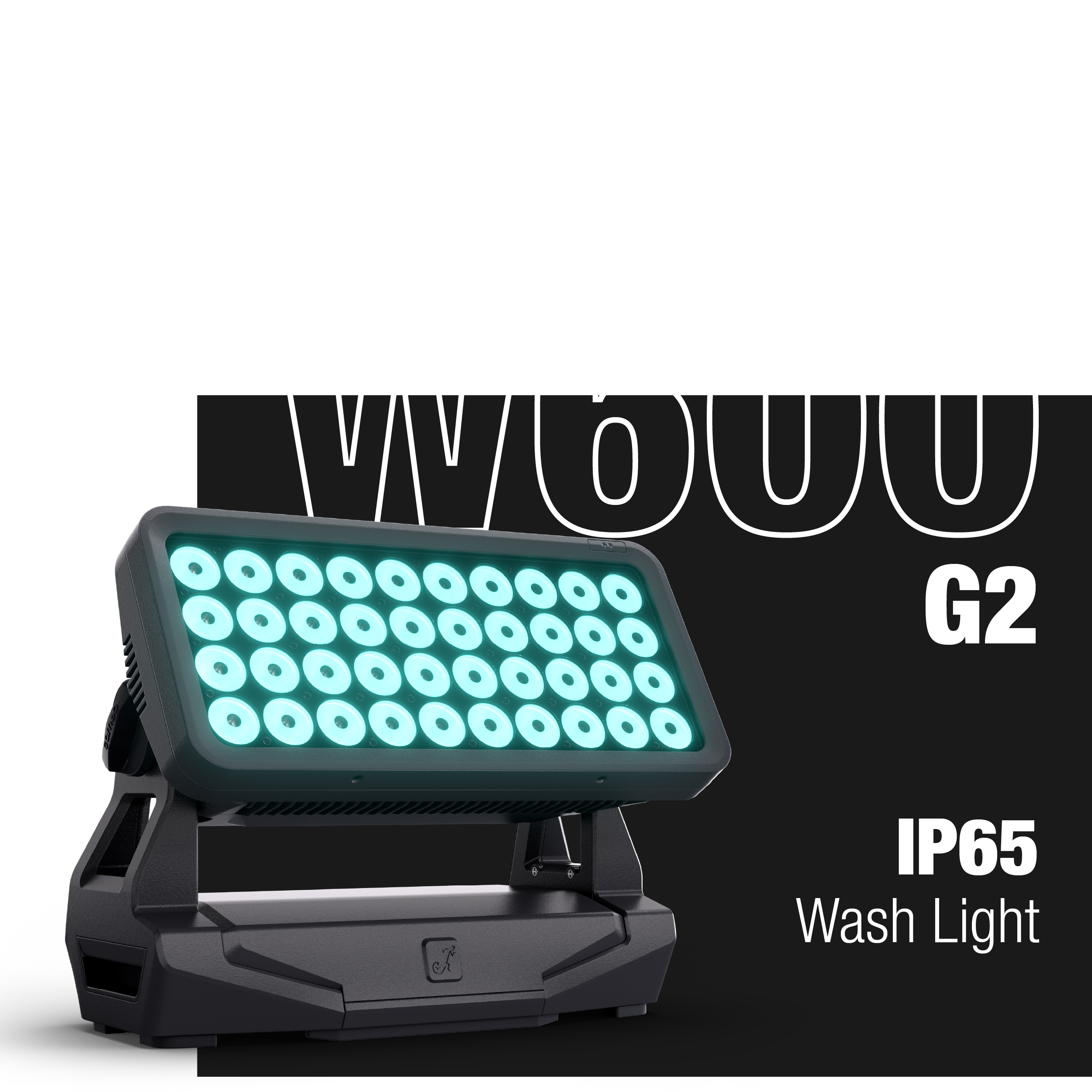
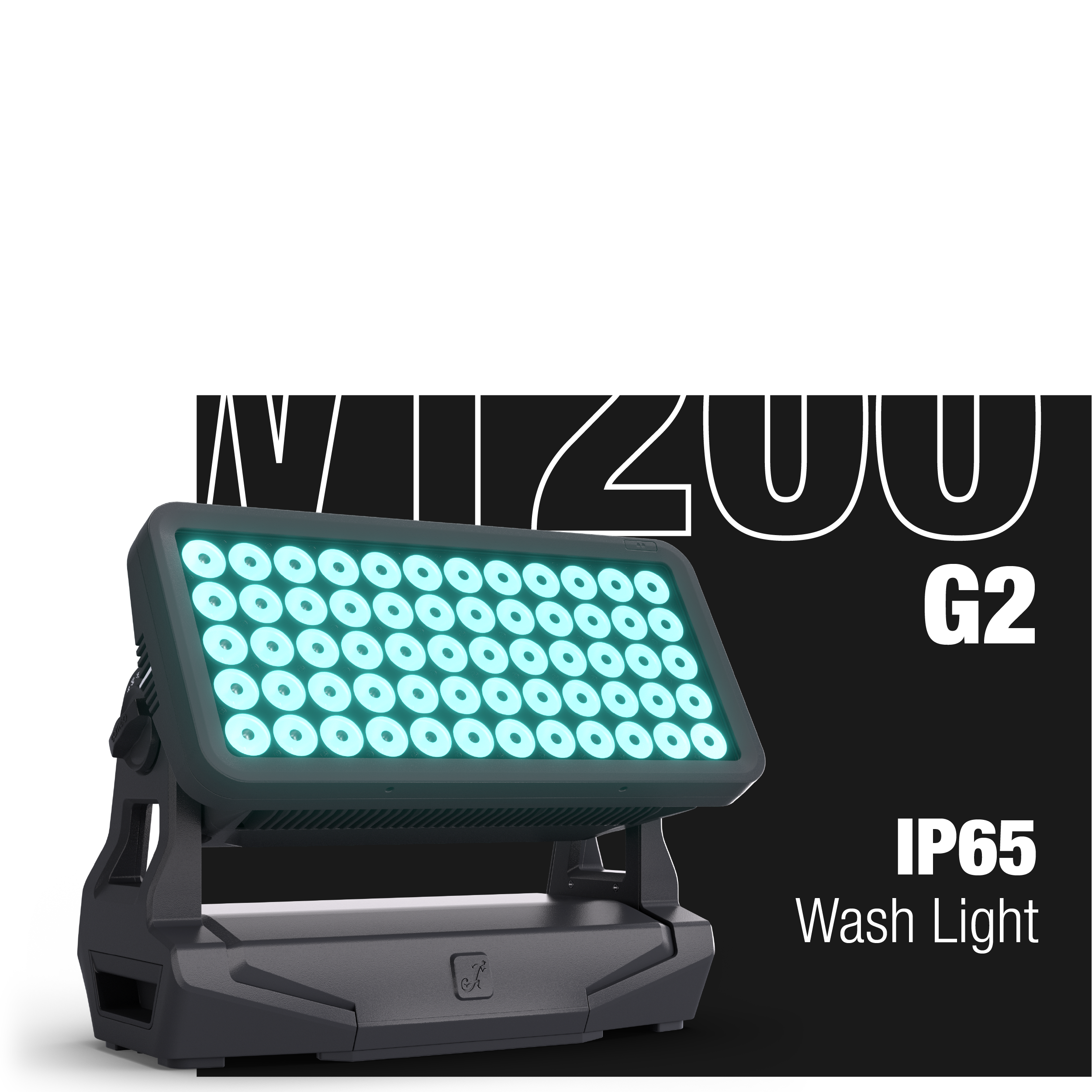
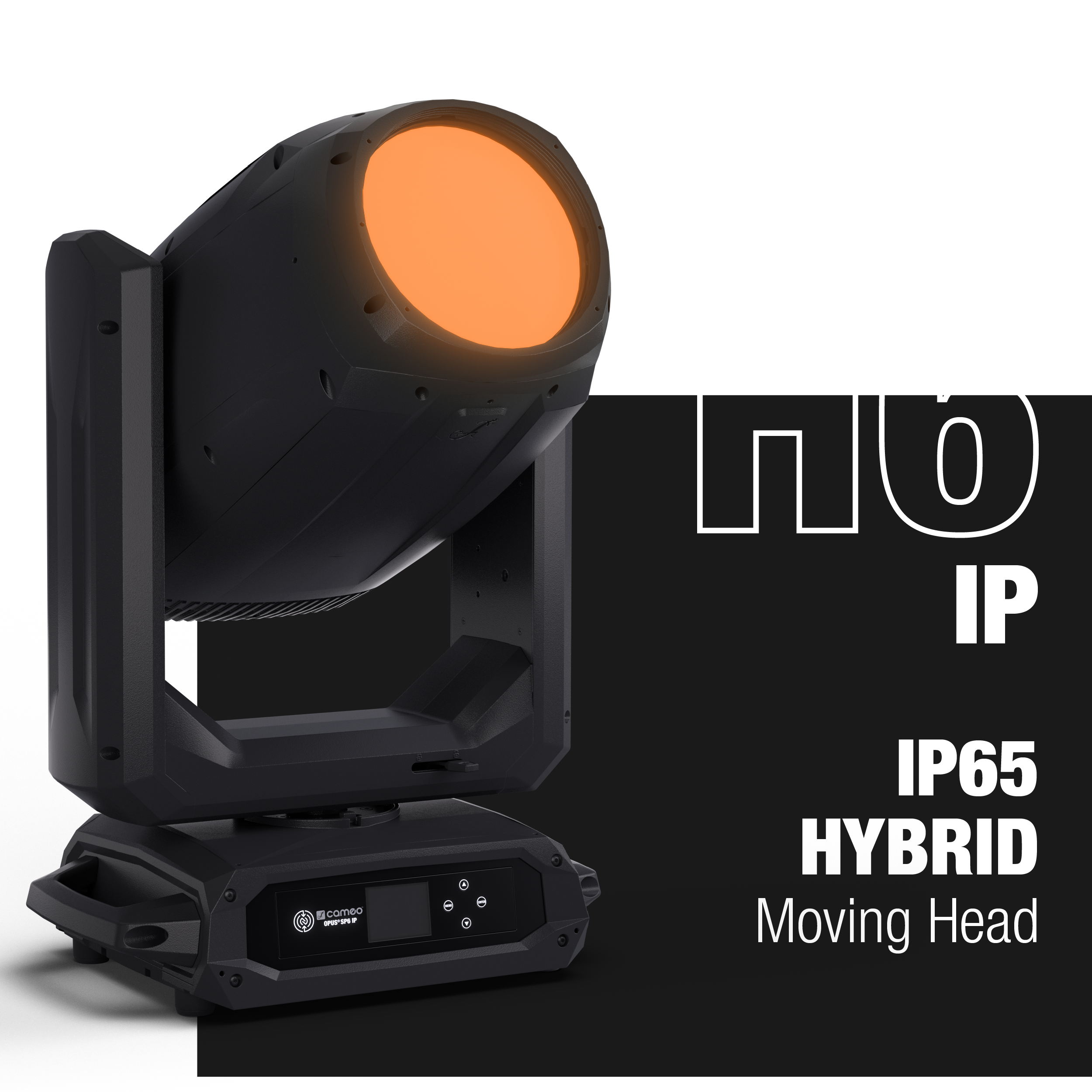
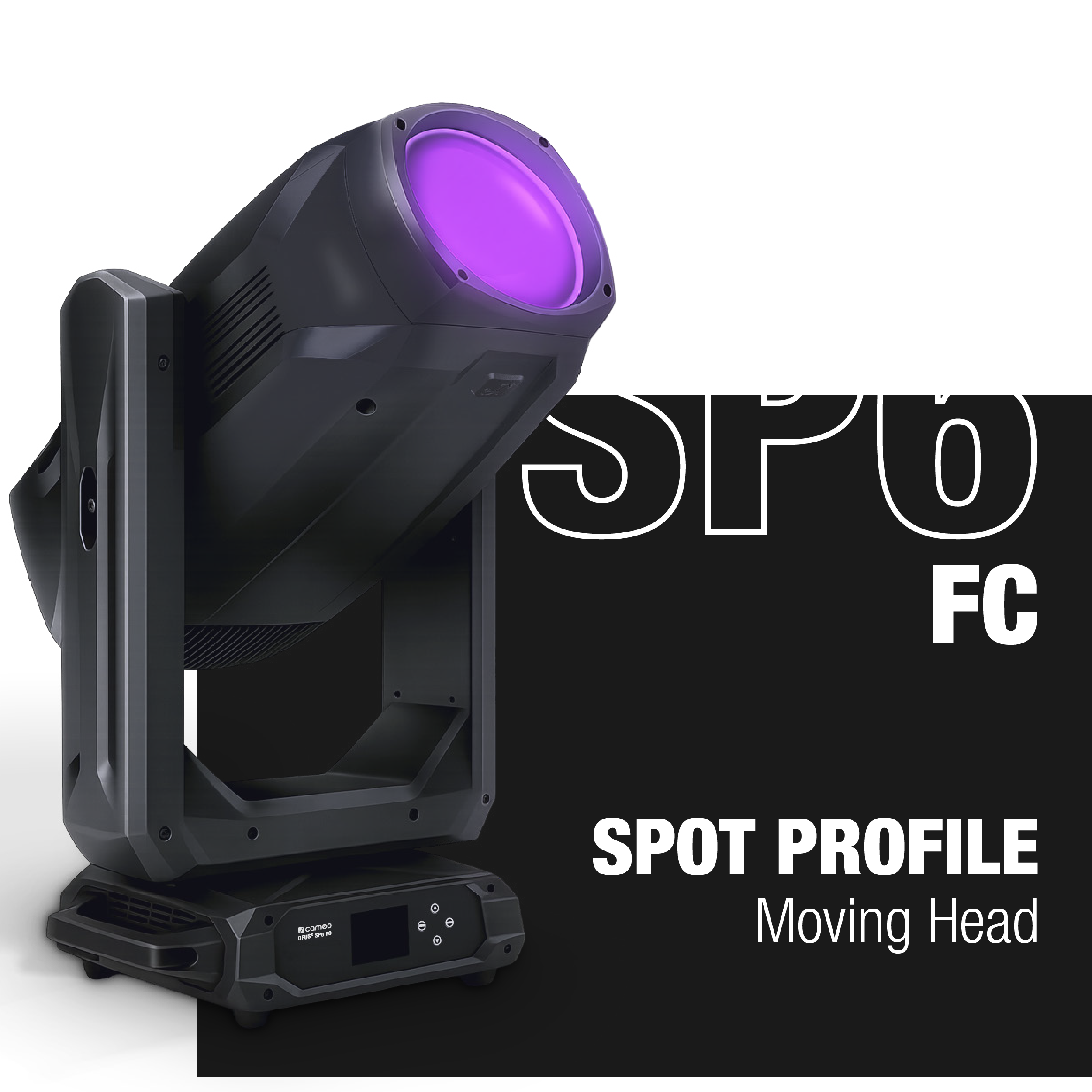
COMPATIBLE FIXTURES
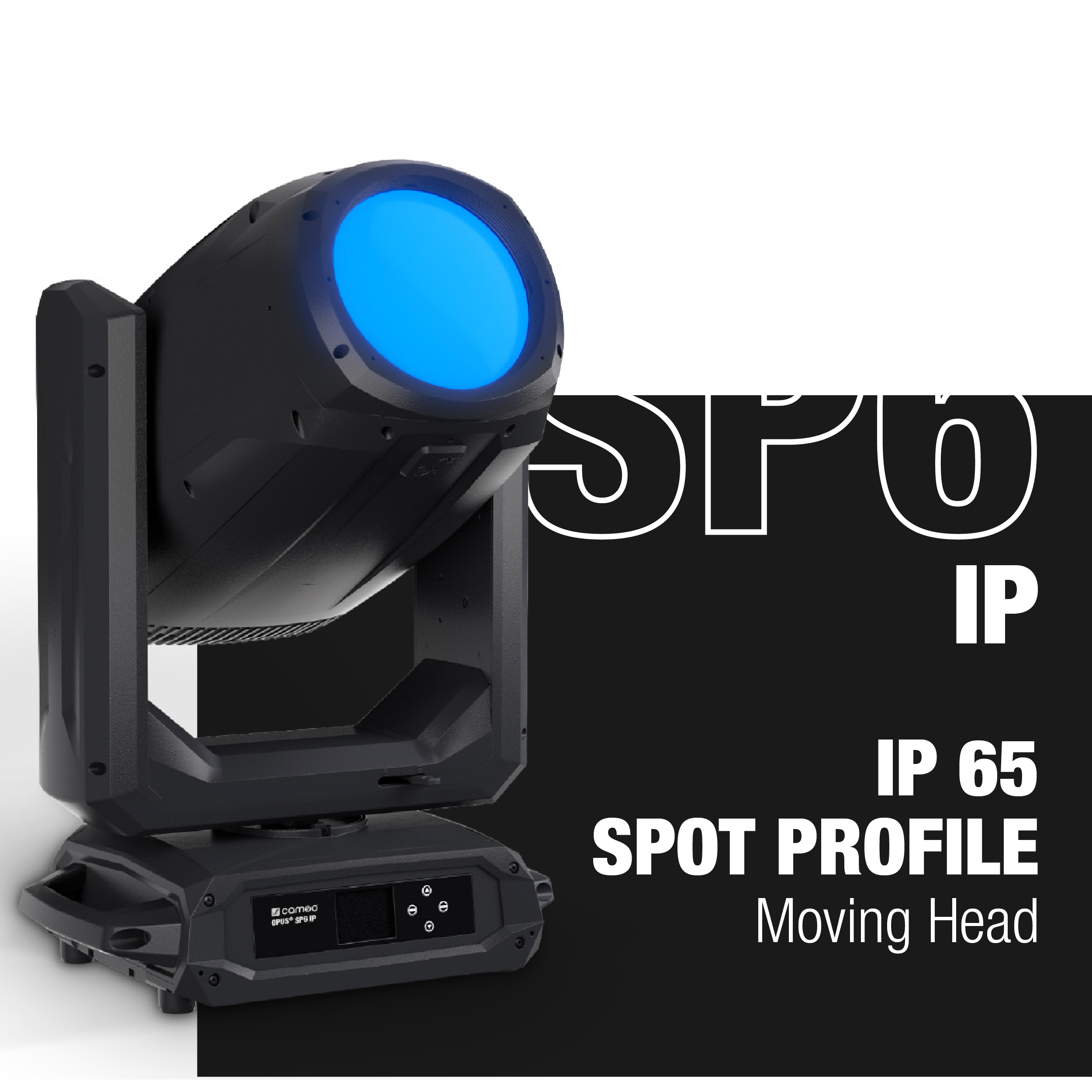
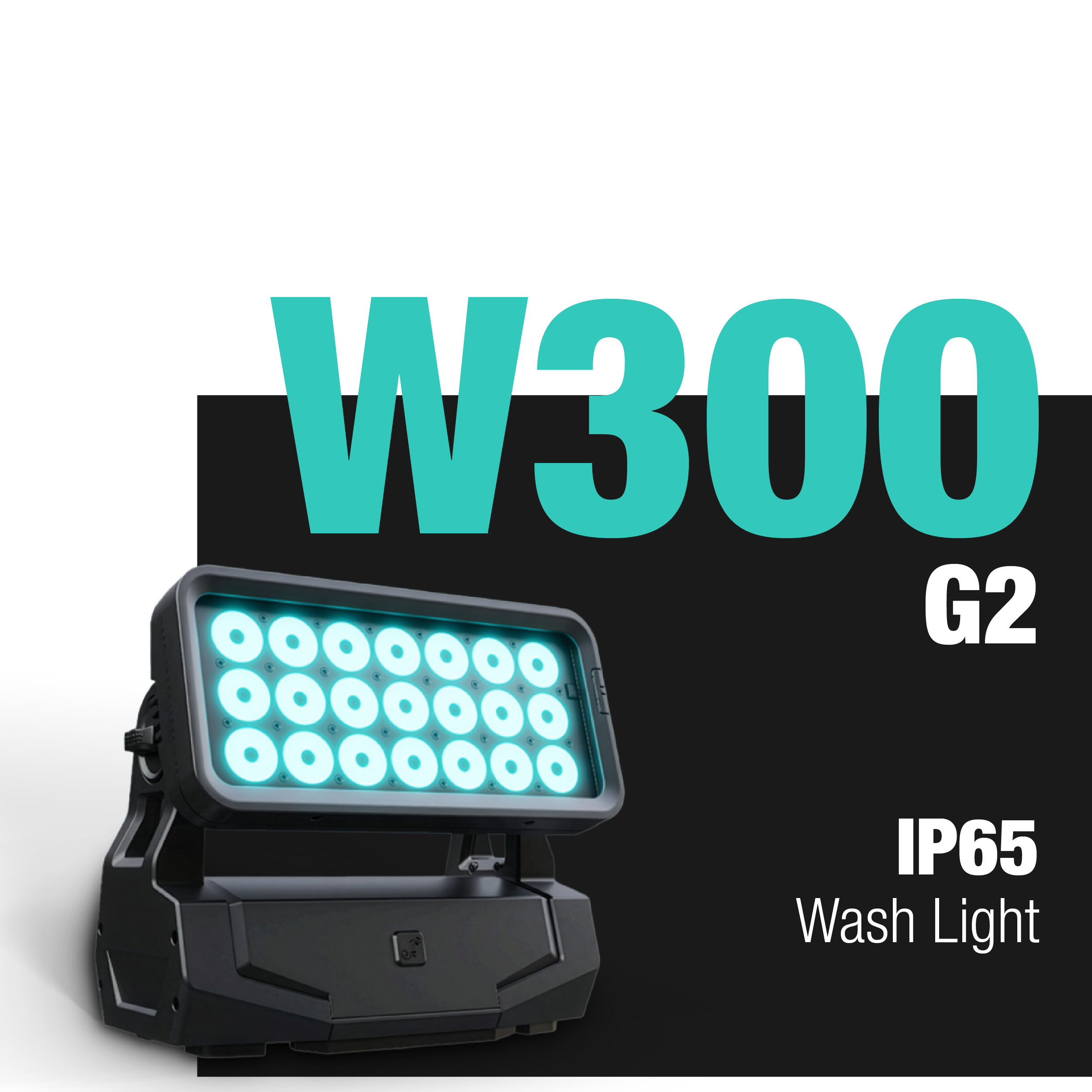
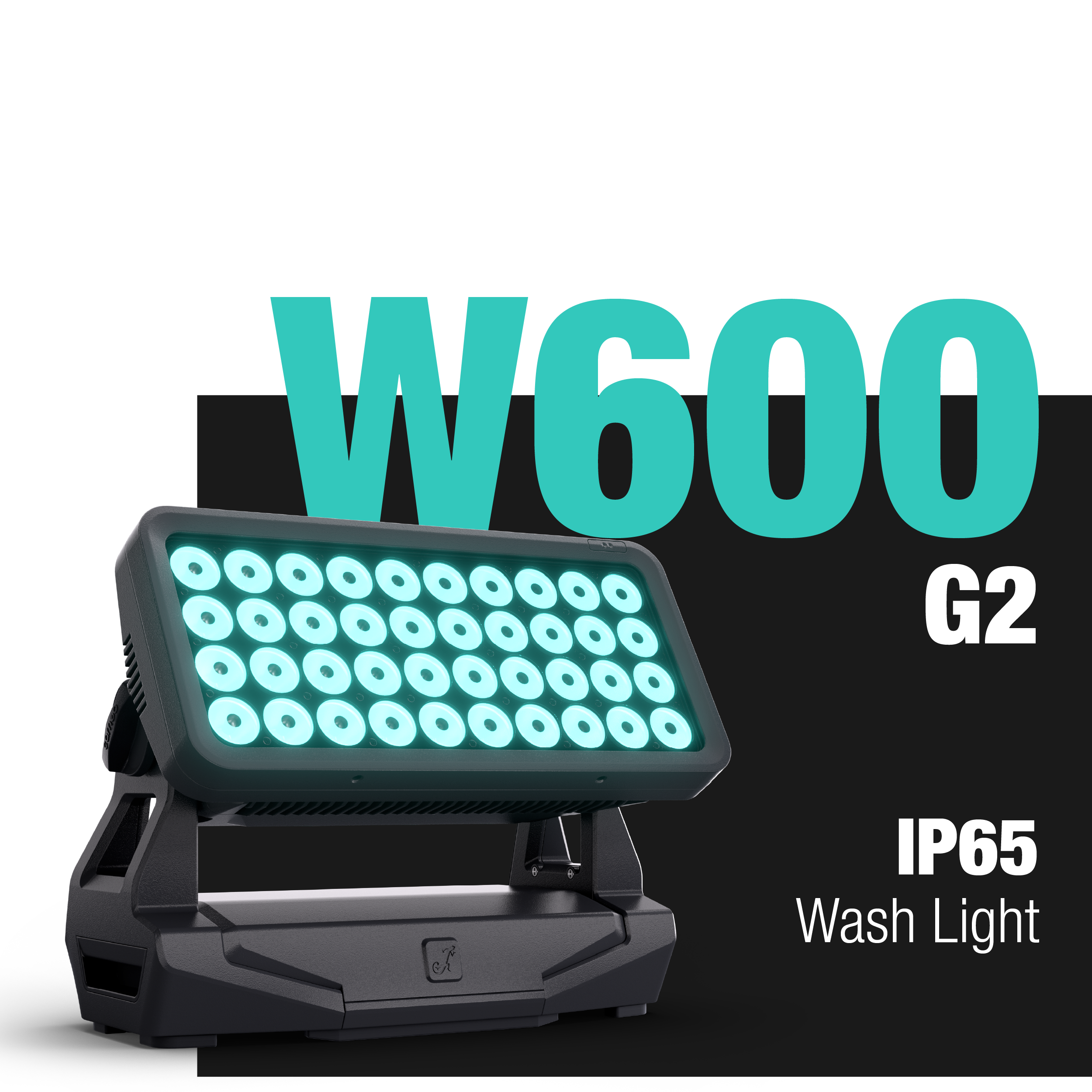
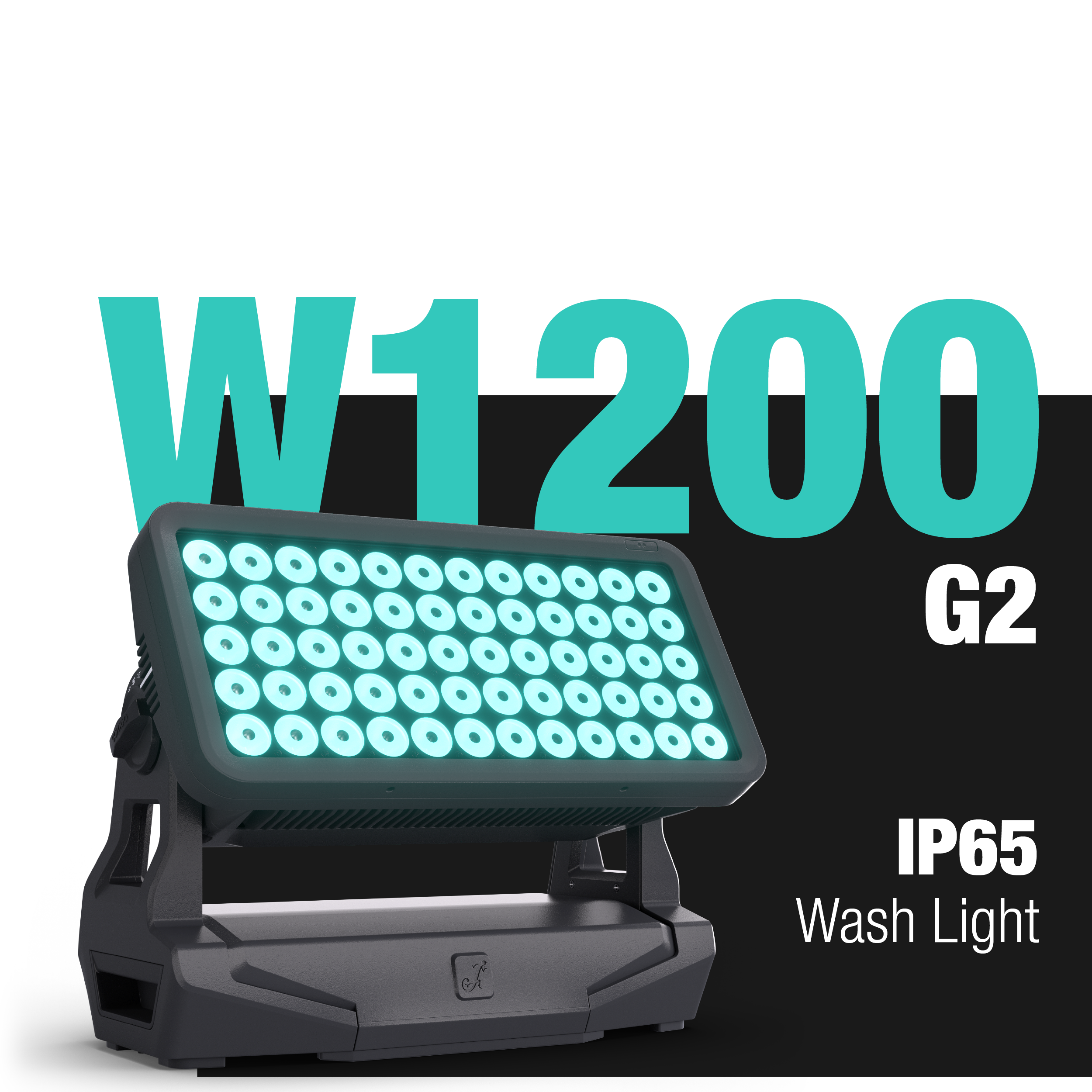
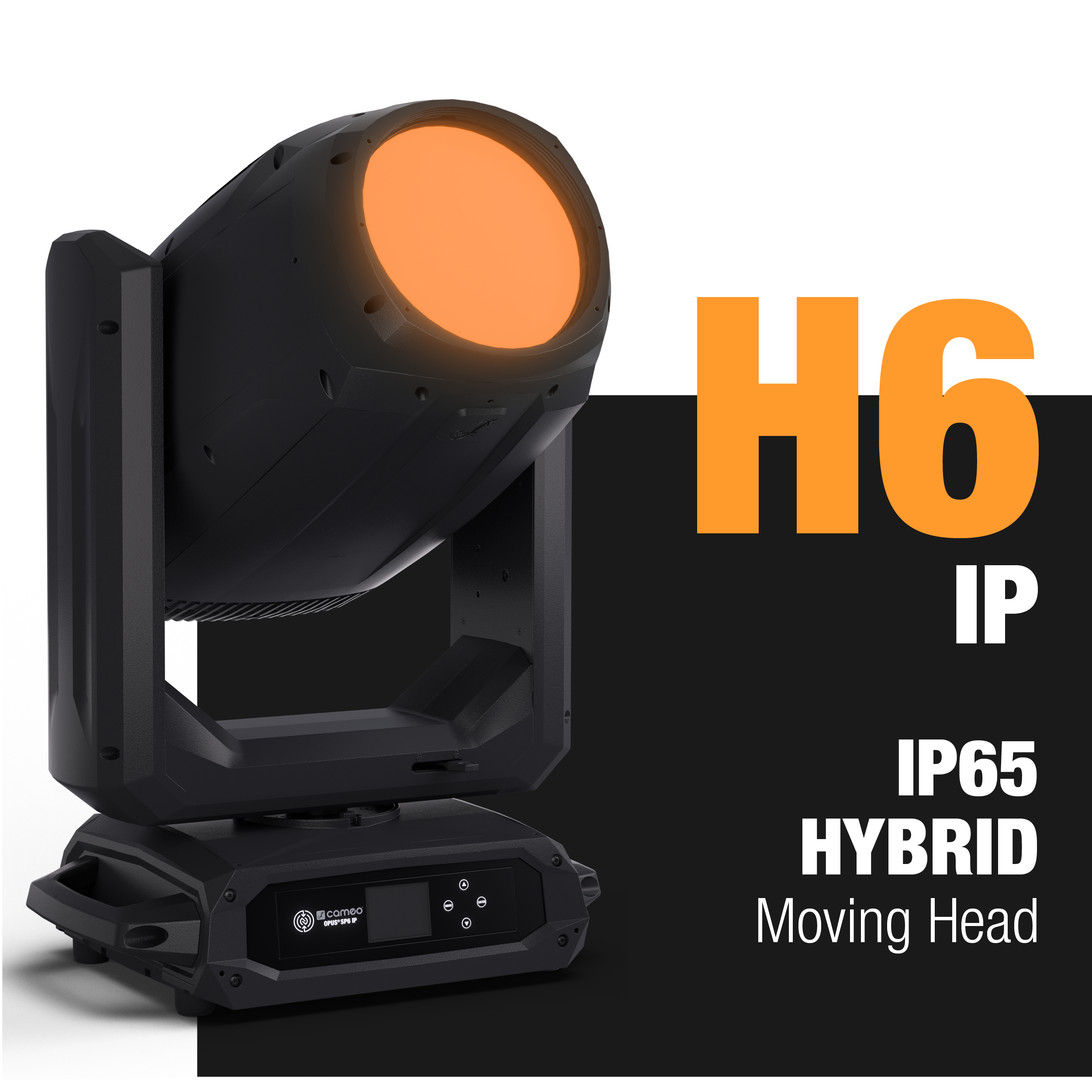
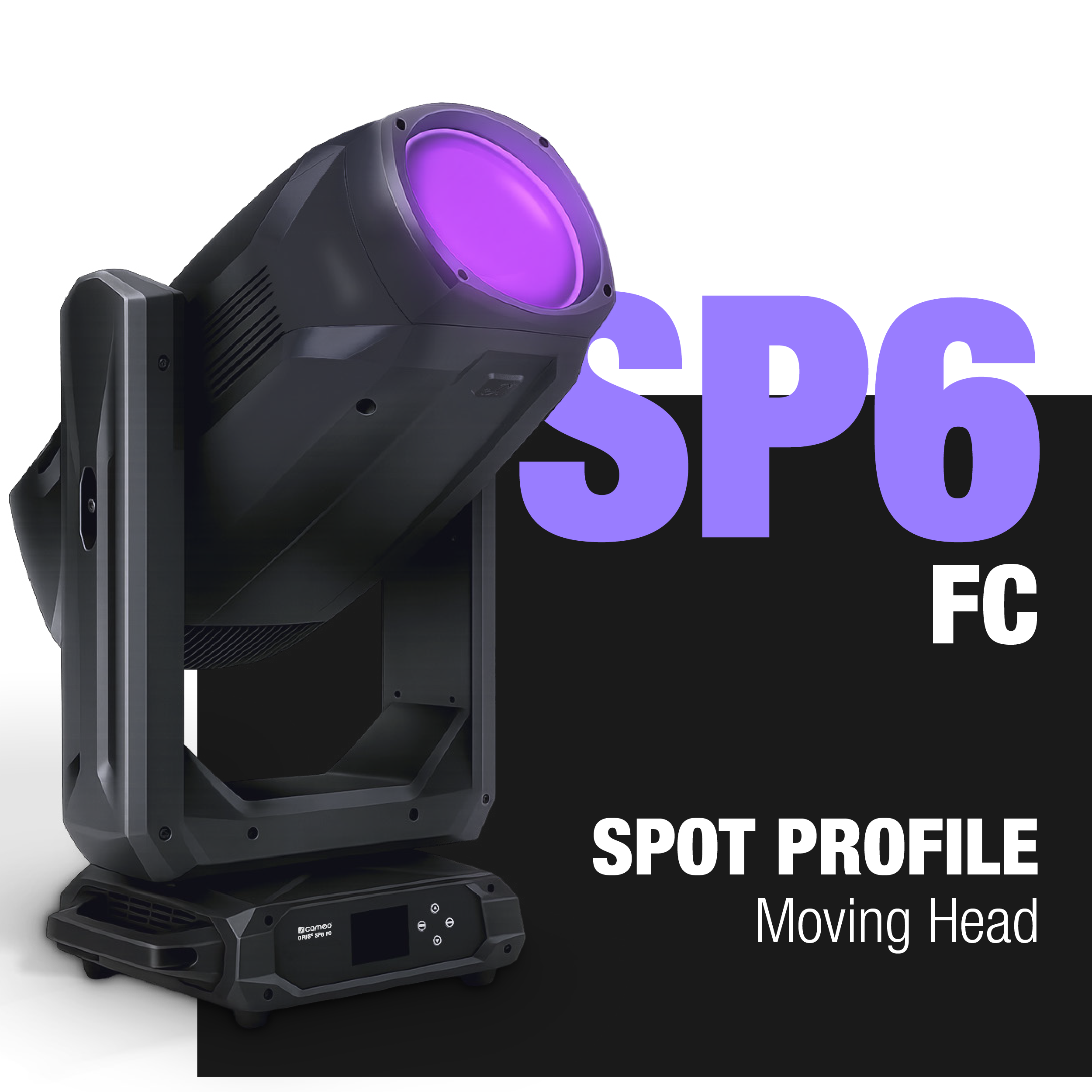
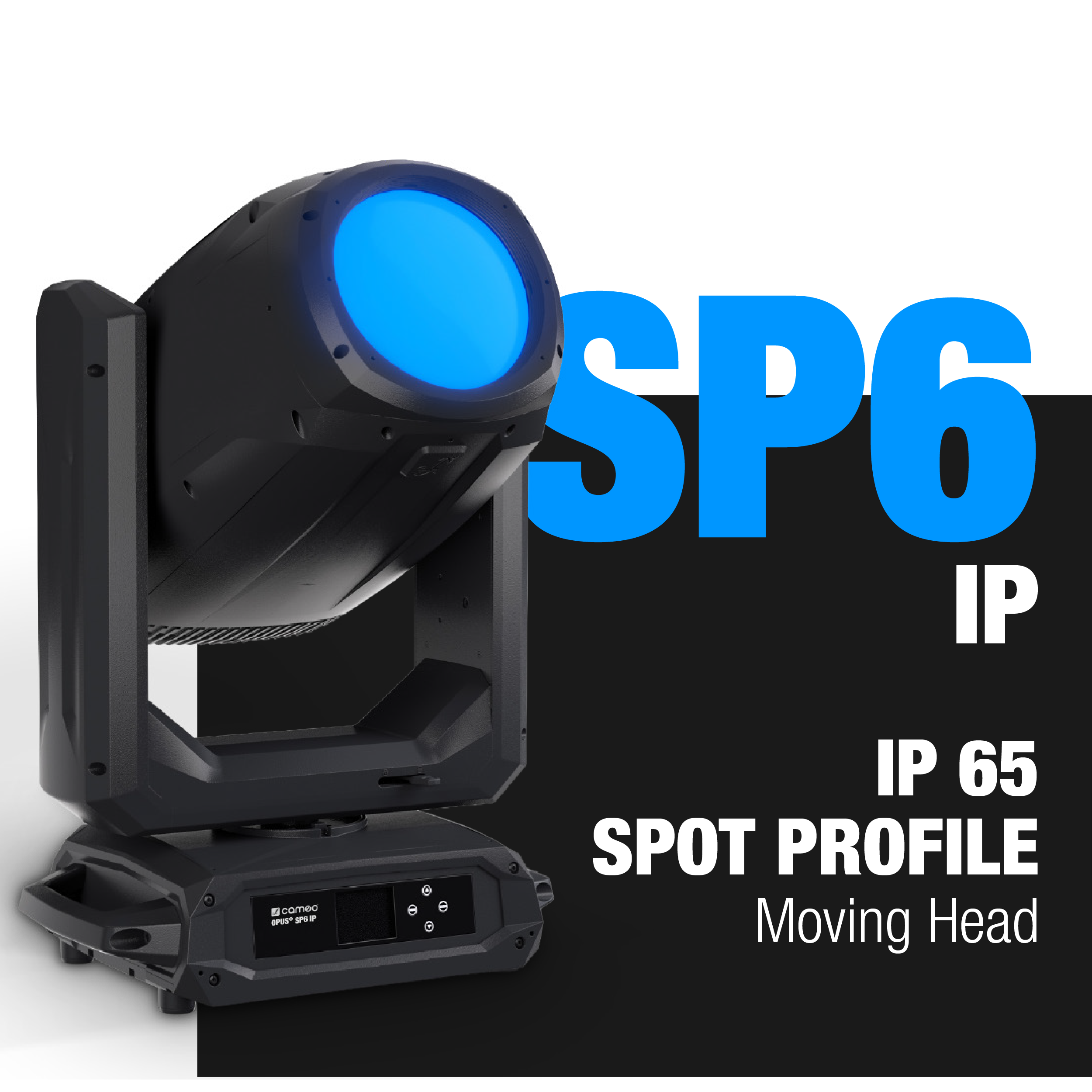
DETAILS
BEHIND EVERY SUCCESSFUL PRODUCTION IS A WORKFLOW THAT STARTS LONG BEFORE THE SHOW AND CONTINUES LONG AFTER IT'S OVER.
From preparation and deployment to service, maintenance and rental turnaround, different teams work together to keep fixtures ready for every job.
Cameo CONNECT® brings these workflows together in one connected ecosystem. Built around NFC technology, cloud-based firmware management and integrated service tools, it reduces manual effort, improves efficiency and streamlines the entire fixture lifecycle.
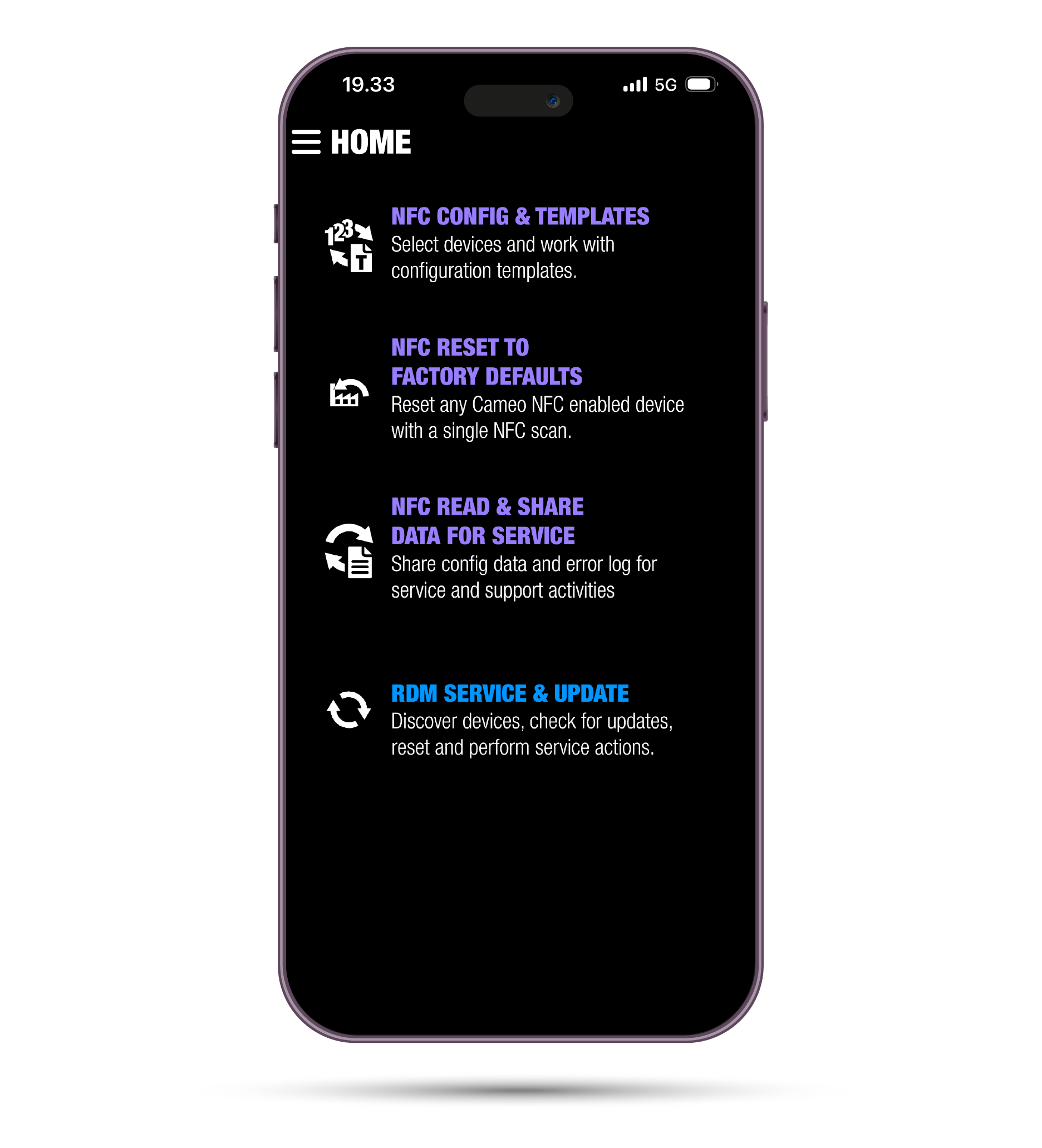
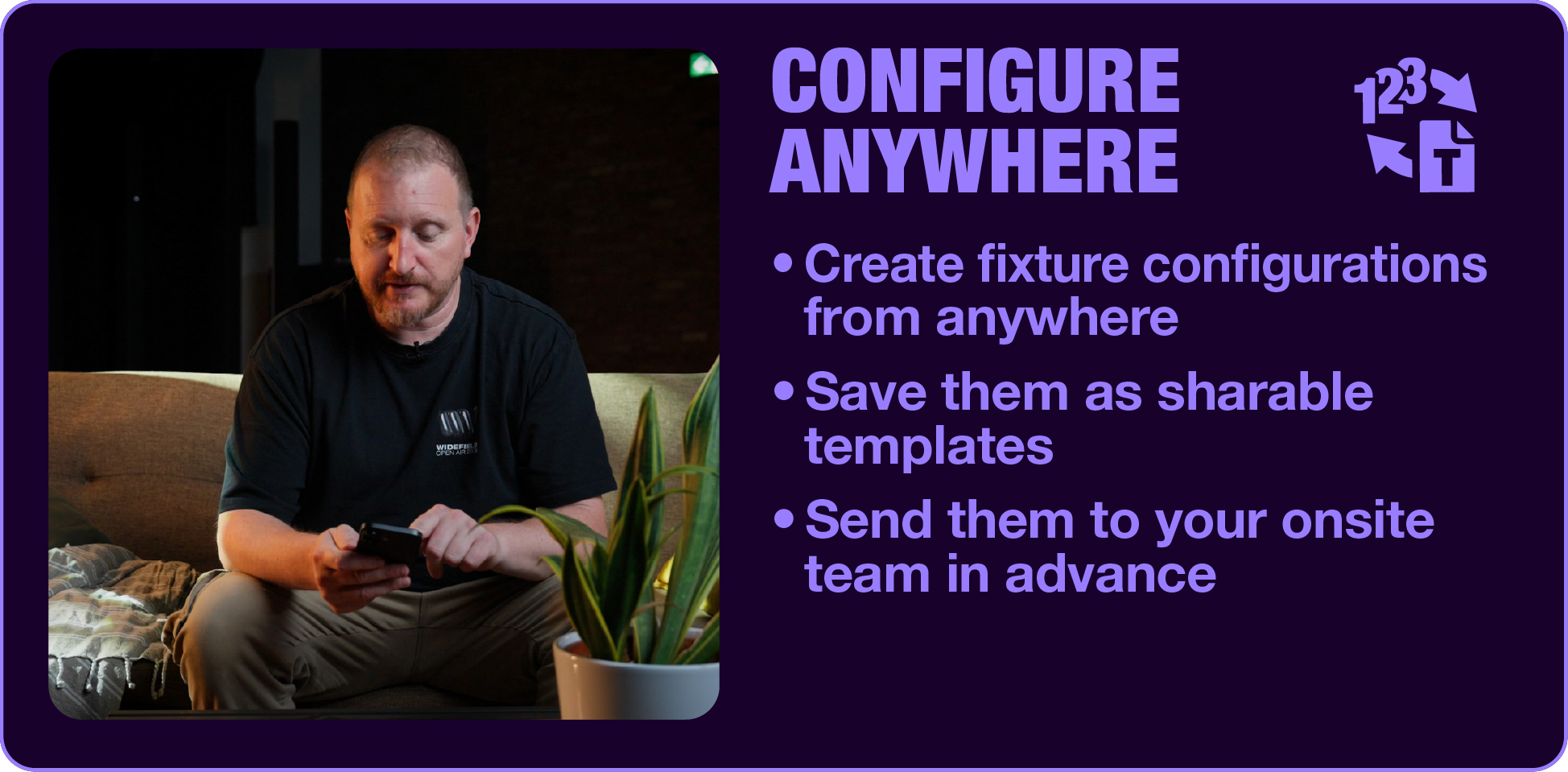
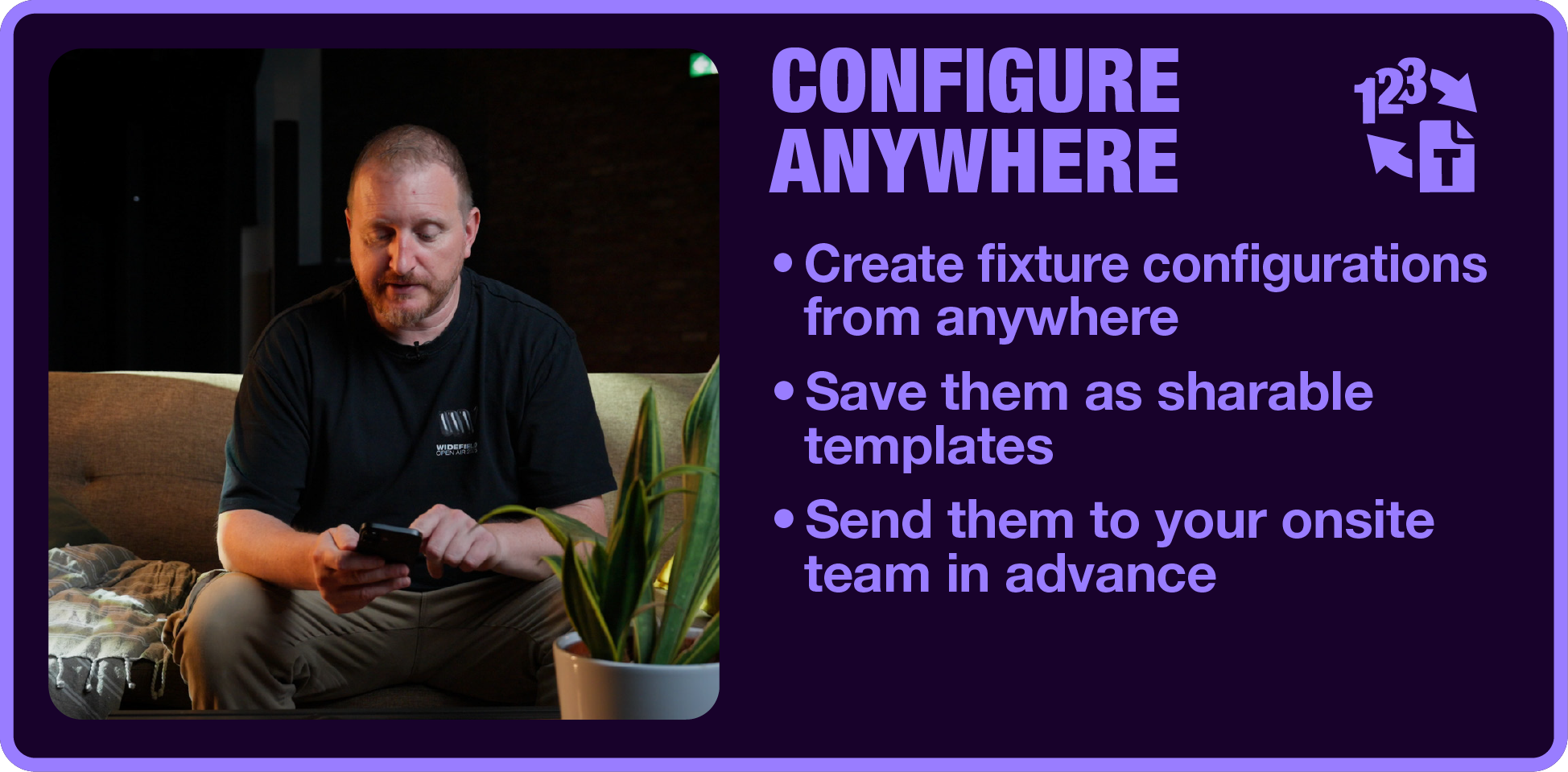
CONFIGURE ANYWHERE
Prepare fixture configurations before the job even starts.
Preparation doesn't have to happen onsite. With Cameo CONNECT®, fixture configurations can be created wherever it best fits your workflow – whether you're working from your laptop before leaving for a production or making adjustments from your smartphone before the gig. Save your preferred settings (DMX personalities, fan modes, colour modes, etc.) as reusable templates and share them with your team in advance, ensuring all fixture settings are ready to be deployed, when setup takes place onsite.
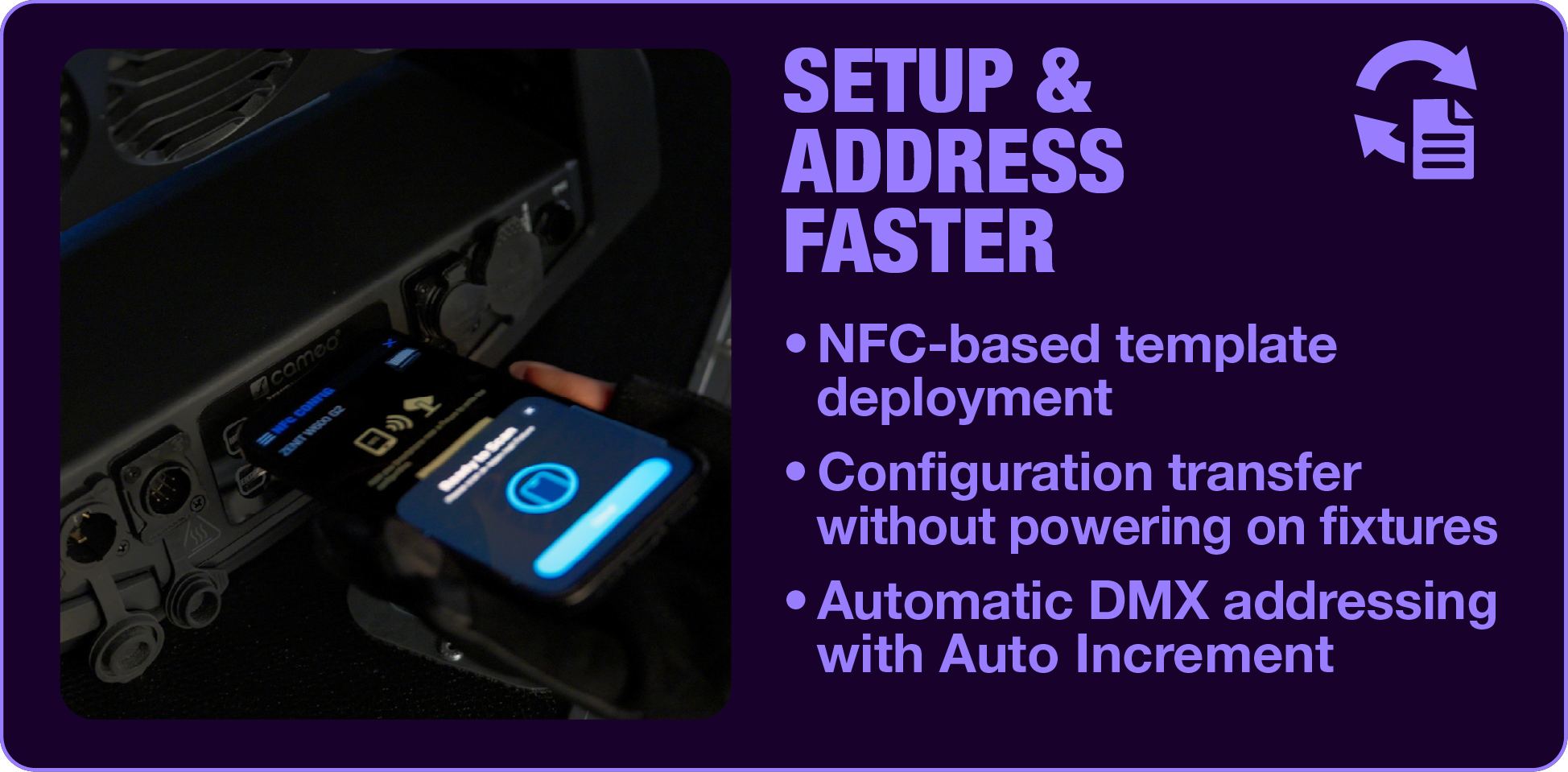
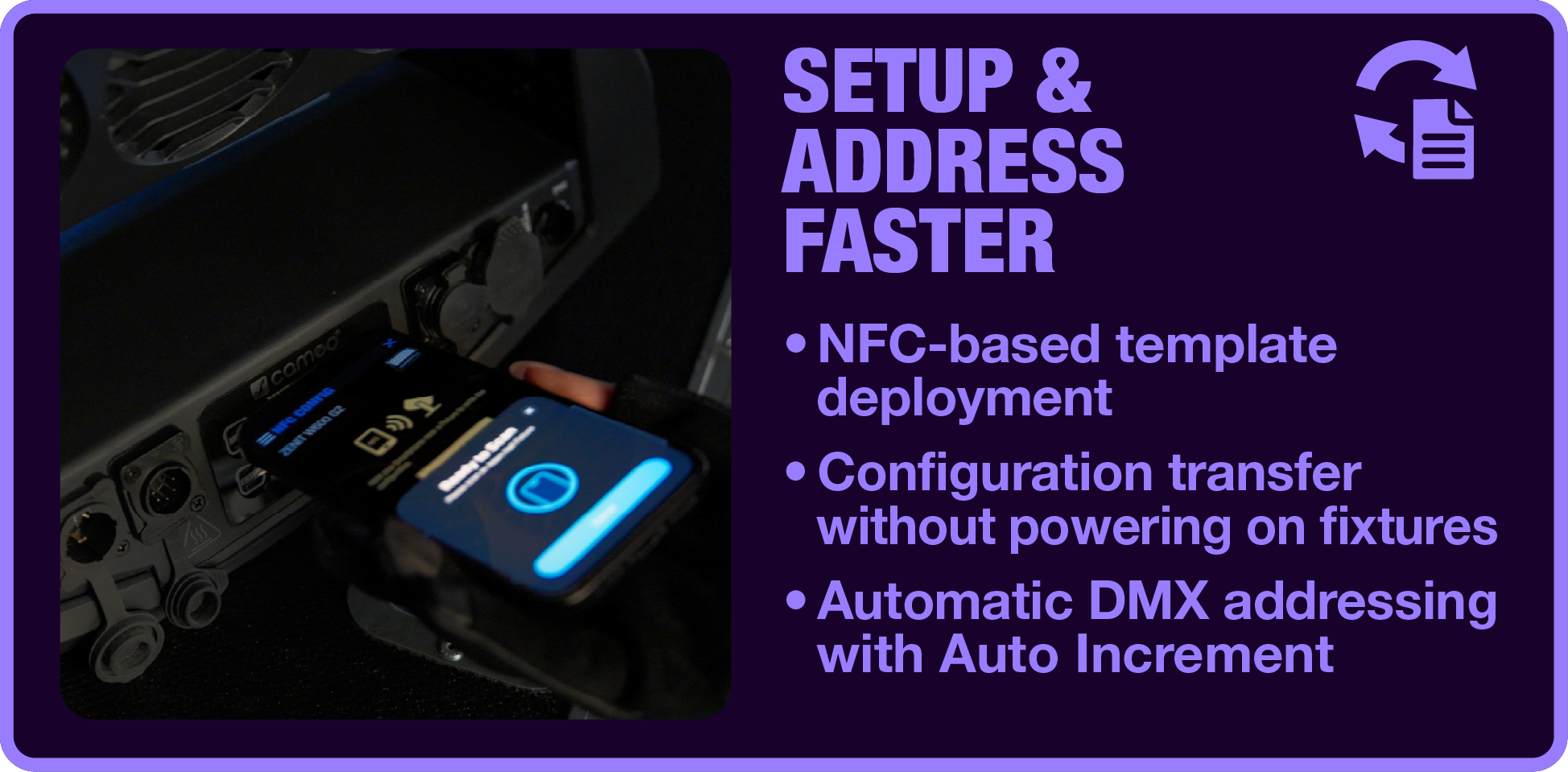
SETUP & ADDRESS FASTER
Turn preparation into deployment with a single NFC tap.
When the fixtures arrive onsite, the configurations are already waiting to be deployed. Simply open the template, transfer the settings directly to your fixtures via NFC and continue with the next one. Because fixtures don't even need to be powered on, settings can be written while they're still inside their flightcases. Auto Increment automatically handles consecutive DMX addresses, making larger deployments faster, more consistent and significantly less repetitive.
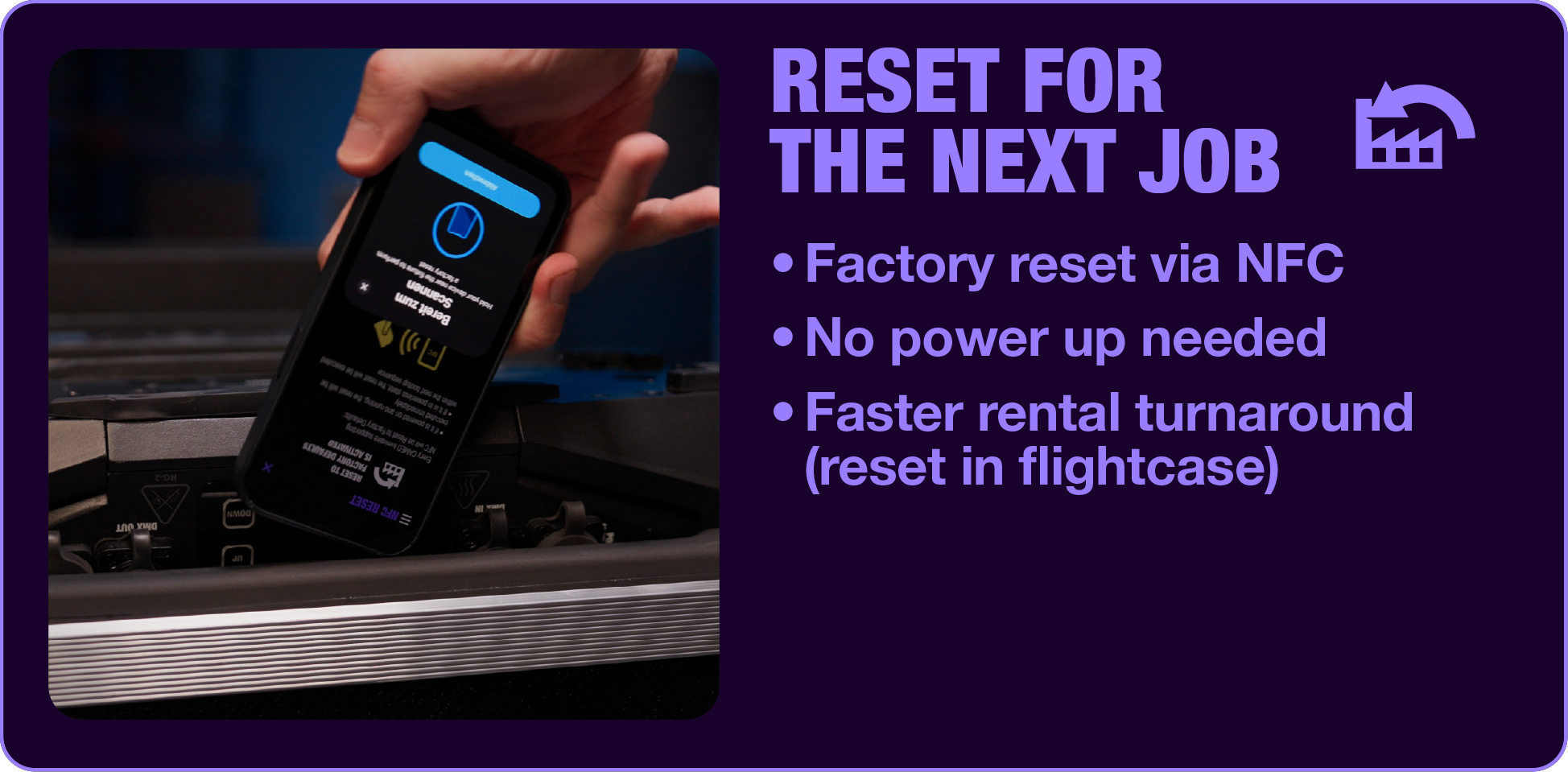
RESET FOR THE NEXT JOB
Prepare returned fixtures for their next deployment in seconds.
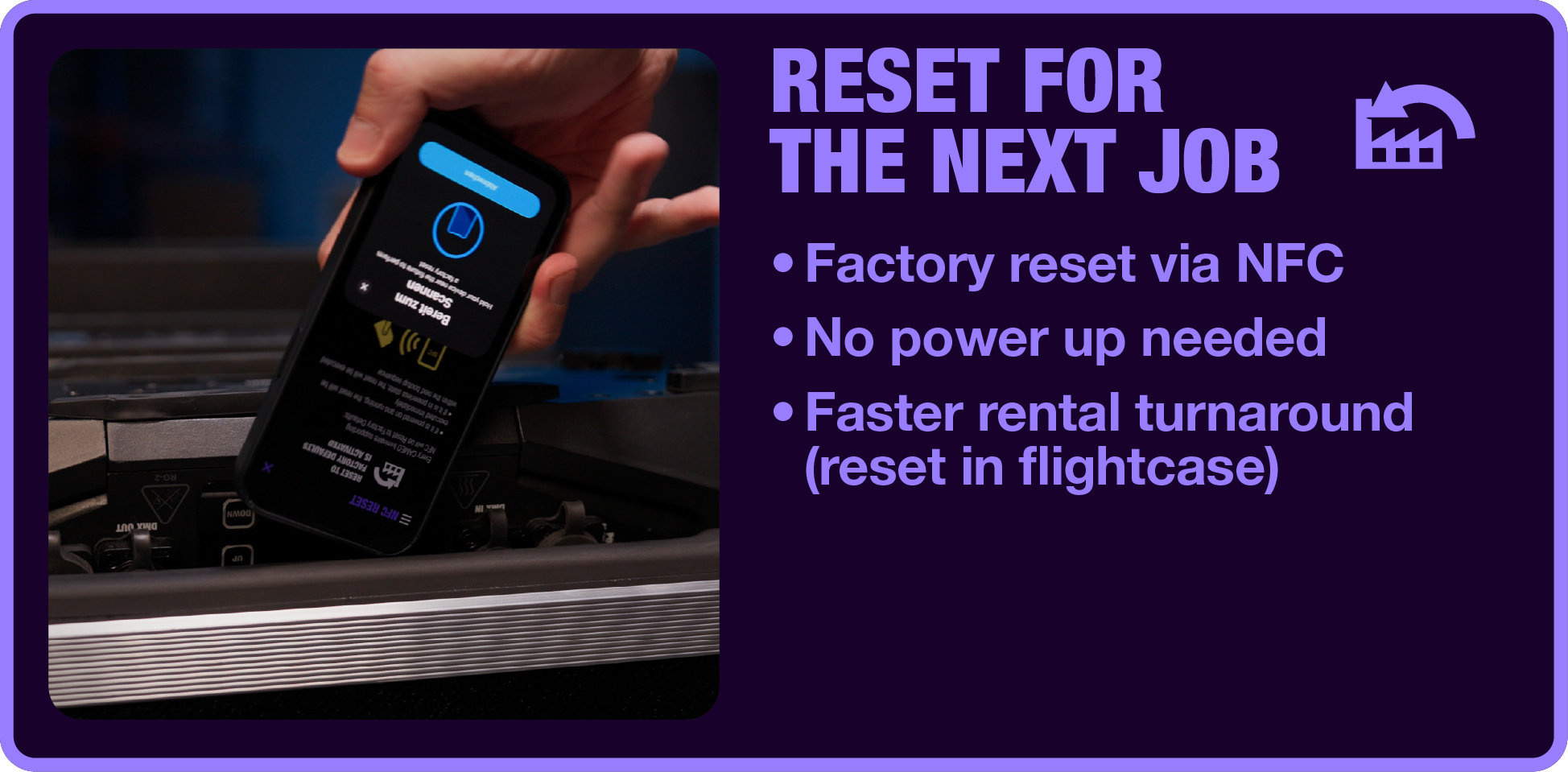
Rental workflows don't end when a production is over. Before fixtures go back onto the shelf, they need to be ready for the next deployment. With Cameo CONNECT®, a factory reset can be written directly to the fixture via NFC while it's still inside the flightcase. The reset is executed automatically the next time the fixture is powered on, reducing handling time and ensuring every fixture returns to a consistent default state for its next job.
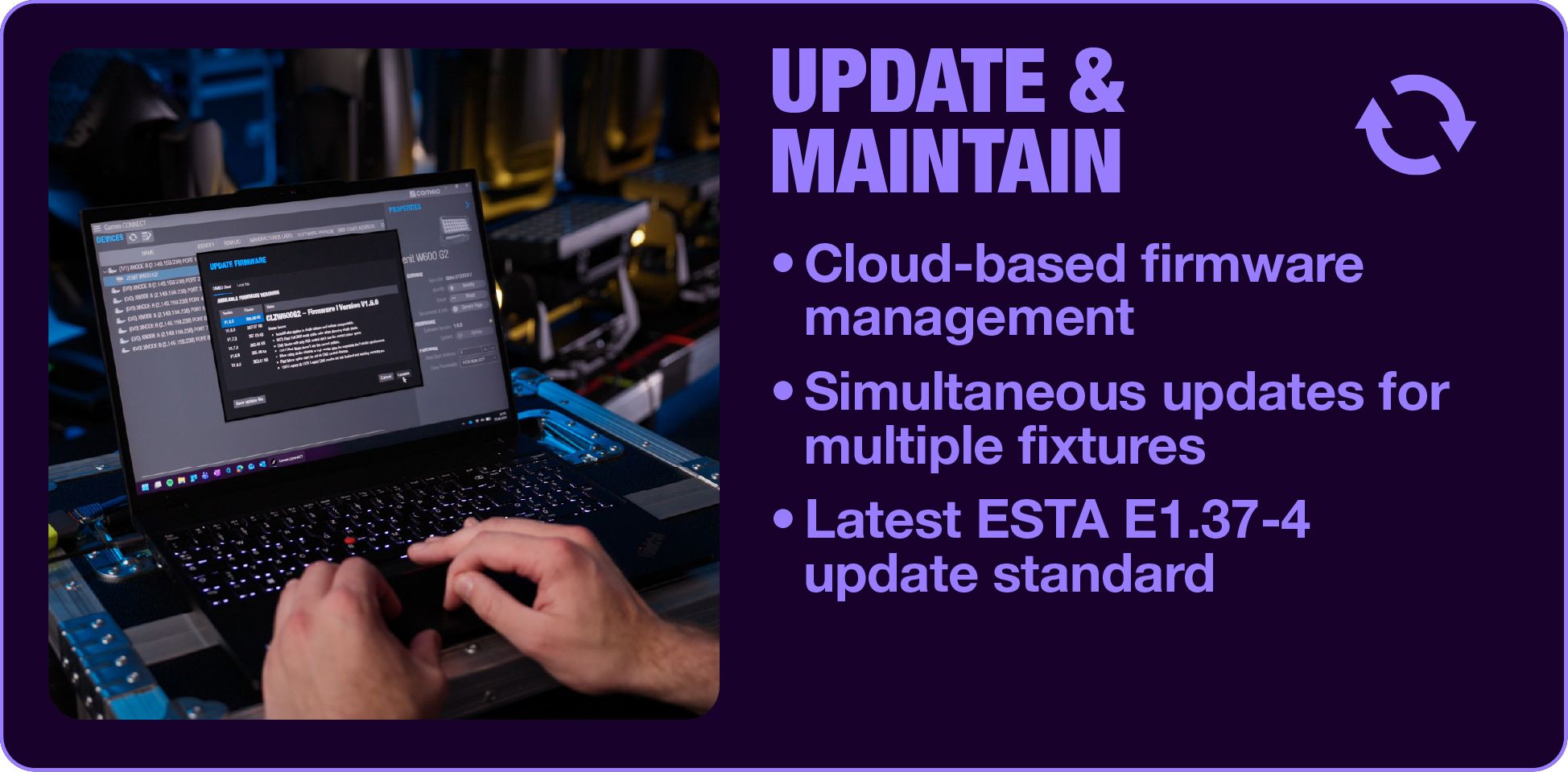
UPDATE & MAINTAIN
Keep every fixture up to date with cloud-connected firmware management.
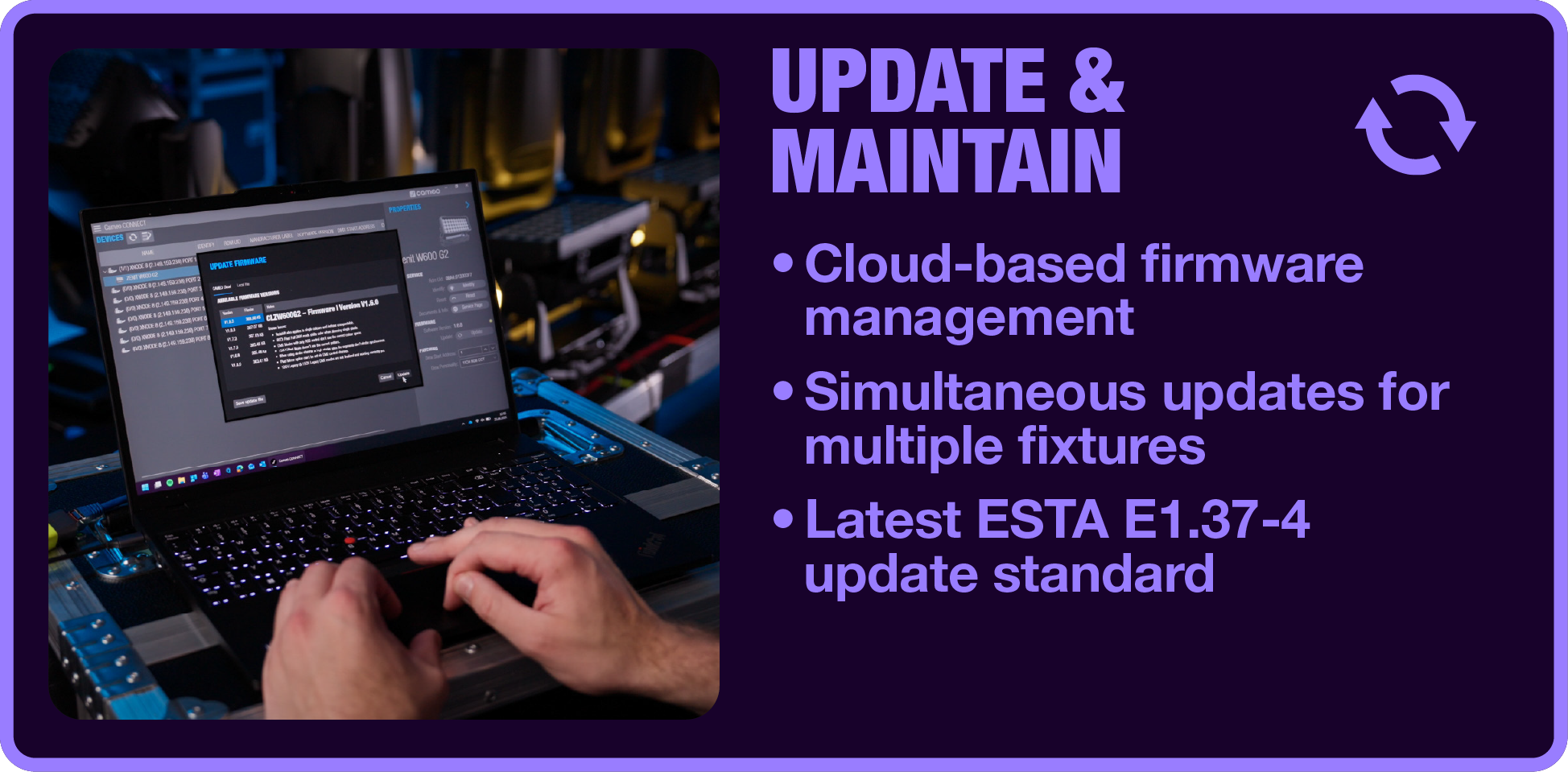
Cameo CONNECT® automatically checks cloud-based firmware versions and enables simultaneous updates across multiple fixtures using the latest ESTA E1.37-4 update standard. Combined with scalable multi-node support and integrated recovery functions, firmware updates become faster, more reliable and significantly easier to manage, whether you're maintaining a handful of fixtures or an entire rental inventory.
DOWNLOAD

FAQ
Yes. Cameo CONNECT® is available as a free application for supported mobile and desktop platforms.
Instead of treating configuration, deployment, service and maintenance as separate tasks, Cameo CONNECT® brings them together in one connected tool with powerful workflows. NFC technology, cloud-based firmware management and integrated service tools reduce repetitive work, improve consistency and simplify the entire fixture lifecycle.
Cameo CONNECT® offers full functionality with all NFC-ready Cameo fixtures, such as ZENIT® Generation 2 and the OPUS® 600 W class. The CONNECT® ecosystem will continue to grow as additional products are integrated in future releases. All fully compatible fixtures are listed here.
Furthermore, a subset of features can be used with all Cameo fixtures supporting RDM communication. A detailed compatibility overview, including supported fixtures and available features, can be found here.
Please note that Cameo CONNECT® does not support fixtures from other brands.
No. Cameo CONNECT® is designed for Cameo fixtures and does not support fixtures from other brands. Full functionality is available for NFC-ready Cameo fixtures, while selected RDM-based features can also be used with Cameo fixtures that support RDM communication.
A detailed compatibility overview can be found here.
Cameo CONNECT® is available for iOS, Android and Windows. The mobile app is ideal for NFC-based configuration, deployment and service tasks, while the Windows application is particularly suited for larger preparation workflows and firmware management.
No. NFC-based functions work even when fixtures are powered off. Configuration templates and factory reset commands can be written while fixtures remain inside their flightcases, allowing preparation before installation or power-up. The same applies to the NFC read & share data for service function.
Yes. NFC-based functions such as reading fixture data, writing configurations and storing factory reset commands as well as RDM communication work offline. Configuration templates can also be created and stored locally on your device. An internet connection is only required for cloud-based services such as firmware management as well as for sharing information via e-mail.
Yes. Create a configuration once, save it as a reusable template and apply it to any number of compatible fixtures. Auto Increment automatically assigns consecutive DMX addresses, making larger deployments faster and more consistent.
Yes. Templates can easily be shared between team members via e-mail directly from the app, allowing fixture preparation to happen remotely while onsite technicians simply apply the predefined configuration to the fixtures.
Firmware management is cloud-based. Cameo CONNECT® automatically checks whether newer firmware versions are available and provides a guided update workflow. Firmware updates are transferred to fixtures via a RDM communication using a compatible NODE (supporting Art-Net 4 protocol and RDM) or using compatible nodes integrated in the fixture, which acts as the communication interface between Cameo CONNECT® and the fixtures.
Yes. Cameo CONNECT® manages firmware updates across multiple compatible fixtures. Thanks to scalable multi-node workflows, larger fixture inventories can be updated efficiently while integrated recovery functions help ensure reliable maintenance. Also updates for different models can be scheduled at the same time.
Firmware updates are based on the latest ESTA E1.37-4 update standard and include integrated mechanisms to detect corrupted data and interrupted transfer and installation of the corrupted data. Beyond E1.37-4 handling the fully compatible Cameo fixtures are also designed to restore fixtures in case of it is needed during fixture lifecycle.
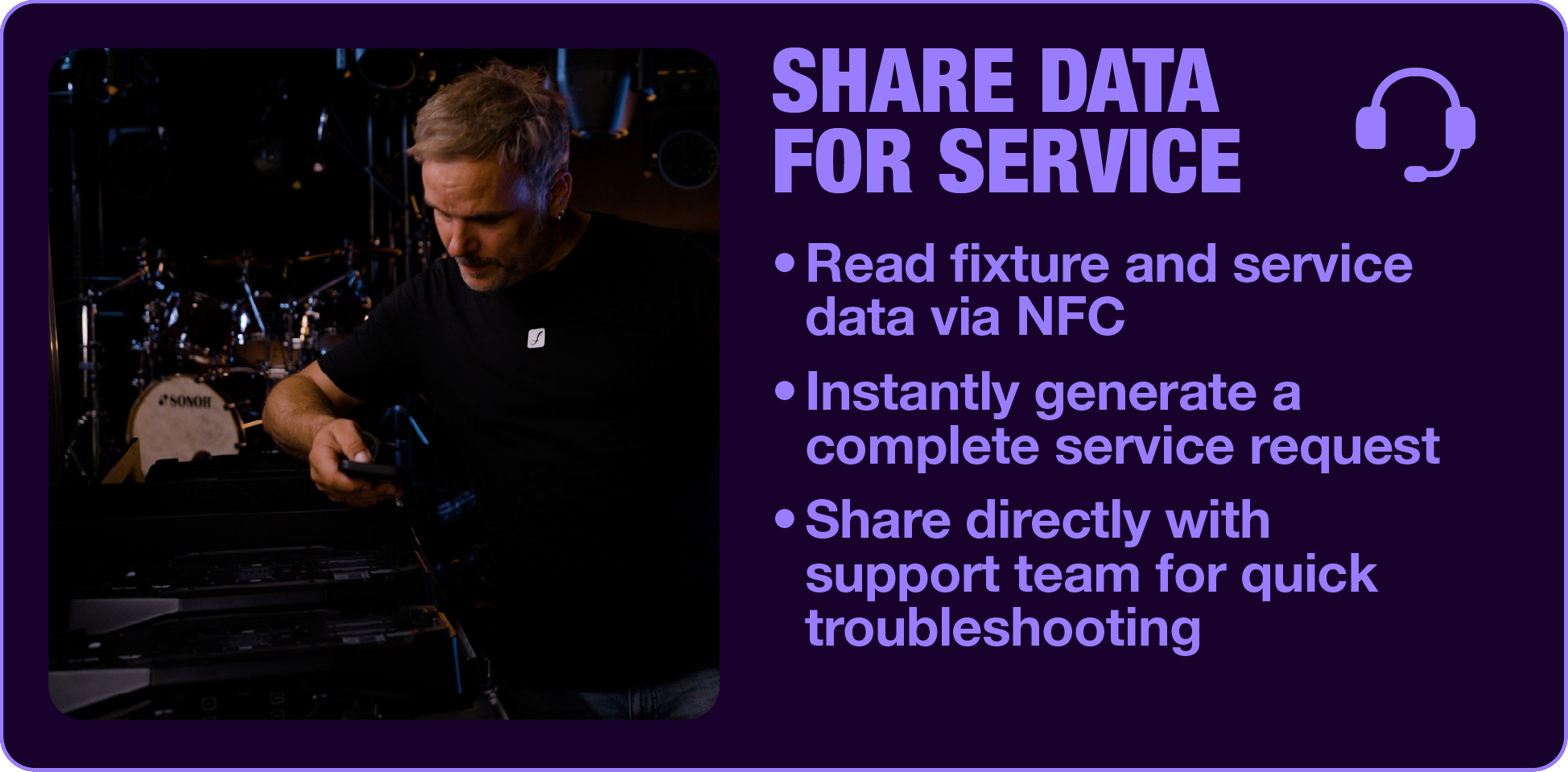
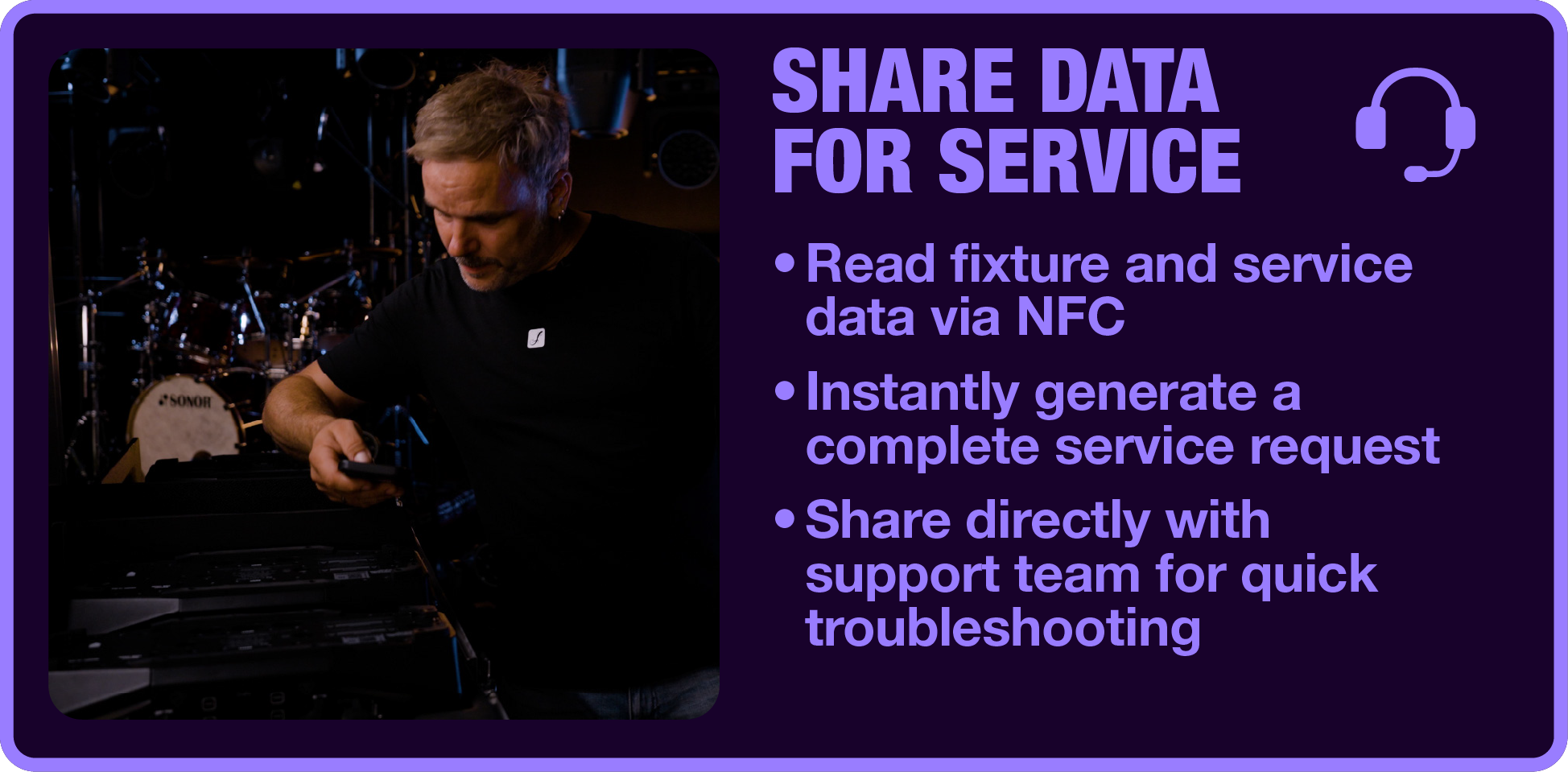
With a single NFC scan, Cameo CONNECT® reads fixture data, configuration settings and service information directly from the fixture. A complete service request can then be generated and shared with the Adam Hall support team, allowing troubleshooting to begin immediately with all relevant information already available.
Every fixture features a QR code that links directly to the Adam Hall Service Portal, providing instant access to manuals, DMX charts, photometrics, datasheets, firmware downloads and additional technical documentation.
Furthermore, Cameo CONNECT® provides a button in the fixtures properties that directly opens the product detail page of the fixture in your browser (Software v1.1.12 and later).
Yes. Factory reset commands can be written to compatible fixtures via NFC while they remain powered off. The reset is automatically executed the next time the fixture is switched on, making rental turnaround and warehouse workflows significantly more efficient.
No. While rental companies benefit from features such as factory reset and efficient firmware management, Cameo CONNECT® is equally valuable for production companies, lighting operators, installers and service technicians. Every workflow is designed to reduce manual effort and improve consistency throughout the fixture lifecycle.
We are currently working on bringing the RDM Service & Update functionality to the mobile version of Cameo CONNECT®. Once available, firmware updates will be possible using a compatible interface such as the Cameo NODE 1. The compact ArtNet-to-DMX/RDM gateway is compatible with Cameo CONNECT® and is designed and verified for firmware updates based on the E1.37-4 File Transfer Control standard.
Gravity® is an award-winning line of stands and accessories for stage and studio use and a brand of the Adam Hall Group. Expert engineers and users have teamed up to create thoroughly professional products with innovative details such as our unique colour coding rings.
Two years of extensive research and development have resulted in a comprehensive selection of high-quality stands and accessories that are built for reliable functionality and longevity. Gravity® products are made of superior materials only including thick-walled precision tubing, die-cast zinc and double injection molded thermoplastics.
avfdbvafdb
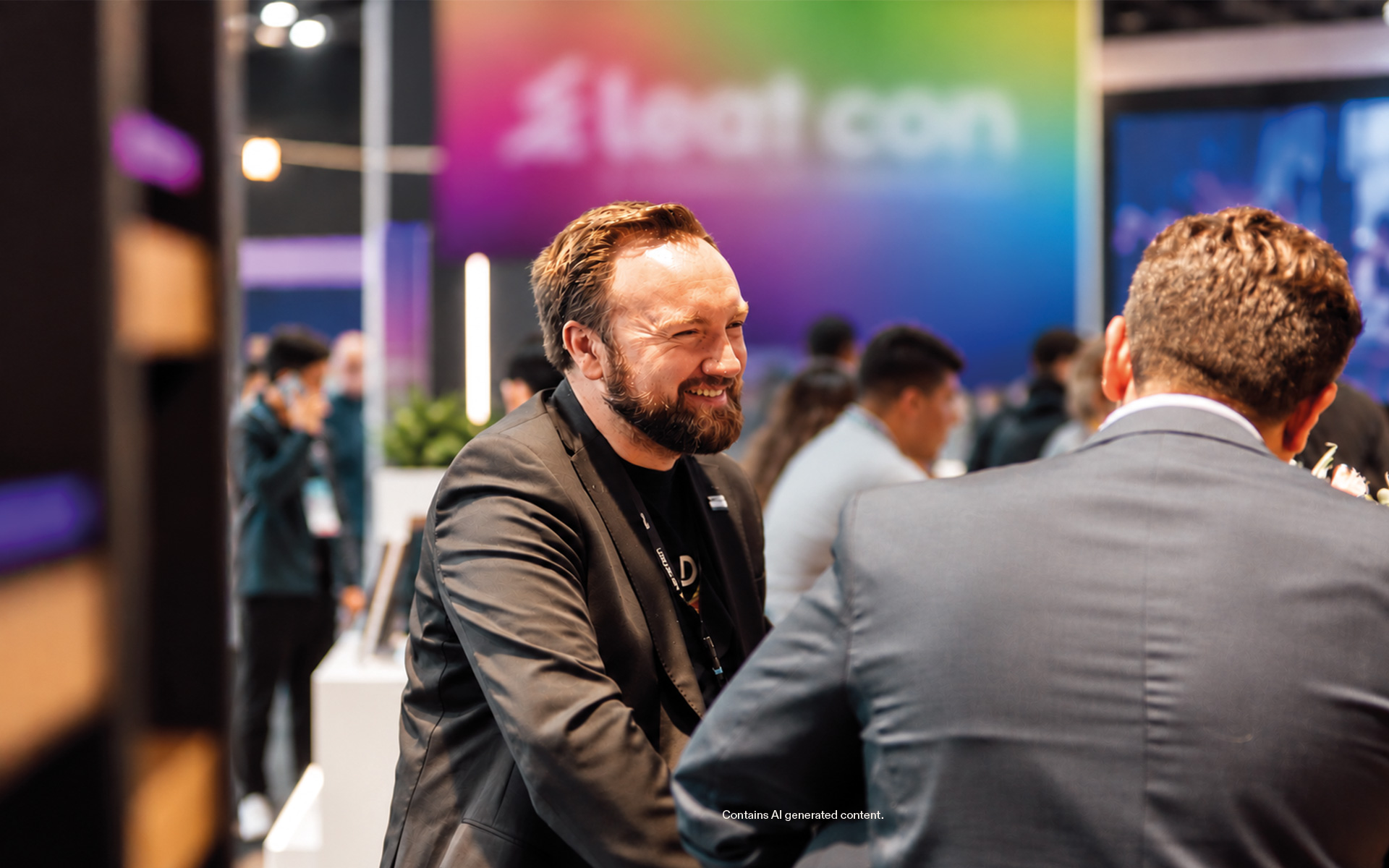
We will be at leat con 2026! From 6-8 October we will be presenting the highlights and new...
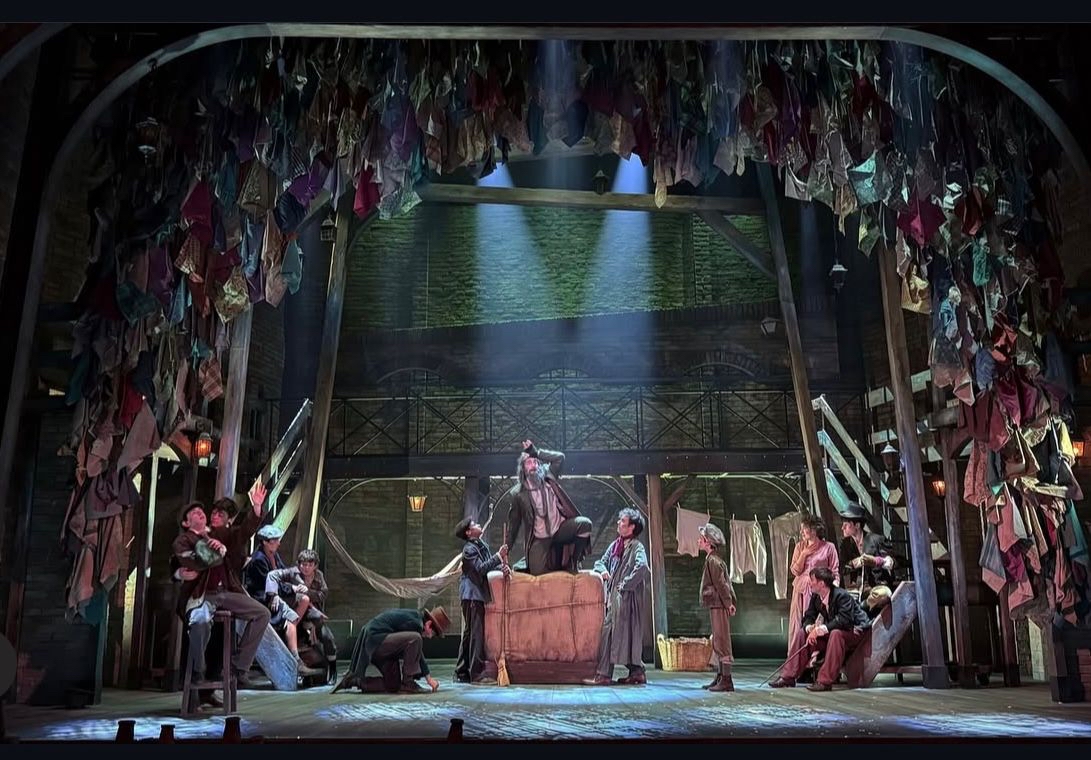
With “Oliver Twist - El Musical”, one of the major family productions of the season is...
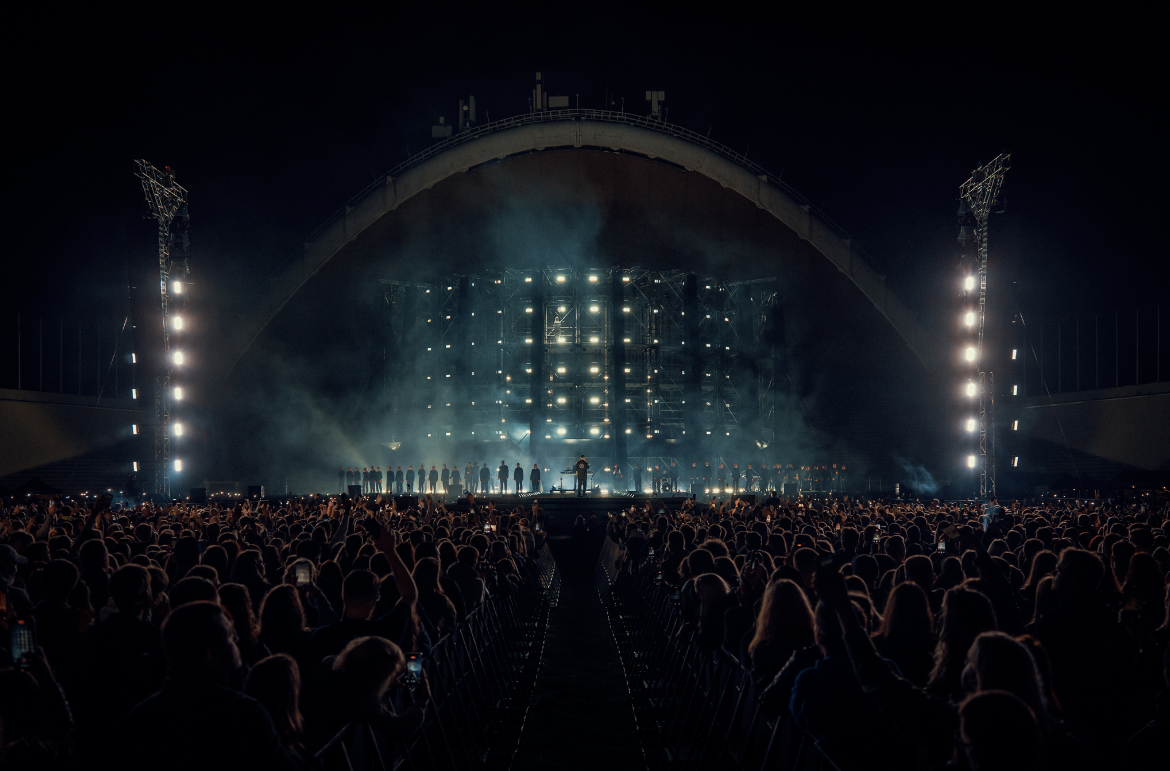
Five years after retiring from the stage, Lilas ir Innomine made a spectacular comeback in...
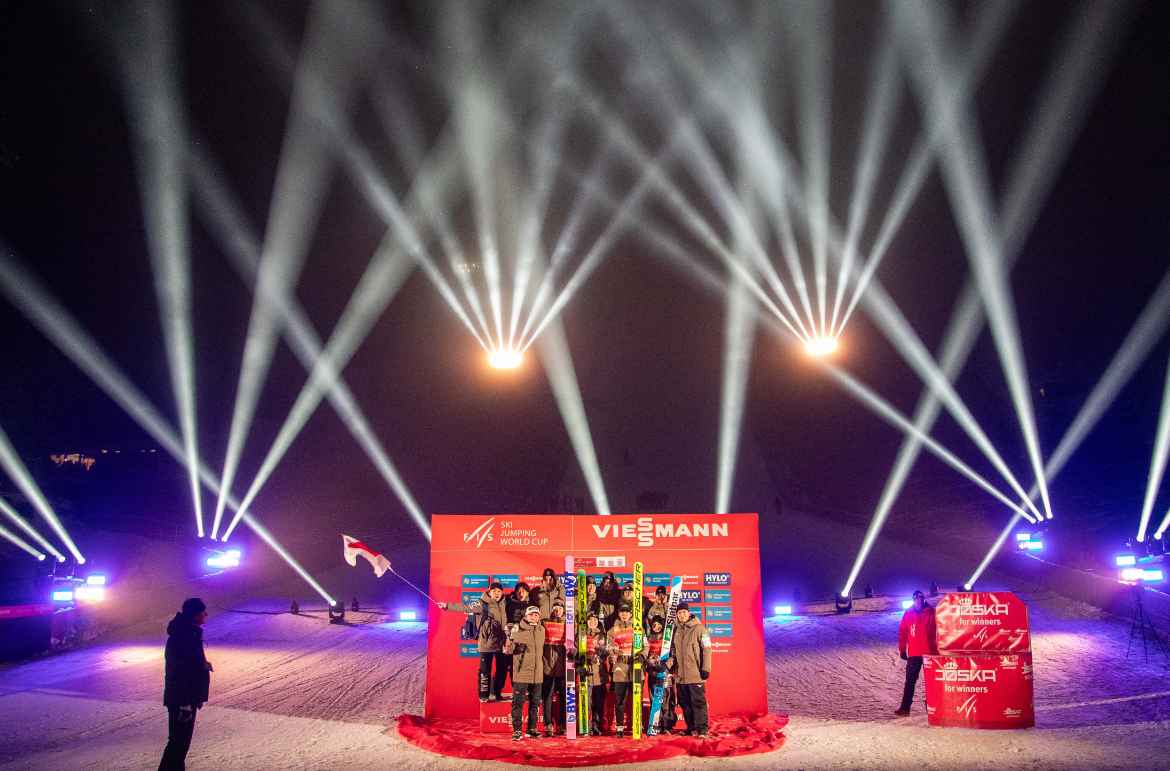
When the world’s ski jumping elite compete on the Mühlenkopfschanze in Willingen at the...
Podczas tegorocznych targów Integrated Systems Europe (3-6 lutego) w Barcelonie firma Adam...
15 stycznia 2026 r.– Na tegorocznych targach Integrated Systems Europe (3–6 lutego) w...
vdwfvw
We will be at leat con 2026! From 6-8 October we will be presenting the highlights and new...
With “Oliver Twist - El Musical”, one of the major family productions of the season is...
Five years after retiring from the stage, Lilas ir Innomine made a spectacular comeback in...
When the world’s ski jumping elite compete on the Mühlenkopfschanze in Willingen at the...
Podczas tegorocznych targów Integrated Systems Europe (3-6 lutego) w Barcelonie firma Adam...
15 stycznia 2026 r.– Na tegorocznych targach Integrated Systems Europe (3–6 lutego) w...